FlyMarker
®
mini 85/45 plus and 120/45 plus
Operating Manual
3. Press F3.
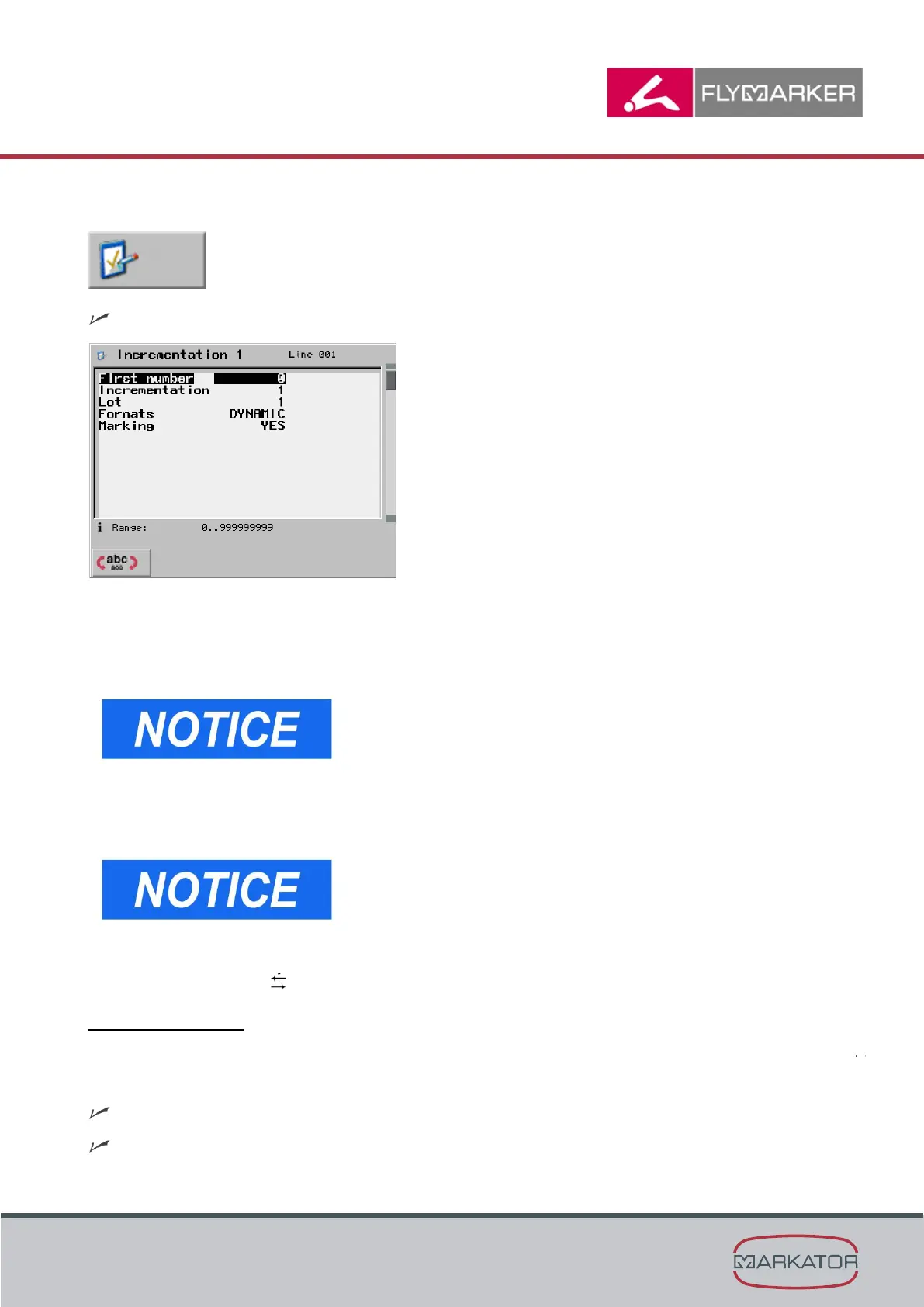
The Auto-numbering window appears.
4. Enter the start number.
5. Press Enter.
6. Enter the incrimination.
The incrimination indicates the value by which the preset
start number automatically increases after the command
is executed. Negative incrimination values are possible
(such as -1).
7. Press Enter.
8. Enter the lot.
The number of the identical markings after which the
incrimination value increase indicates a lot.
9. Press Enter.
10. Use the arrow keys to select the format.
The possibilities are:
1 to 9 places (leading zeros are marked) or DYNAMIC (leading zeros are not marked)
11. Press the ESC key.
The main menu appears.
The Auto-numbering substitute has been inserted.



 To Next Page