FlyMarker
®
mini 85/45 plus and 120/45 plus
Operating Manual
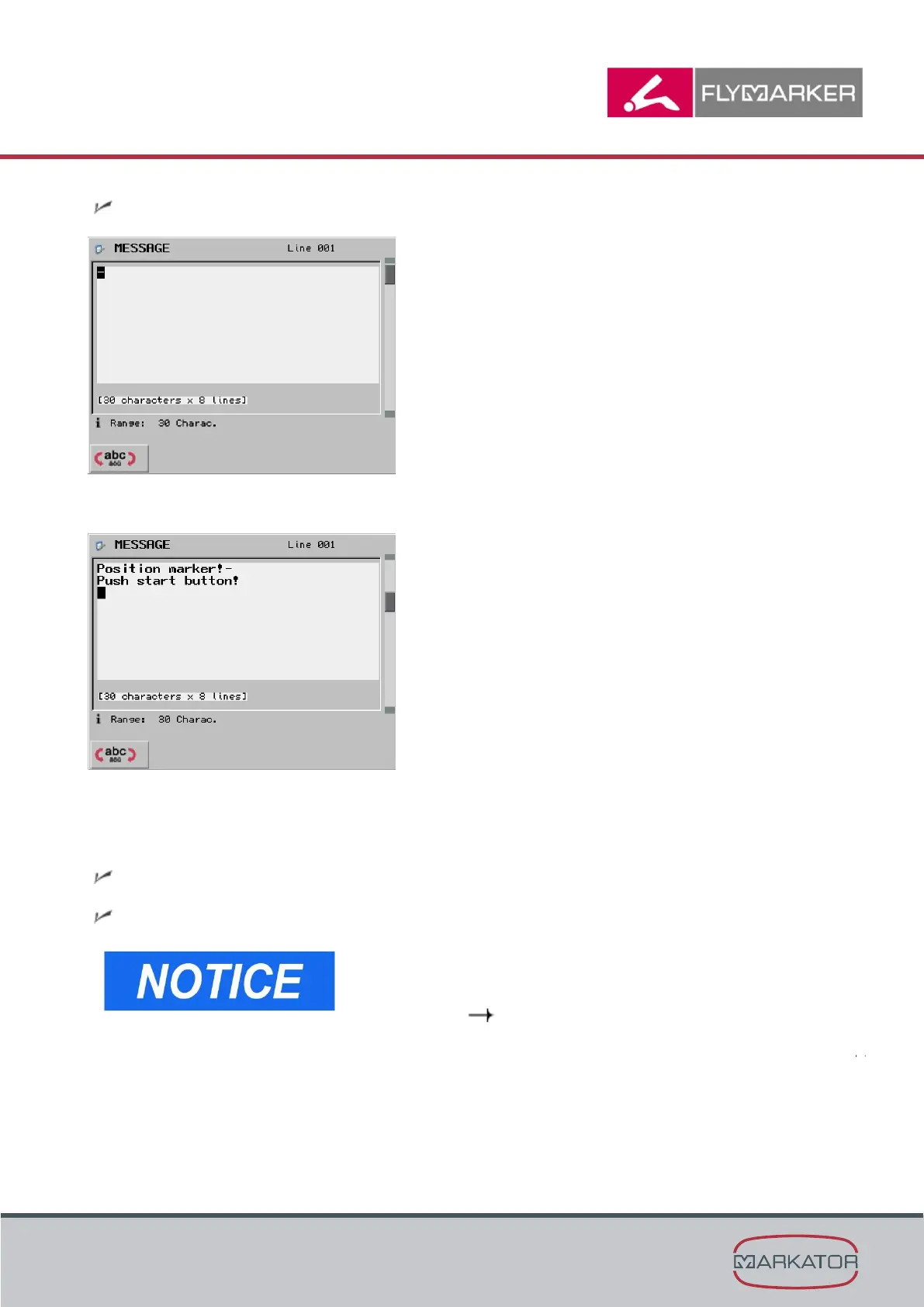
The Message window appears.
4. Enter the message text.
5. Press Enter.
6. Press the ESC key.
The main menu appears.
The Message substitute has been inserted.
- The message text is displayed and not highlighted.
- This function is used in association with the read
keyboard substitute and when using a barcode
scanner. ( Chapter “Read keyboard (1/2/3/23)
configuration/insertion (program option B:
KOMFORT)



 To Next Page