FlyMarker
®
mini 85/45 plus and 120/45 plus
Operating Manual
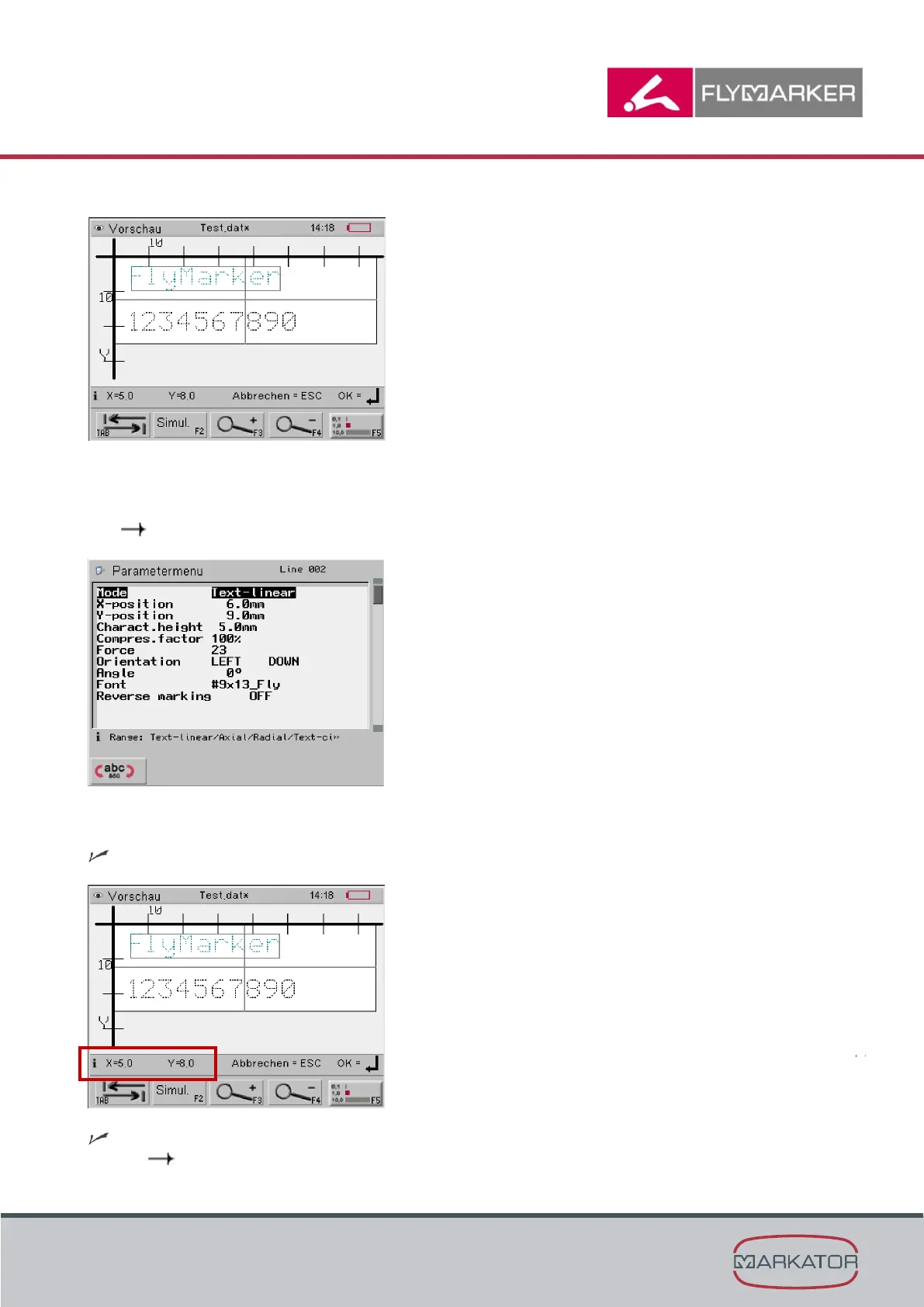
The selected marking line is framed:
3. Press Enter to edit the selected marking line.
( Chapter ”Editing a marking file”, page 73)
4. Press the ESC key.
The Marking preview window appears.
The marking preview shows the X/Y values of the selected marking line.
( framed in red in the picture)



 To Next Page