FlyMarker
®
mini 85/45 plus and 120/45 plus
Operating Manual
- If an external USB keyboard is used, the F12 key on the
USB keyboard must be pressed to switch levels.
- The menu above the current one can be reached by
pressing the escape key (ESC). The main menu can be
reached by repeatedly pressing the ESC key. The
settings changes made in the menu are applied.
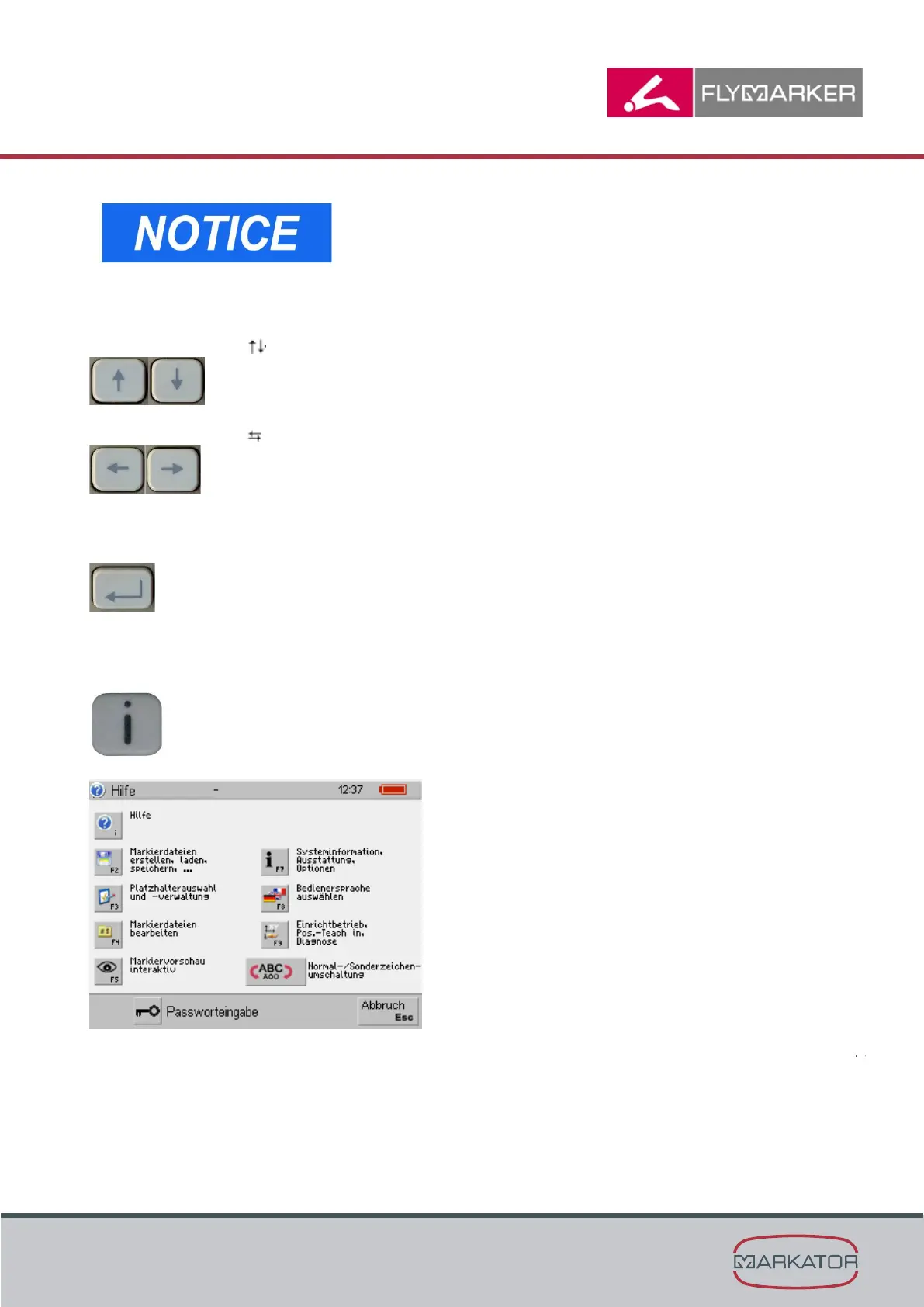
Use the arrow keys to select individual entry lines.
Use the arrow keys to select he predetermined values.
Press the return key (Enter) to determine the current value entered and, if necessary, to
change to the next parameter.
When the i key is pressed, the help window comes up with notes on the key function in the
main menu.
i key



 To Next Page