FlyMarker
®
mini 85/45 plus and 120/45 plus
Operating Manual
2. Use the arrow keys to select the Time substitute.
either
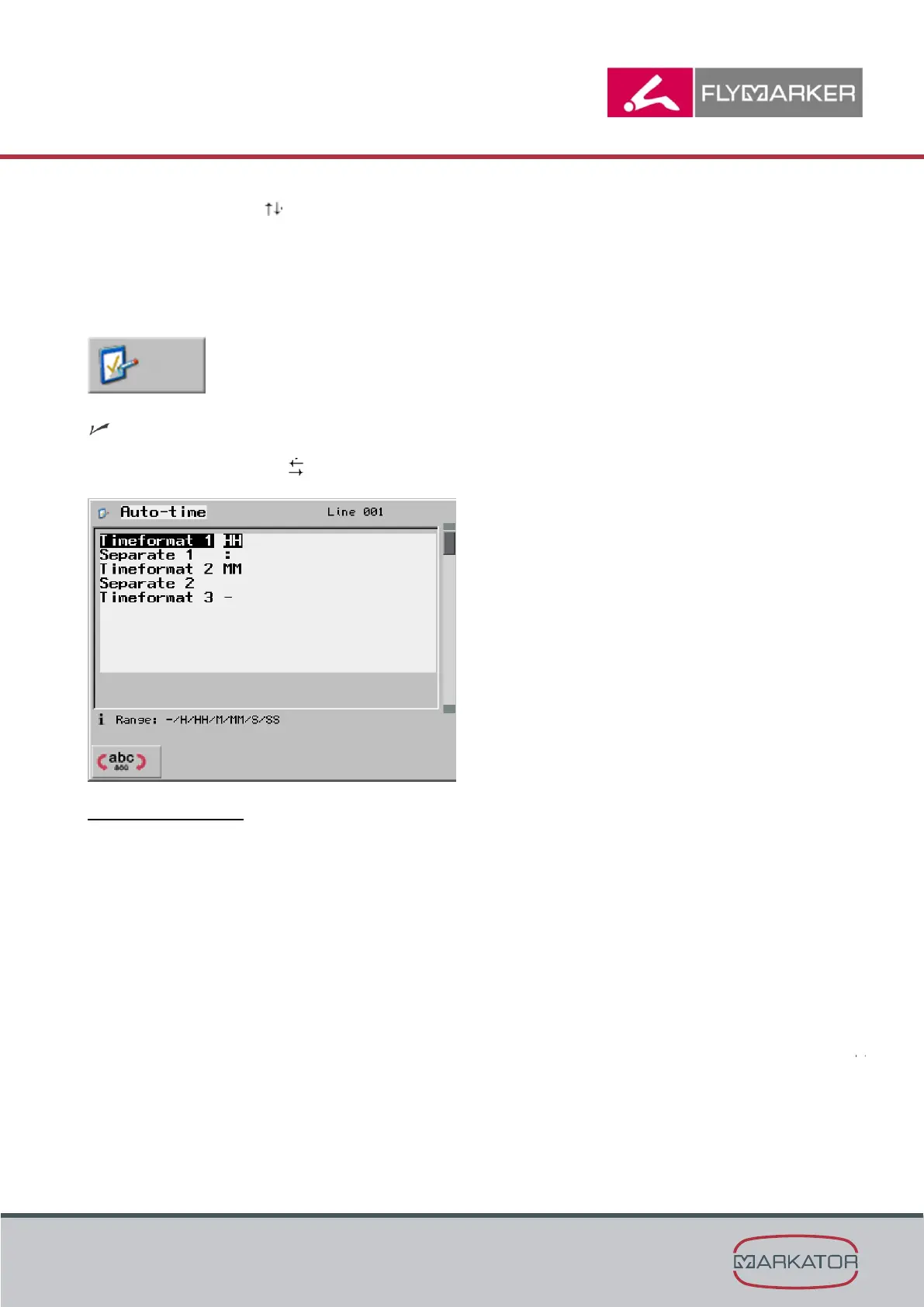
Configure auto-time.
a. Press F3.
The Auto-time window appears.
b. Use the arrow keys to configure the time format.
The possibilities are:
H
Current hour as: 5 (for 5)
HH
Current hour as: 05 (for 5)
M
Current minute as: 7 (for 7)
MM
Current minute as: 07 (for 7)
S
Current second as: 6 (for 6)
SS
Current second as: 06 (for 6)



 To Next Page