3.9.10
3.9.11
3
3.9.12
on
COMMUT=
AUTO
MAN
AUT/MAN
DELTA SW
on
DIGIMAT= ("DIGIMATIC" serial communications interface)
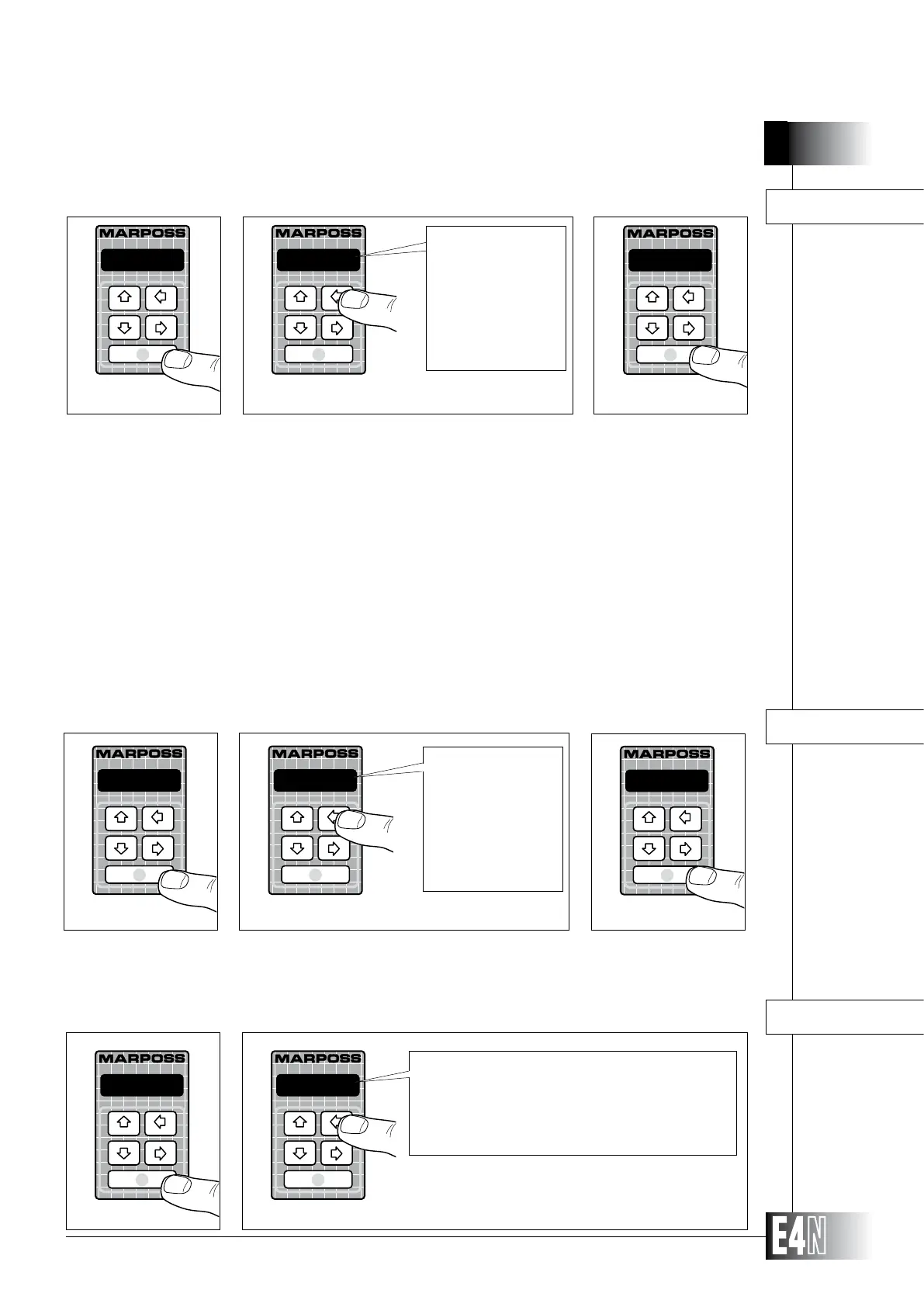
Step 1: Press the ENTER key to set the variable.
Step 2:
Step 3: Press the ENTER key to confirm the table data and to pass to programming of the next variable.
on
DIGIMAT=
Step 1
Step 2
on
("DIGIMATIC" interface on)
off
("DIGIMATIC" interface off)
on w/o s
("DIGIMATIC"on without mea-
surement
status enabled)
on
Step 3
HOW TO PROGRAM THE E4N COLUMN
RS232= (RS232 serial communications interface)
printer
RS232=
Step 1
Step 2
off
printer
("RS232" interface off)
("RS232" interface on, enabled for data transfer
from a single column to a printer or a PC.)
COMMUT= (Commutation mode)
Step 1: Press the ENTER key to set the variable.
Step 2:
Step 3: Press the ENTER key to confirm the table data and to pass to programming of the next variable.
Step 1
Step 2
Step 3
Note:
COMMUT = AUTO: the measurement value is displayed if only one transducer is in range and any other transducer is over range
or over the threshold for automatic switch. The number of the measurement is shown in the upper digital display.
COMMUT = MAN: in this mode all transducers can be in range at the same time. The measurement values are displayed
in sequence by pressing the right arrow key for two seconds. The number of the measurement is shown in the upper
digital display and, at switching, even in the lower digital display as Meas.No1, Meas.No2, Meas.No3, Meas.No4.
COMMUT = AUT/MAN: it is possible anytime to switch from the automatic mode to the manual mode without entering the
programming mode, just by pressing at the same time the right arrow key and the ENTER key for two seconds.
COMMUT = DELTA SW: this mode requires for each measurement the programming of the DELTA and TIME parameters
which are in the MEAS submenu of the Advanced menu. DELTA represents the value of the transducer movement; if
this value is detected by the column within the programmed TIME period, the measurement related to such transducer
is automatically displayed. The programmable range for TIME is from 1 to 20, each unit corresponds to 40 msec. The
number of the displayed measurement is shown in the upper digital display.



 To Next Page