3
3.8.9
HOW TO PROGRAM THE E4N COLUMN
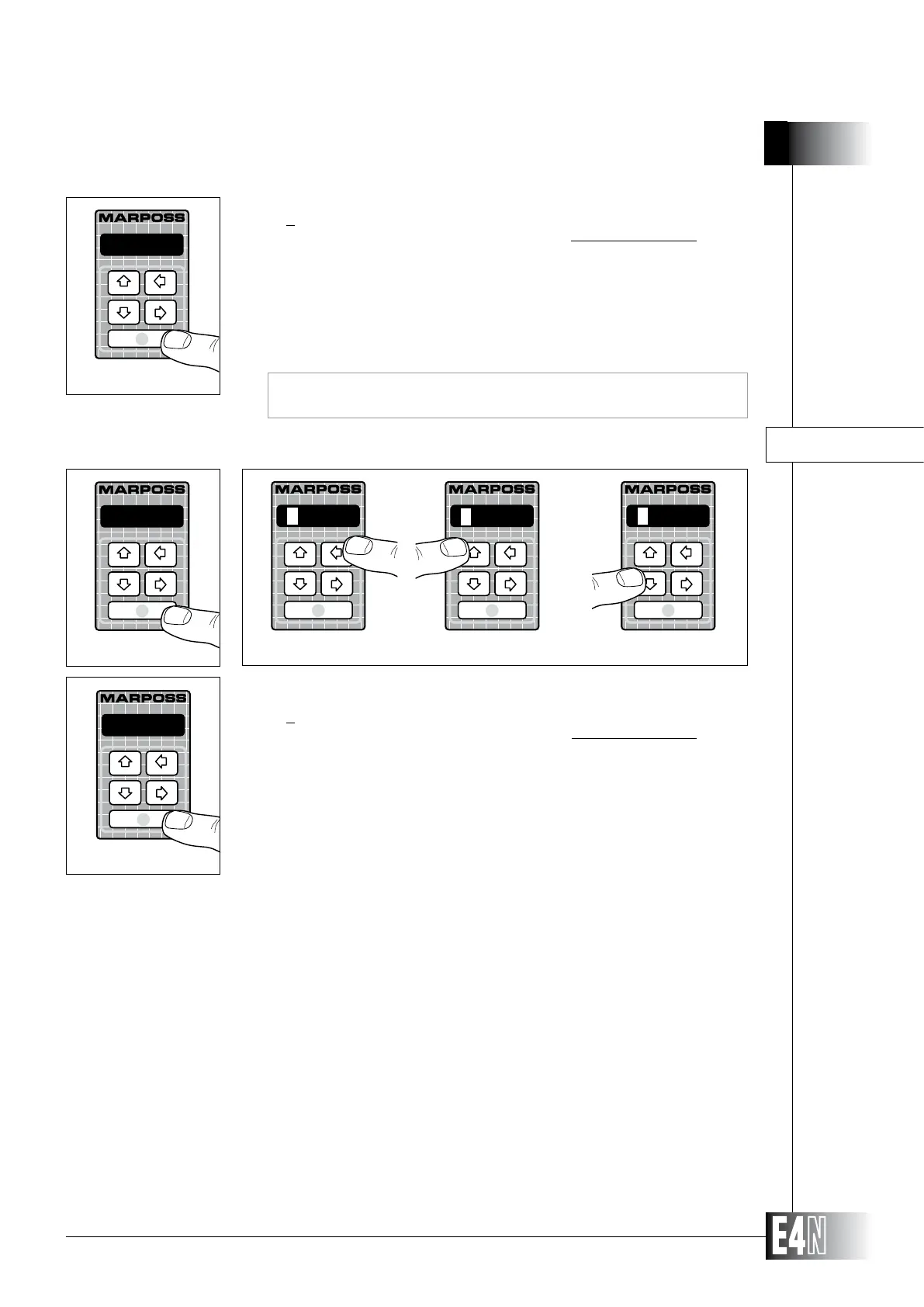
Step 1: Press the ENTER key to set the variable.
Step 2:
digit is flashing). Use the UP and DOWN arrow keys to increase or decrease the value
of the flashing digit.
Note: Not to program (Reset) the variable, repeatedly press the UP or DOWN arrow key when
the first digit on the left of the display is flashing.
Step 3: Press the ENTER key to confirm the numeric data and to pass to programming of the
next variable.
-1.000
Step 3
Note: In cases where more measurements are present, a channel coefficient can be
assigned to only one measurement and is automatically excluded a from further
assignments.
Step 1: Press the ENTER key to set the variable.
Step 2:
digit is flashing). Use the UP and DOWN arrow keys to increase or decrease the value
of the flashing digit.
Note: Not to program (Reset) the variable, repeatedly press the UP or DOWN arrow key when
the first digit on the left of the display is flashing.
ABSOLUT= (Measurement nominal value)
ABSOLUT=
Step 1
Step 2
To program the variable "K.CH.B=" "K.CH.C=" "K.CH.D=" follow the same
procedure.
000000
R_____
100000
Note: If the "ABSOLUT=" variable is programmed:
- The column automatically displays the absolute value of a measurement. If
this variable is not programmed, the column will display the relative value of
the measurement.
- The column will automatically convert MICRONS into MILLIMETRES. You
can display the measurement in the unit of measurement you requrire by
modifying the value of the "M.UNIT=" variable (see Section 3.9.6).
- The measurement scale will BE automatically set as "auto".
Step 3: Press the ENTER key to confirm the numeric data and to pass to programming of the
next variable.
500000
Step 3



 To Next Page