3
3.8
3.8.1
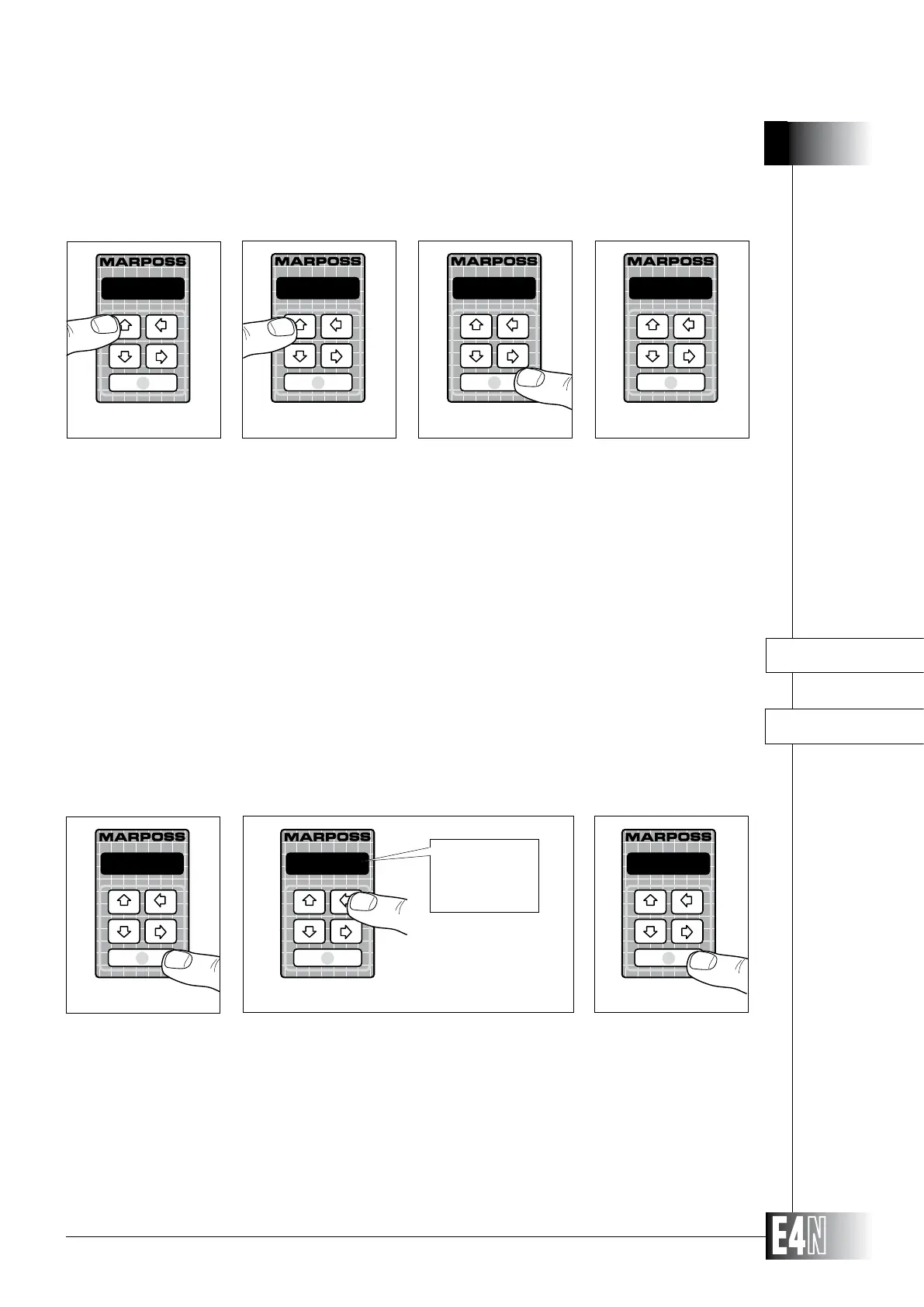
To restore the default values, proceed as follows:
HOW TO PROGRAM THE E4N COLUMN
VARIABLES IN THE "MEASURE:" MENU
M.SYST= (System of measurement)
This variable defines the system of measurement used to display the measurements. All mea-
surements are displayed in the system of measurement set using this function.
Step 14: Press the UP arrow key (PROG) for at least two seconds to enter the programming mode.
Step 15: Press the UP arrow key (PROG) again to exit the programming mode.
Step 16: Press the ENTER key to confirm the SAVE operation.
Step 17: The message "NO CAL" will now appear on the alphanumeric display and flash to indicate that the E4N column must be
the E4N column, see Section 6).
Step 1: Press the ENTER key to set the variable.
Step 2:
Step 3: Press the ENTER key to confirm the table data and to pass to programming of the next variable.
N READY
Step 14
PROGRAM:
Step 15
SAVE
Step 16
NO CAL
Step 17
metric
Step 3
M.SYST=
Step 1
Step 2
metric
metric
inch



 To Next Page