9
J3
5
9
6
2
3
4
5
6
7
8
9
9.1
9.1.
1
INTERFACES
The column has three interfaces:
DIGIMATIC INTERFACE
RS232 INTERFACE
ANALOG INTERFACE
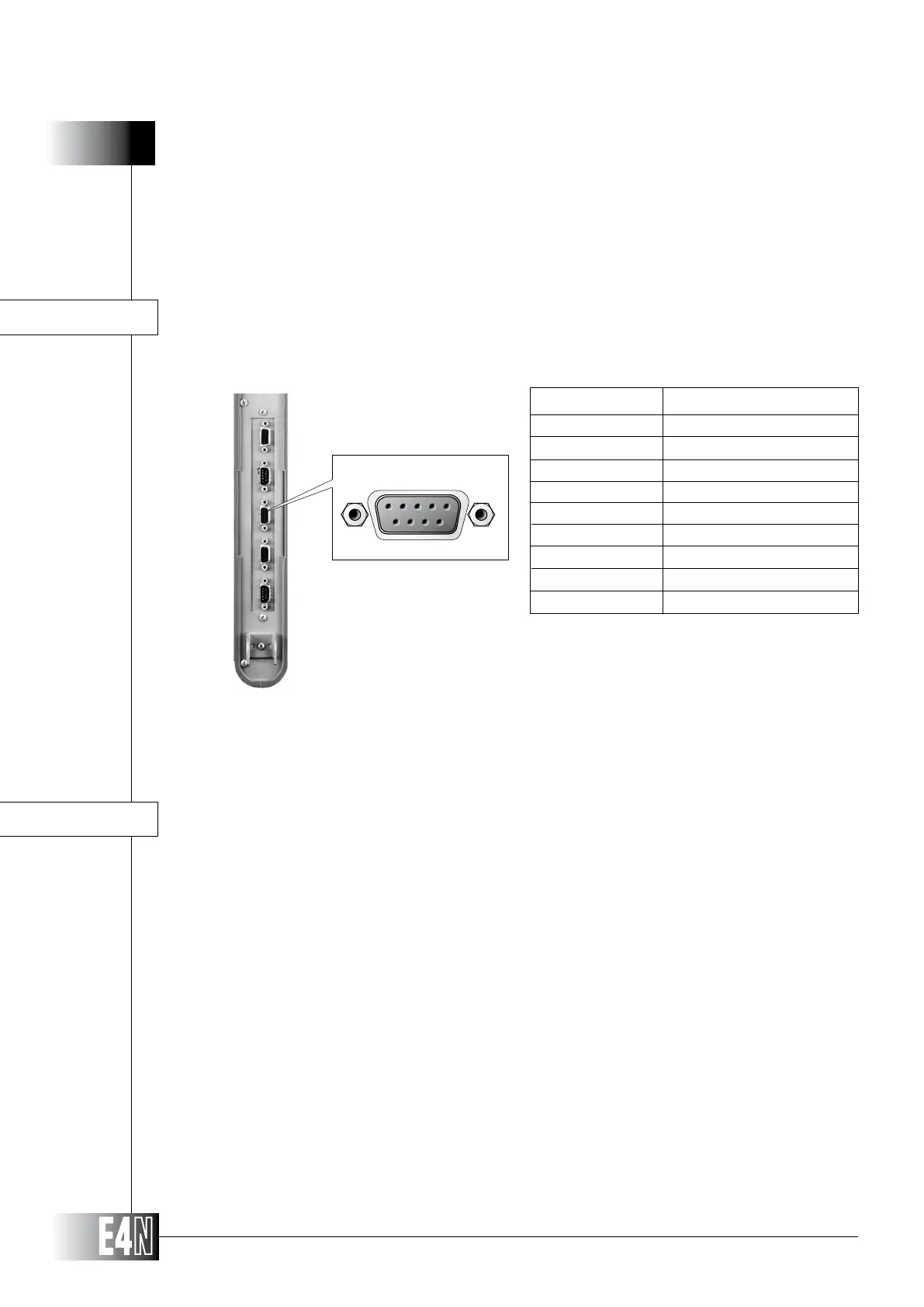
The "DIGIMATIC" serial interface is used to transfer the measurement value to a statistical analyzer
or a concentrator.
DIGIMATIC INTERFACE
Transmission of the measurement value can be enabled and disabled using a
programming parameter. The data transmission request can be made from the
stastical analyzer or by pressing the SEND button on the pushbutton box.
The measurement value will only be transmitted with the column switched to
the measurement mode.
Note: The RDY and REQUEST signals are active when
the logic level is LOW.
PRINTING TOLERANCE LIMITS WITH DIGIMATIC
The E4N column can output the values for the upper and lower tolerance limits on the DIGIMATIC
output socket.
This function is only available on columns fitted with a local programming module. To output the upper
and lower tolerance limits to the DIGIMATIC, proceed as follows:
- Program the column and enable the DIGIMATIC output.
- Press the UP arrow key (PROG) and the ENTER key together for at least three seconds.
- Press the SEND button on the external pushbutton box or press the data acquisition key on
the DIGIMATIC to send the upper tolerance limit value to the DIGIMATIC. This operation can
only be performed once.
- Press the DOWN arrow key and the ENTER key together for at least three seconds.
- Press the SEND button on the external pushbutton box or press the data acquisition key on
the DIGIMATIC to send the lower tolerance limit value to the DIGIMATIC. This operation can
only be performed once.
SHIELD
-
-
-
DATA
CLOCK
RDY
REQUEST
GND
PIN SIGNAL



 To Next Page