9
9.3
9.2
J3
5
9
6
J4
5
6
9
2
3
4
5
6
7
8
9
CASE
2
3
4
5
6
7
8
9
INTERFACES
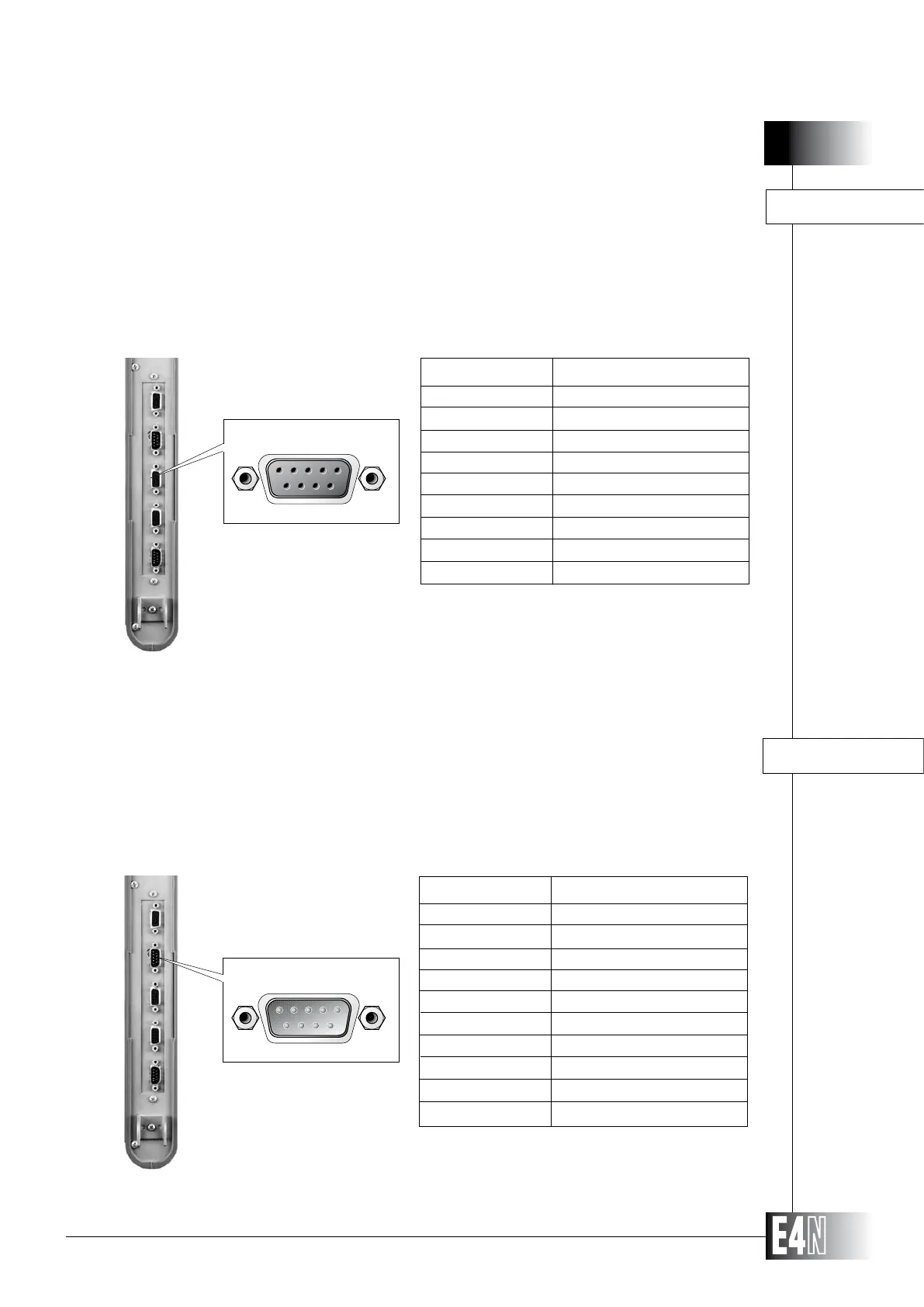
The RS232 is used for connections to serial printers or host computers. During programming,
enable the option required and then customize the standard communications protocol.
-
RXD
TXD
DTR
SIGNAL GROUND
-
RTS
CTS
-
SHIELD
PIN SIGNAL
Note: Compatible with a PC/AT serial connector and,
using a 9-to-25 pin adapter, with a PC/XT and PS
2 serial connector.
RS232 INTERFACE
ANALOG OUTPUT INTERFACE
The analog output interface is used to transfer the measurement value to a statistical analyzer
or a recorder. The analog signal is transmitted with two full scale ranges:
± 2.4 Volt on pin 3
± 10 Volt on pin 4
The full scale range value of the analog output is the same as the display
scale value set for the LED scale on the column front panel. The analog output
resolution is double the LED scale resolution.
SHIELD
-
ANOUT 2.4
-
-
-
-
GND
PIN SIGNAL



 To Next Page