3
3.9.7
3.9.8
3.9.6
mm
micron
inch
millions
thousand
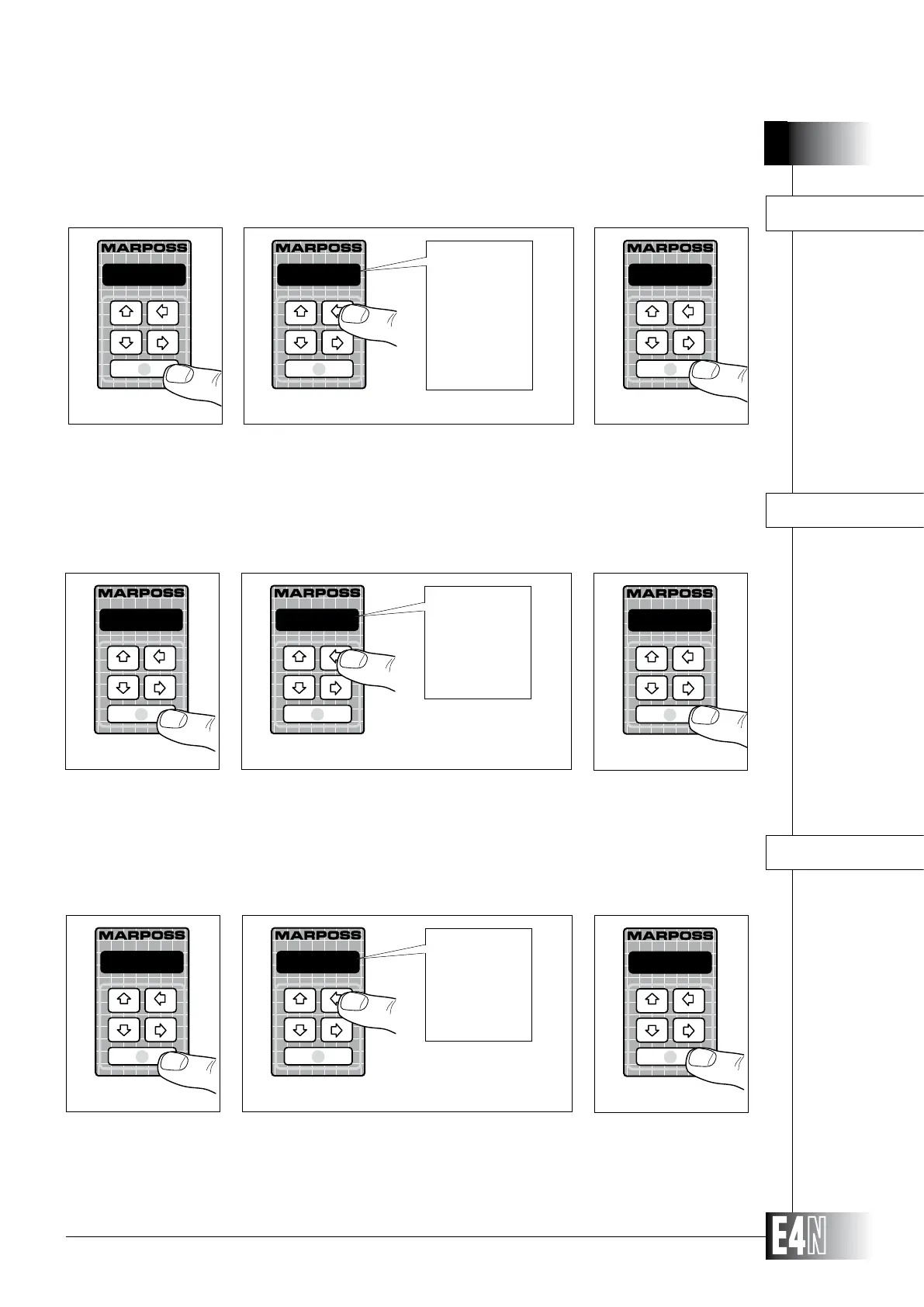
Step 1: Press the ENTER key to set the variable.
Step 2:
Step 3: Press the ENTER key to confirm the table data and to pass to programming of the next variable.
M.UNIT= (Unit of measurement)
micron
M.UNIT=
Step 1
Step 2
micron
Step 3
HOW TO PROGRAM THE E4N COLUMN
-
ment filter.
Step 1: Press the ENTER key to set the variable.
Step 2:
Step 3: Press the ENTER key to confirm the table data and to pass to programming of the next variable.
normal
Step 3
normal
M.FILTR=
Step 1
Step 2
normal
high
no lter
low
M.FILTR= (Response rate)
The variable "RESOLUT=" in combination with the working range assigned to the measurement
channels, allow to set the resolution of the digital display.
Step 1: Press the ENTER key to set the variable.
Step 2:
Step 3: Press the ENTER key to confirm the table data and to pass to programming of the next variable.
ne
Step 3
ne
RESOLUT=
Step 1
Step 2
ne
standard
maximum
RESOLUT= (Resolution of the digital display)



 To Next Page