8
8.1.2
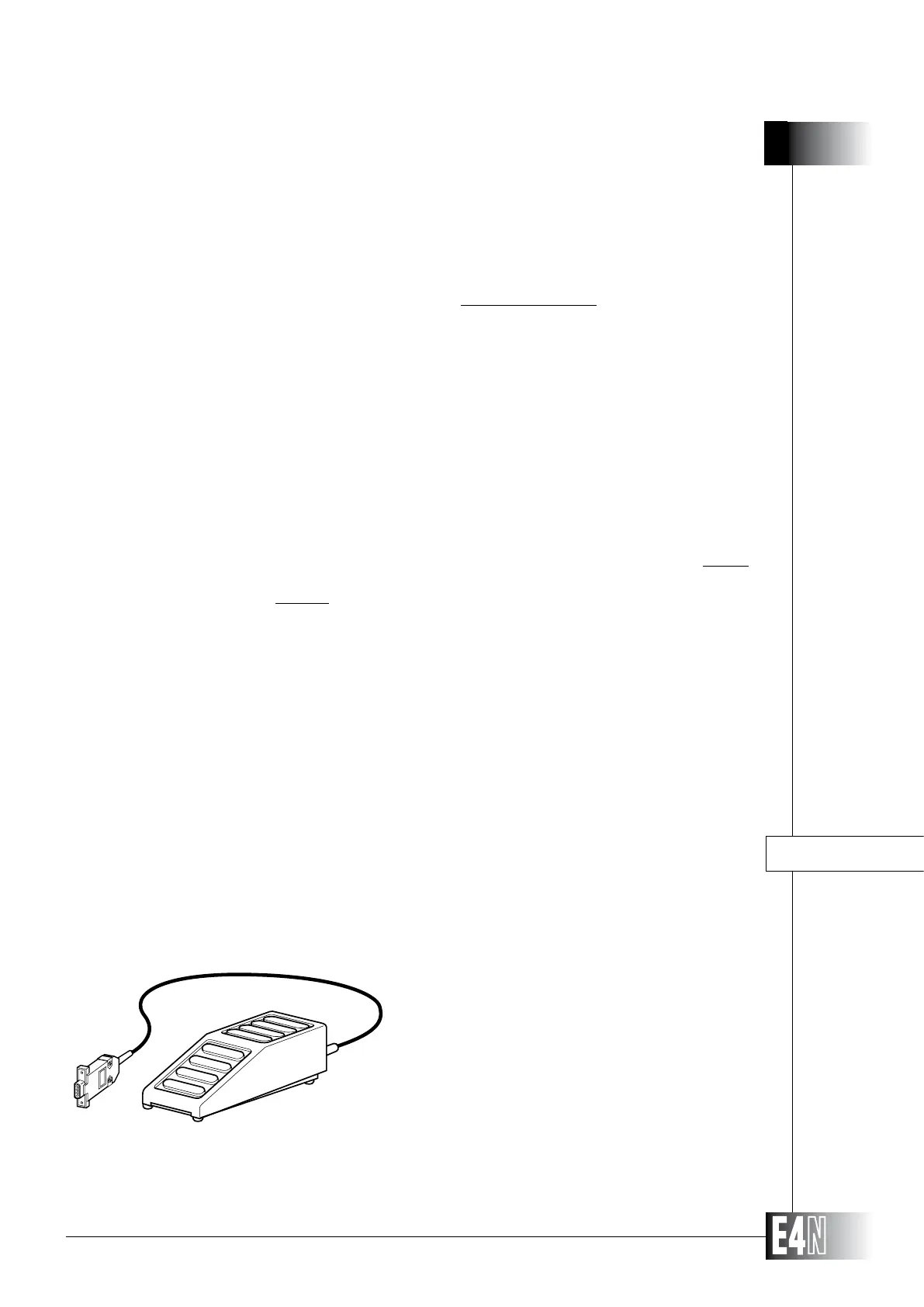
The E4N column can also be fitted with
an external footswitch. The footswitch can be con-
nected to the pushbutton box or directly to the J5
socket on the column. When pressed the footswitch
starts the RUN function.
When pressed, this pushbutton outputs the current measurement value; when the
pushbutton is released the result of dynamic processing will be displayed.
When pressed and held down, this pushbutton initialises and enables dynamic
processing; the pushbutton must be held pressed down during dynamic pro-
cessing. When the pushbutton is released, the measurement value will be frozen
and the 7-segment display will show the "HOLD" message.
When pressed, this pushbutton transmits the measurement value to the serial
interface currently enabled. During transmission the upper display on the column
will display the SEND message for at least 0.5 seconds; if the measurement is
frozen, only a single transmission command will be accepted.
at least 0.5 seconds, the column will switch to the CALIBRATION mode; when
the two pushbuttons are released the measurement will automatically be zeroed
irrespective of the calibration mode currently programmed. This function can be
used to zero set the column but not to correct column sensitivity.
PUSHBUTTON FUNCTIONS IN THE DYNAMIC MEASURING MODE:
DIN-ELAB
SEND
ZEROING
CONNECTION TO EXTERNAL DEVICES
RUN
FOOTSWITCH



 To Next Page