46
on
off
3.9.22
on
on
O.R.CK.=
3
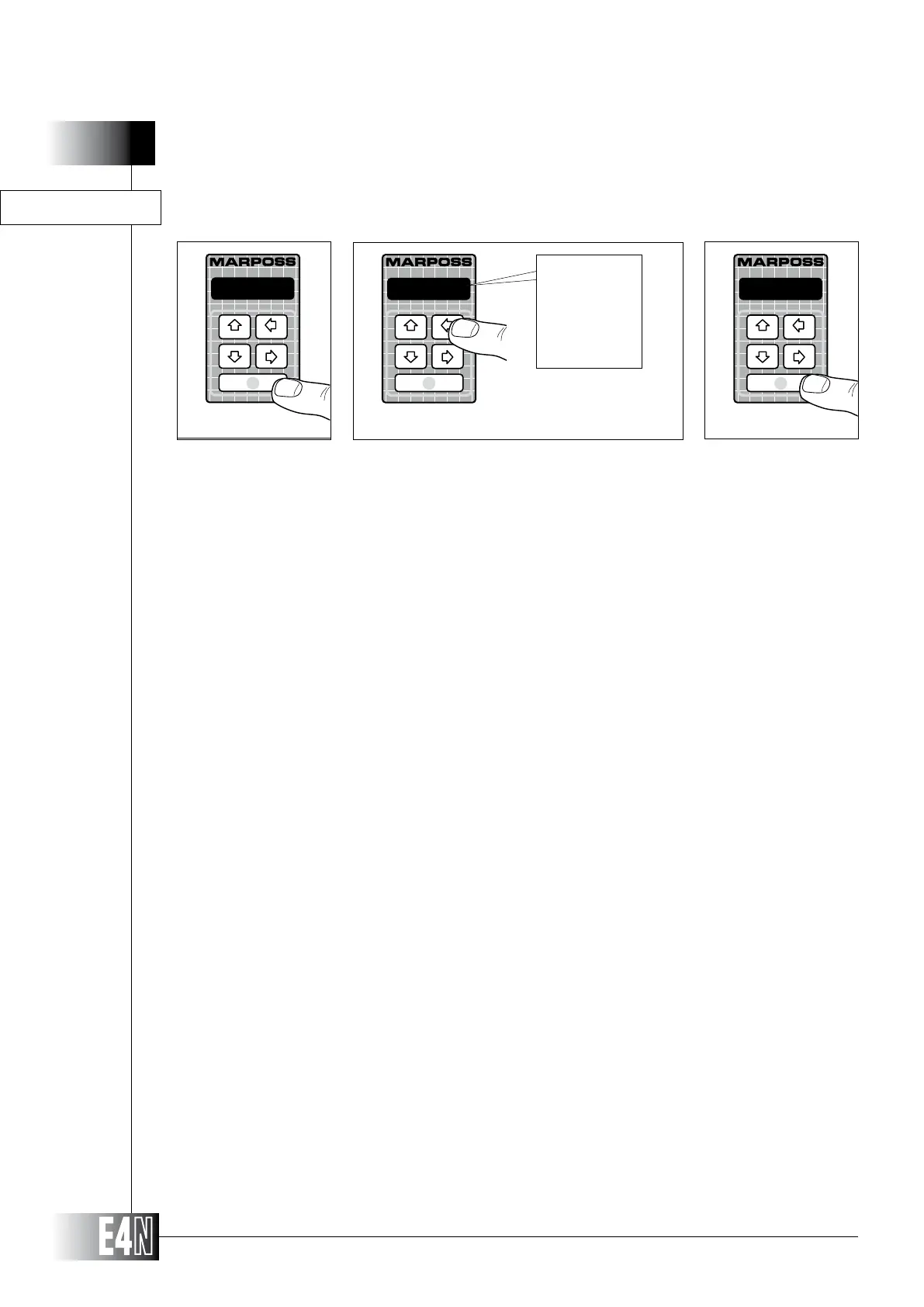
Step 1: Press the ENTER key to set the variable.
Step 2:
Step 3: Press the ENTER key to confirm the table data and to pass to programming of the next variable.
Step 2
Step 3
Step 1
Note: When enabled on columns connected to two or more sensors, this function checks that the sensors are
actually over range when the column itself is OVER RANGE. If only one of the sensors is in range and all the
other sensors are over range, the column will display the message "p.o.r." (partial over range).
O.R.CK.= (Out-of-range sensor check)
HOW TO PROGRAM THE E4N COLUMN



 To Next Page