3
3.6
HOW TO PROGRAM THE E4N COLUMN
DEFAULT PROGRAMMING VALUES
The E4N column is already programmed with a set of default values for the use of a measuring
gauge fitted with inductive sensors, extensometer sensors or pneumatic sensor.
The default values are designed for a column connected to a single sensor (i.e. "one ch." program-
ming).
The next section describes the menu variables and their default values.
Note:Section 3, "How to program the E4N co-
lumn".
TR.ADJ:
Step 9
MEASURE:
Step 10
PROGRAM:
Step 11
SAVE
Step 12
SAVE
Step 12
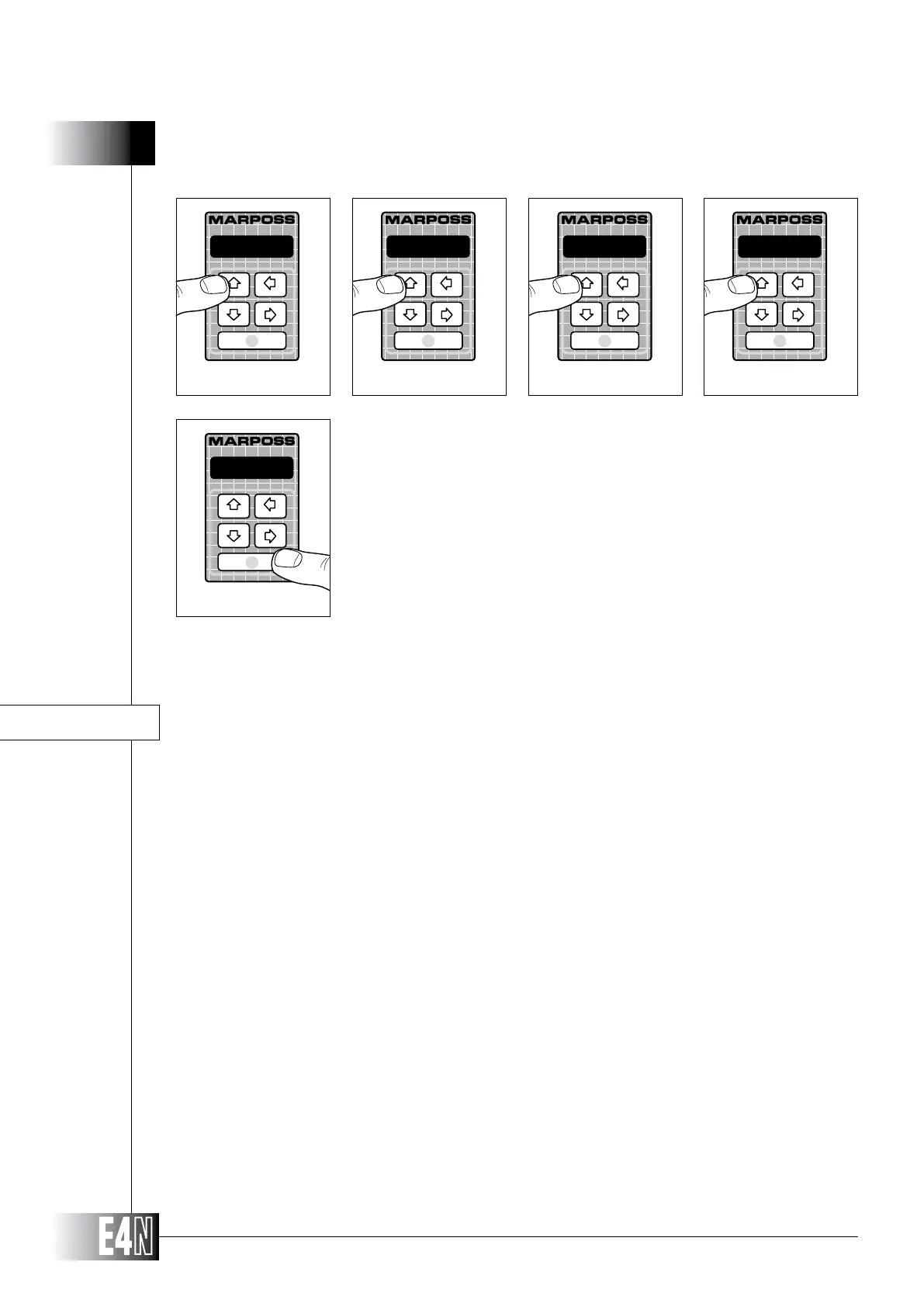
Steps 9-10-11-12: Press the UP arrow key (PROG) four times to leave the programming
mode.
Step 13: Press the ENTER key to save your programming selections and to pass to the MEA-
SUREMENT mode.



 To Next Page