144
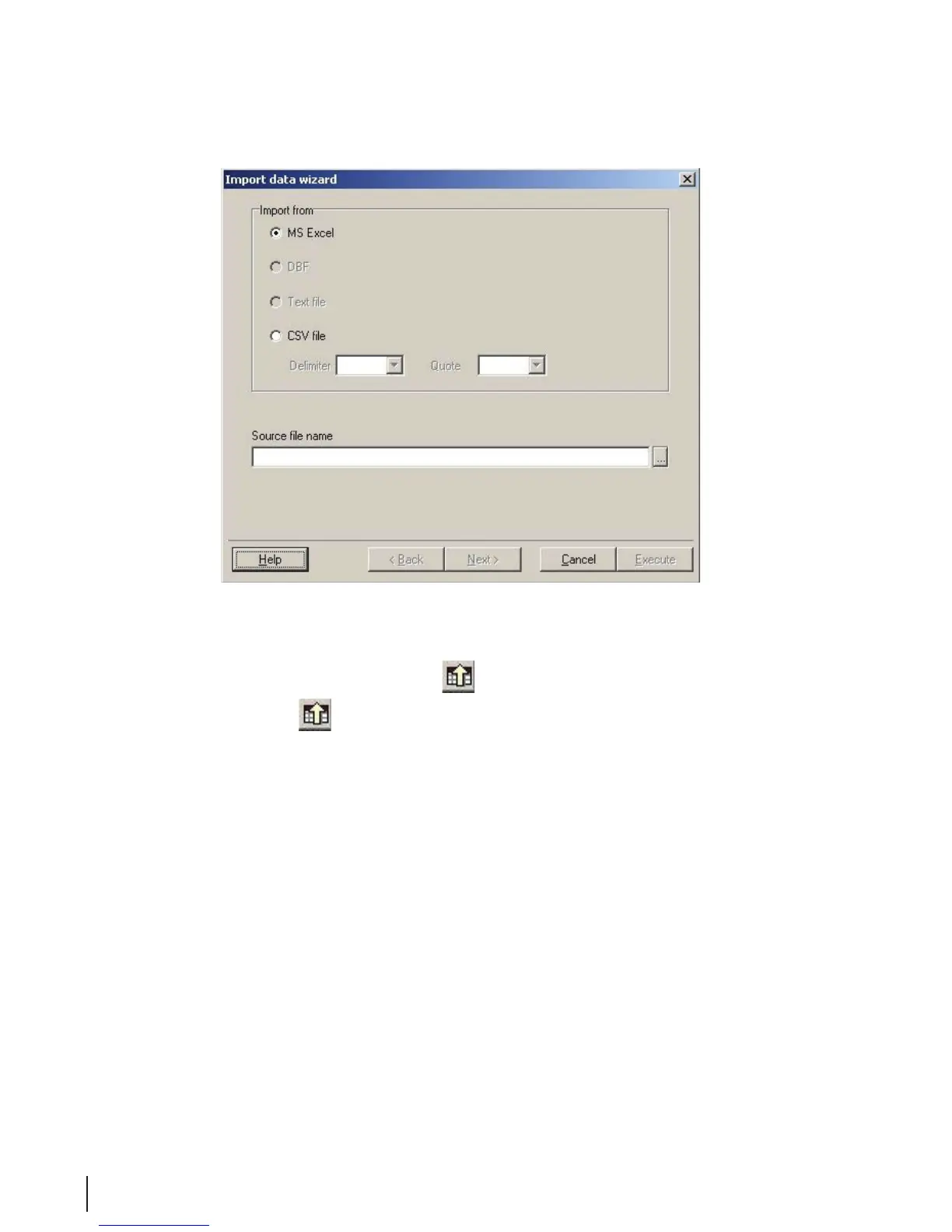
Figure 4 Import Data Wizard
Exporting Data
Data can be exported only if the Export Data
button is present in the button bar.
1. Click the Export Data
button so the Export Dialog screen appears.
2. Using the menu, select the formats appropriate for the application (program) to which the le will be
transferred. The le name is entered in the input line under Destination File. For example, to process
a data le which may be re-imported later, the le name can be used as the destination le name:
• For Excel: Data le-1-MDS.xls
• For Word: Data le–1-MDS.txt



 To Next Page