41
Printing
Print Service Utility
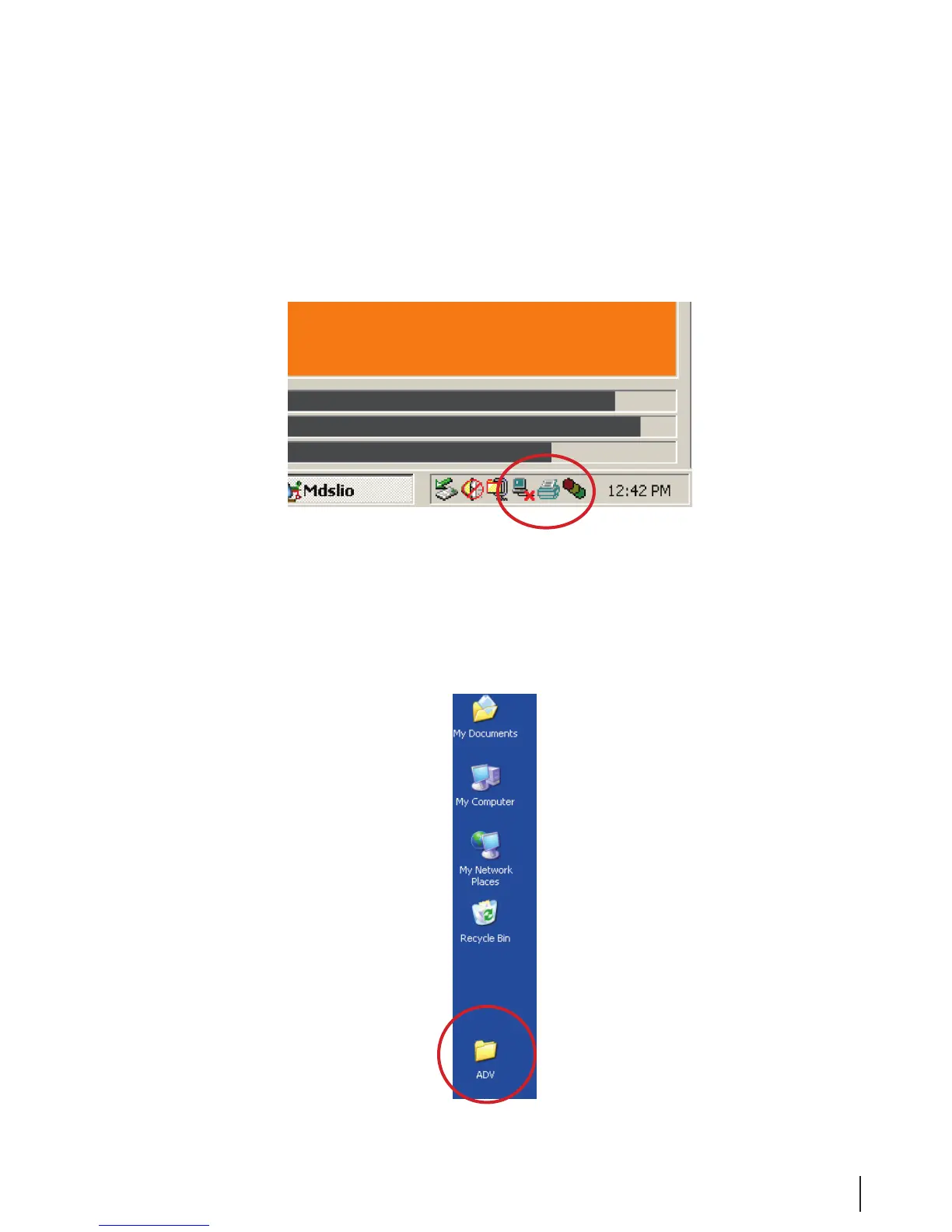
1. Check for the printer icon in the system tray. The Print Server utility supports the printing of the Cycle
Logs on the certicate printer.
Figure 19 System Tray
2. If the icon is not present, display the Windows desktop by minimizing all open programs.
3. Open the MEDIVATORS
®
ADVANTAGE PLUS
®
Automated Endoscope Reprocessor folder by
double-clicking the ADV icon.



 To Next Page