159
Events
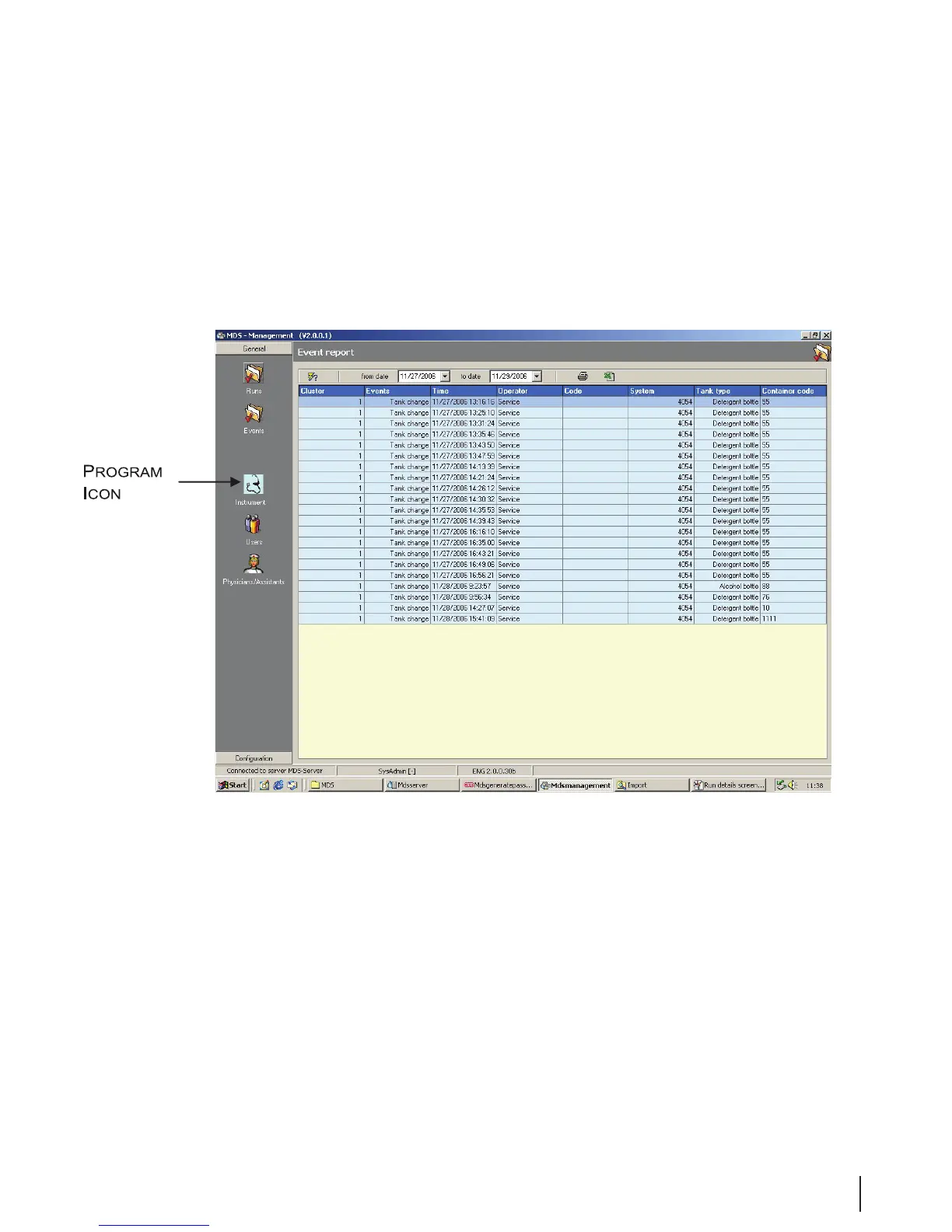
The Events overview is accessed from the icon on the left side of the Management General screen.
1. The selected time period is set from the buttons “from date” and “to date.”
2. Pressing the Selection button retrieves the overview.
3. To simplify the selection, click on any column to sort the data.
Figure 13 Events Overview



 To Next Page