158
Run Report
By pressing the Run Report button, the report overview is set up and the report is shown on the screen.
1. Click on the upper blue bar to sort the list in the appropriate column. Click again to reverse the
selection.
2. The data of each run goes horizontally by line.
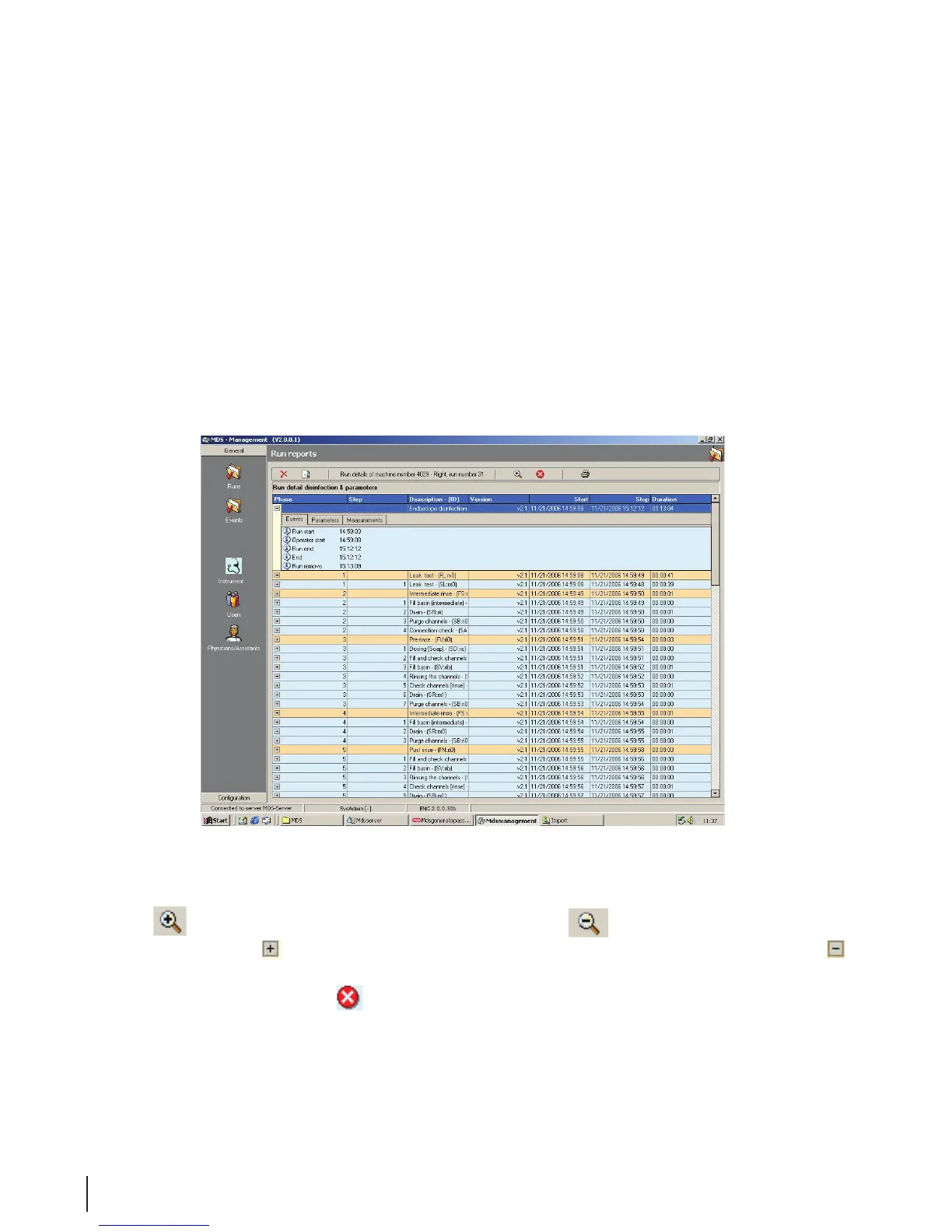
3. Double click on a line if more information is desired. The screen run details are displayed.
Run Details
In the Run Details eld, a number of columns are included with specic run data.
Figure 12 Run Details
• The
button displays the details for all steps. While the button minimizes all details.
• Press the plus sign
to the left of each step to see more information, or press the minus sign to
close the step overview.
• Errors are indicated with the
symbol.



 To Next Page