157
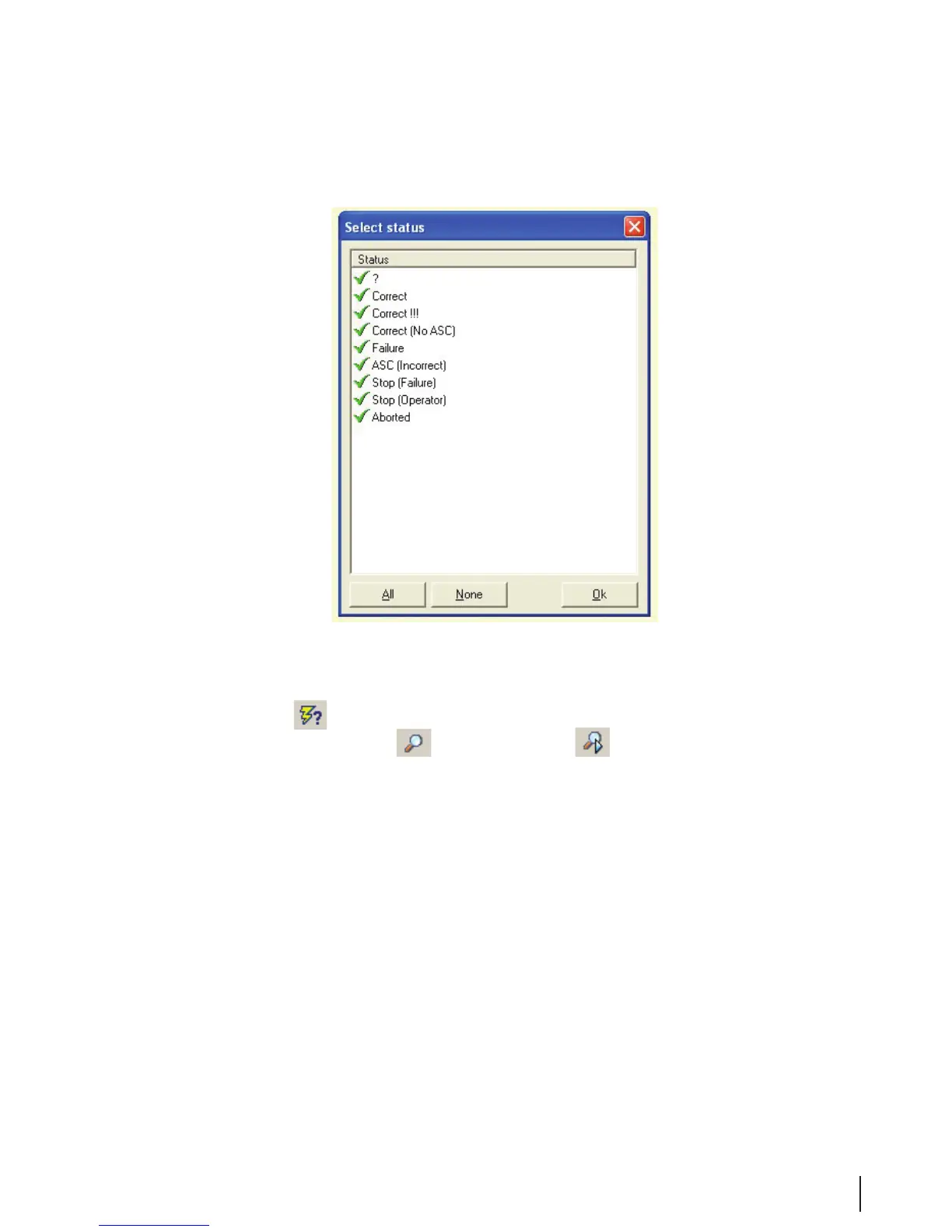
3. For the status selection, for example, you can choose the following items.
Figure 11 Status Selection
4. Double click on an item to select it or to cancel the selection.
5. Press OK and Run to run the report.
6. If a selection is active, then the
icon changes to to indicate that a selection has been
implemented.
7. A selection can be made from:
• Assistants • Patients
• Endoscope code • Physicians
• Operators • Run status
• Parameters • Systems
• Left or right side of the MEDIVATORS
®
ADVANTAGE PLUS
®
Automated Endoscope Reprocessor.



 To Next Page