156
Selecting Report Criteria
Time Period Selection
1. Narrow down your search criteria by gathering data from a specic time period.
2. With buttons “from date” and “to date” select the dates for your report.
3. Click on the arrow key to the right of each date window.
4. Select the desired start and end dates from the calendars that pop up.
5. Press the Run button to run the report.
Narrow Criteria
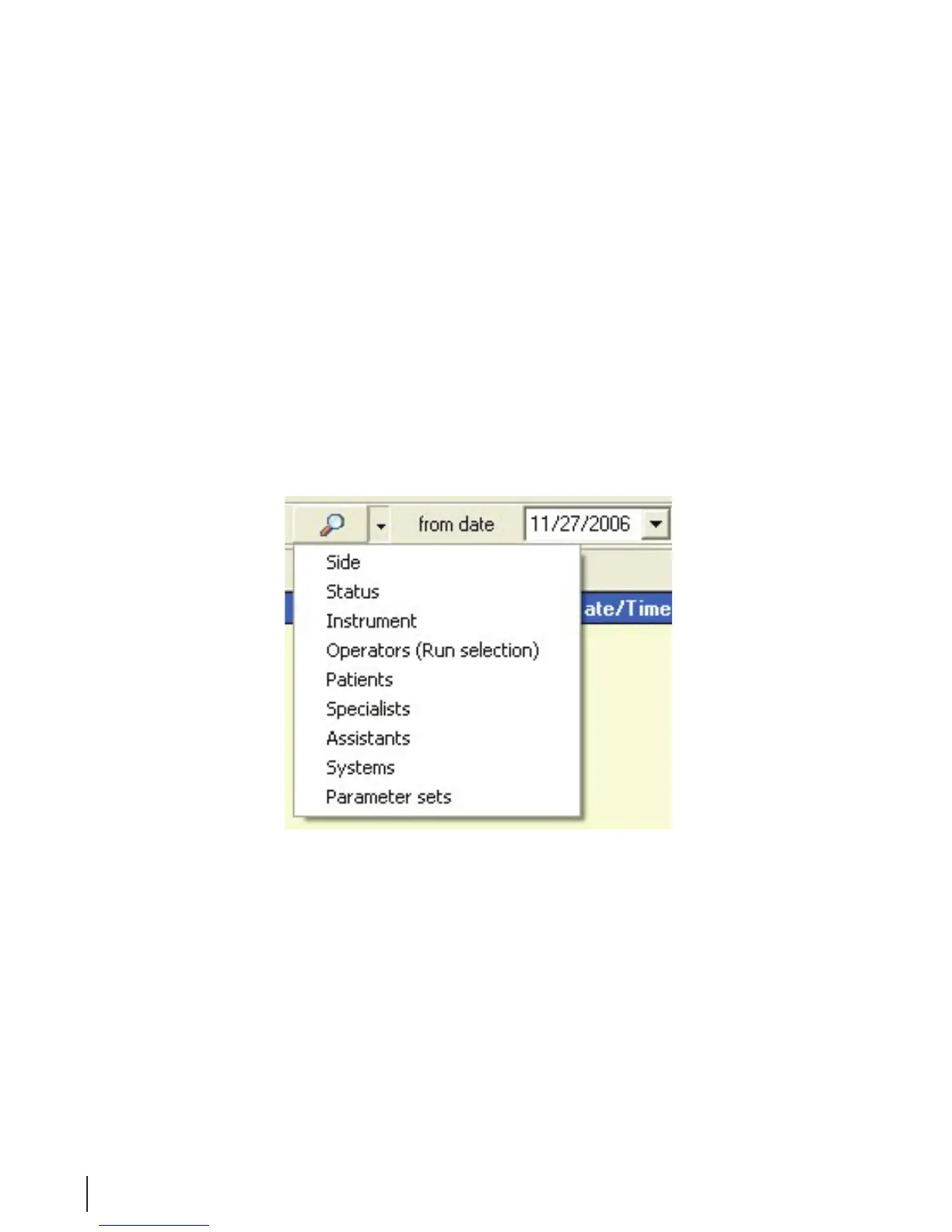
1. The overview report is easier to read if it is shorter and more concise. To narrow or lter your search
criteria, press the arrow key beside the Filter button, and chose the desired selection in the menu.
Figure 10 Narrow Criteria
2. In the window that opens, chose the selections which you want displayed.



 To Next Page