69
Run the Disinfection Program
Normal Start
Data entry must be carried out carefully. Each selection or input must be checked and conrmed by the
operator. Entering erroneous information may lead to machine faults or inadequate disinfection of an
endoscope channel.
1. Close the basin lid by pressing the Open/Close
button or the foot switch.
2. Press the Menu
button.
3. When the Operator Selection window opens, select your login name by using the Scroll Down
button, or use the touchpad, bar code reader. Then click the OK
button.
4. If the Authorization window opens. Enter your password with the touchpad, bar code reader and then
click the OK
button (option).
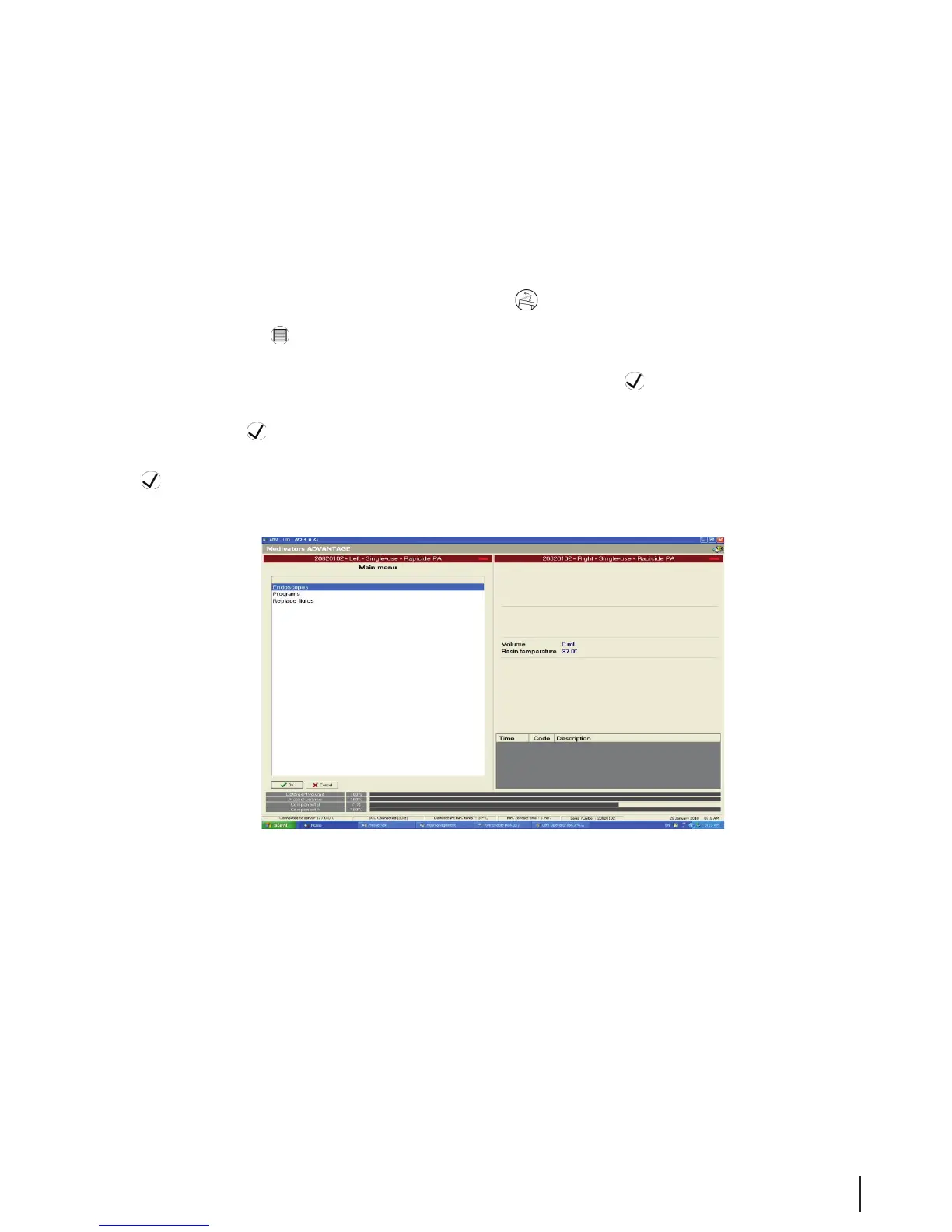
5. When the Program Selection window opens, highlight Endoscope Selection and click the OK
button.
Figure 20 Program Selection



 To Next Page