70
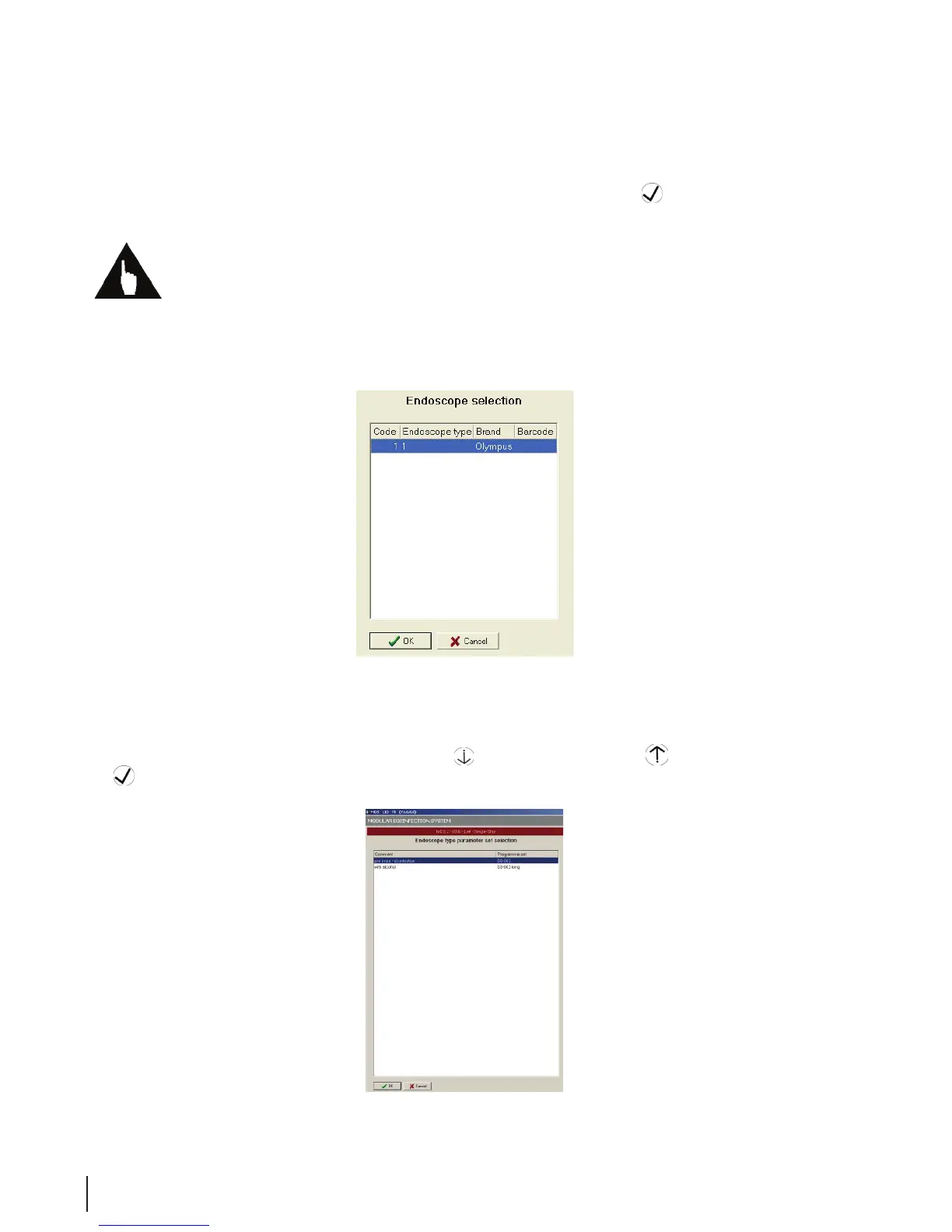
6. From the Endoscope Selection window, choose the instrument code or endoscope that you wish to
disinfect by using the scroll buttons or, bar code reader. Click the OK
button.
Note: The endoscope code or ID is required for the disinfection program to run. If pre-programmed
endoscope codes have been entered by your system administrator, the specic disinfection program for
that endoscope is selected automatically.
Figure 21 Endoscope Selection
7. Select the correct parameter set from the Endoscope Type Parameter Set Selection window by
scrolling up or down with the Scroll Down
button or Scroll Up button. Then click the OK
button.
Figure 22 Parameter Set



 To Next Page