161
To select a specic program, follow these steps:
1. Click the plus sign in front of a folder to view the programs inside.
2. Select the program you want by clicking on the name.
3. Click on the Open File button.
4. The parameter overview and settings for the program appears in the next window to the right.
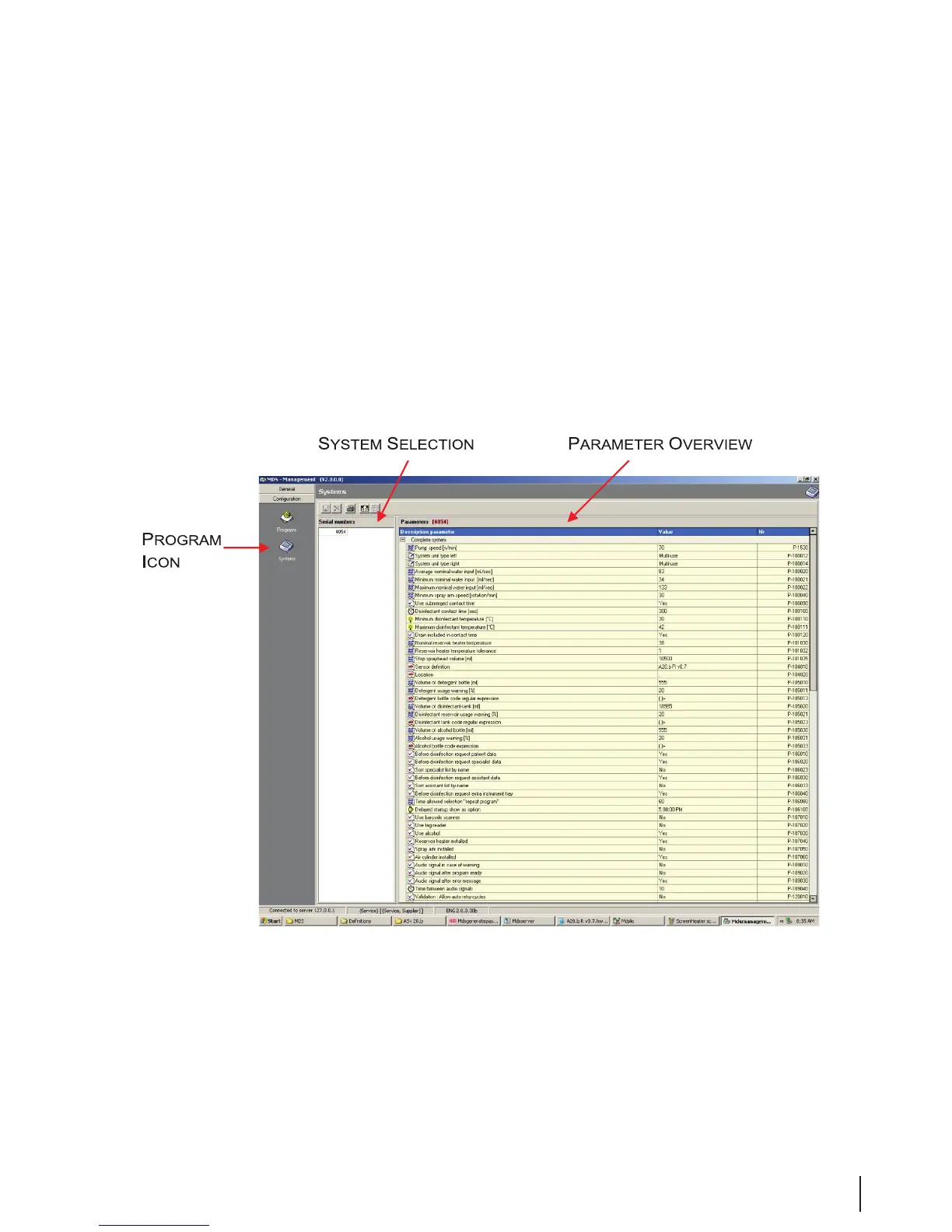
Systems
Figure 15 System Window
System settings may be adjusted as desired with the Server application. Some settings may require
calibration before use.
The system overview gives one or more machine numbers, which via the server application are connected
to the central management database.



 To Next Page