151
Entering Data
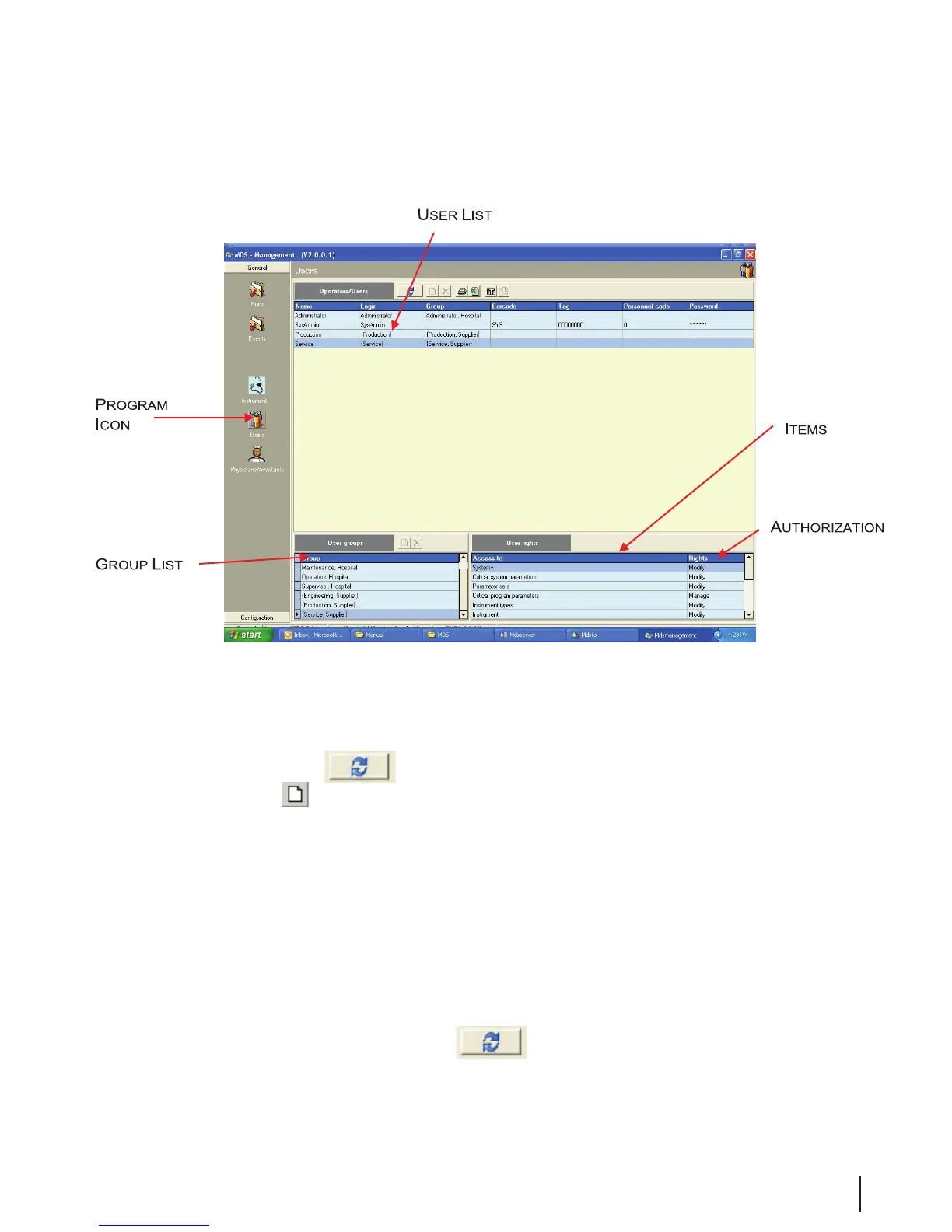
Figure 7 Users Screen
Adding a New User
To add a new user, follow these steps:
1. Click on the Edit icon
to enable editing.
2. Click on the Add
button to add an empty record at the top of the list.
3. Position the cursor in the rst eld and enter the appropriate information.
4. Name: Complete user name.
5. Login: Login in name
6. Group: Select the appropriate group for this user.
7. Tag: Bar code number for identication system.
8. Personal Code: Employee number, bar code number, or other ID.
9. Password: Personal access code.
10. Click on another line to save the data.
11. When completed, click on the Edit Icon
to disable editing.



 To Next Page