30
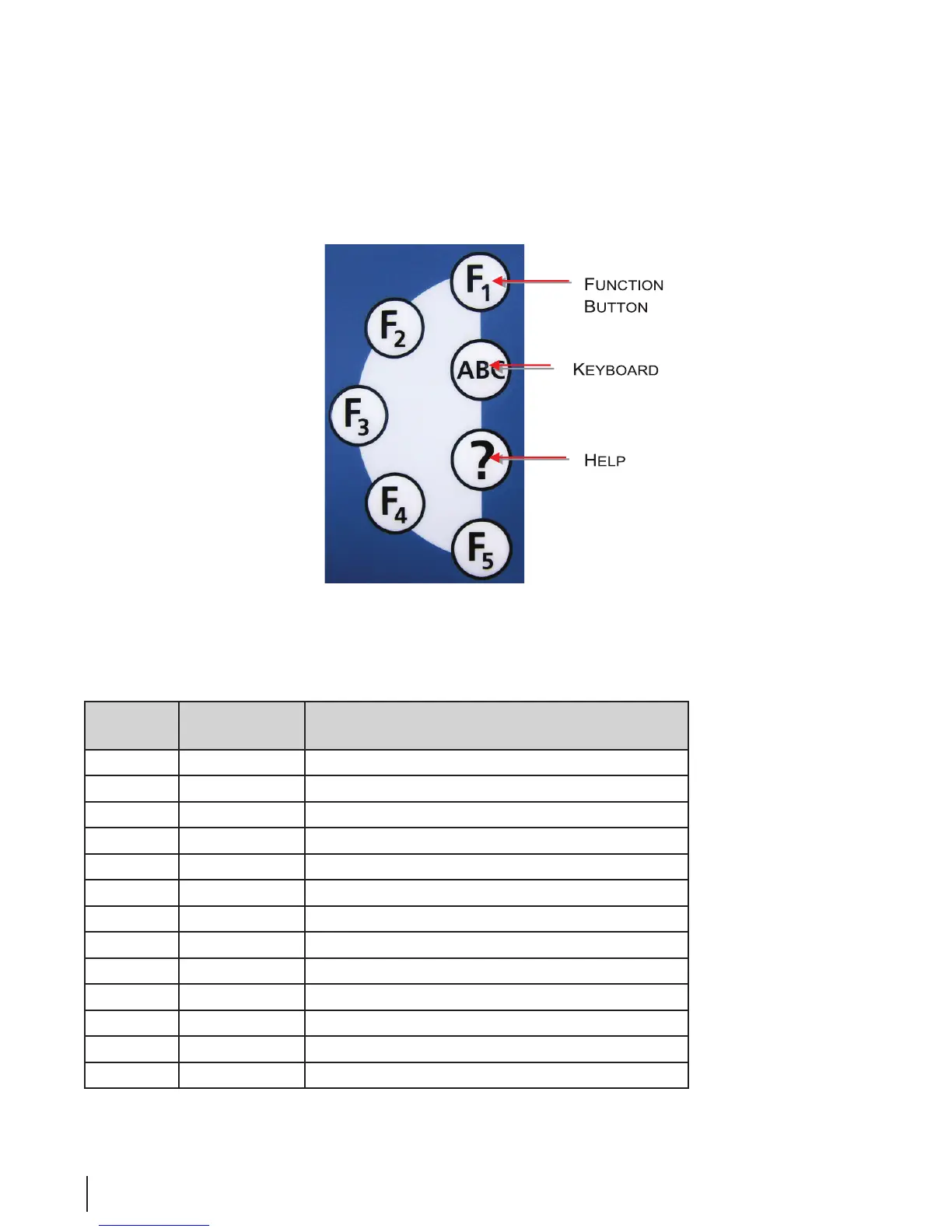
Function Buttons
Figure 9 Function Buttons
Table 1 Function Buttons
Function
Key
Press Button
(No. of times)
Result
F1 1 I/O Inputs / Outputs,
left basin
F1 2 I/O Inputs / Outputs,
right basin
F1 3 I/O Inputs / Outputs,
both basins
F1 4 Re-opens program window
F2 — —
F3 1 Opens system parameters. Press again to close.
F4 1 History report for the current day. Press again to close.
F5 — —
ABC 1 Get keyboard to appear on the monitor
ABC 2 Close keyboard screen



 To Next Page