34
Figure 12 MEDIVATORS ADVANTAGE PLUS System Programs
Re-Starting LIO
Before using the LIO software, you should have a working knowledge of PC computers and the Windows
operating system. Make sure you know how to use the control panel, including the touchpad and its
buttons. If you are uncertain how to proceed, contact your supervisor or the system administrator for
assistance. LIO and the server are initiated during normal PC power up.
1. Verify the PC is on, Windows is running.
2. Find the MEDIVATORS
®
ADVANTAGE PLUS
®
Automated Endoscope Reprocessor folder on the
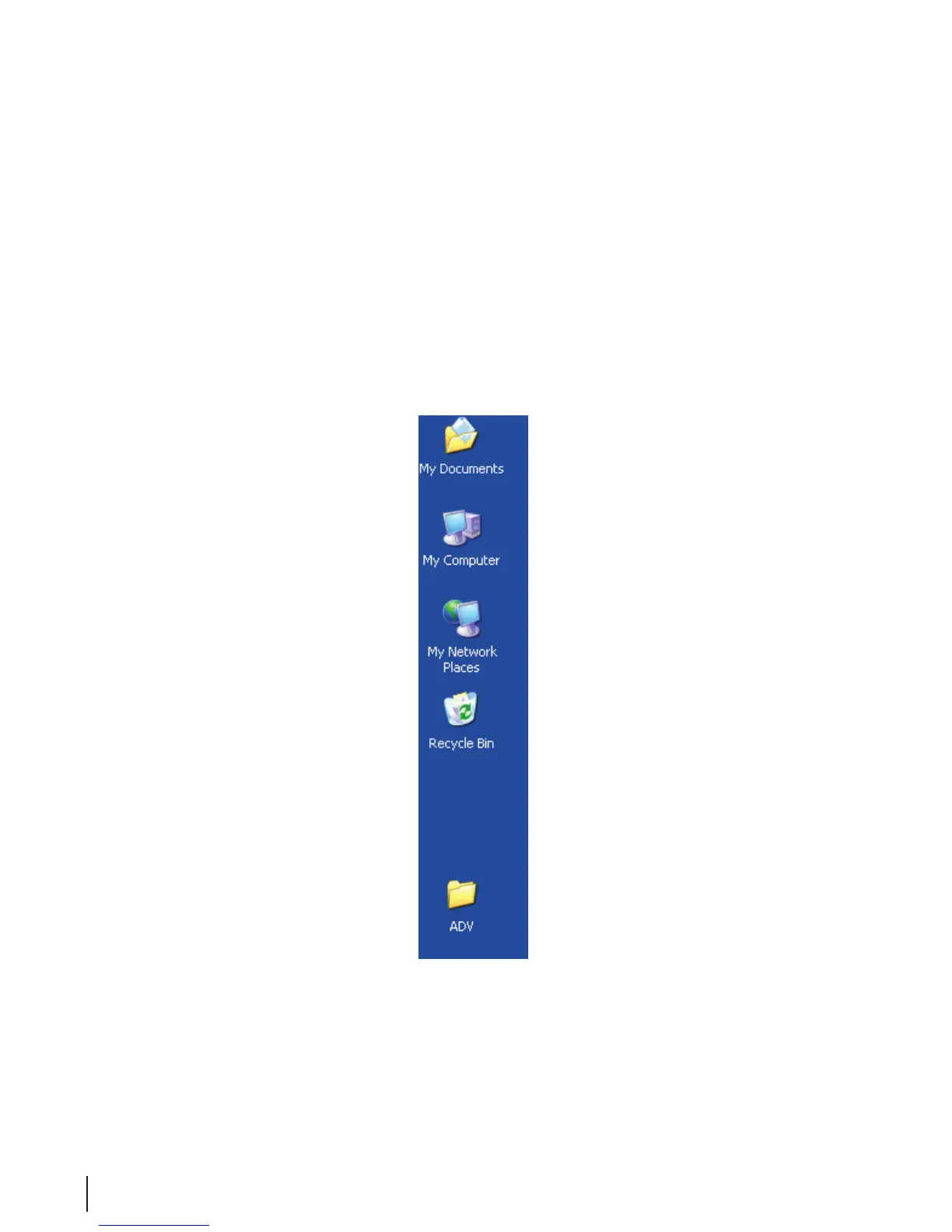
Windows desktop and double click on it. It is titled “ADV”.
Figure 13 MEDIVATORS ADVANTAGE PLUS System Folder on the Desktop



 To Next Page