59
Remove, rell and replace the detergent reservoir.
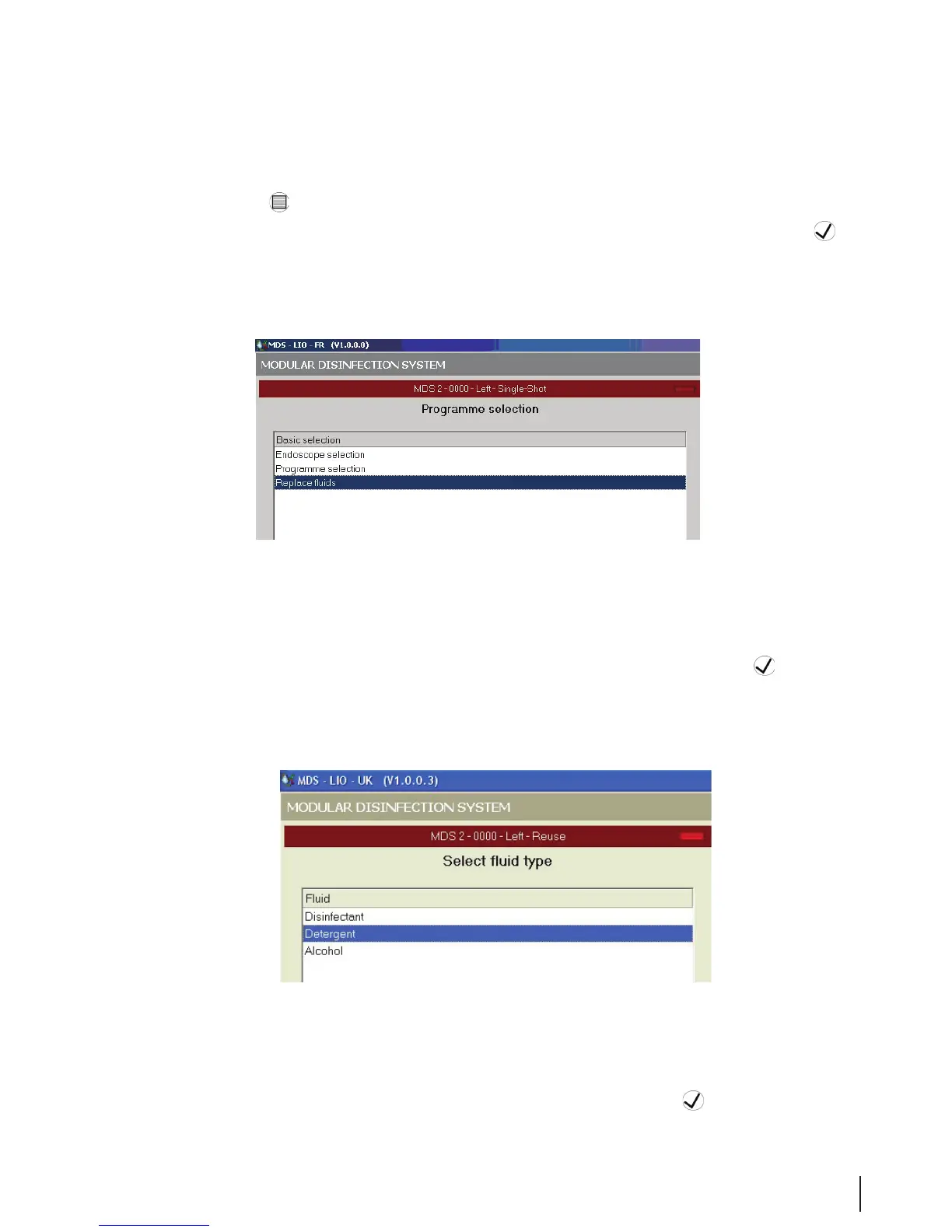
1. Press the Menu
button on the control panel. Log in to the system.
2. When the Program Selection screen opens, select Replace Fluids and click the OK
button.
Figure 7 Program Selection Screen
3. When the Select Fluid Type screen opens, select Detergent and click the OK
button.
Figure 8 Select Fluid Type Screen
4. Enter the code found on the manufacturer’s container and press the OK
button.



 To Next Page