6.10 Control at Panel Level
The measured values that will be displayed on the Measured Value Panels can
first be selected in the menu tree under Par/Conf/LOC. The user can select
different sets of measured values for the Operation Panel (LOC: Fct.
Operation Panel), the Overload Panel (LOC: Fct. Overload Panel), and the
Fault Panel (LOC: Fct. Fault Panel).
Only the Measured Value Panels relevant for the particular design version of the
given device and its associated range of functions are actually available. The
selected set of values for the Operation Panel is always available. Please see
Section 6.11.5.1, (p. 6-22) for instructions regarding selection. If
“MAIN: Without function” has been selected for a given panel, then that
panel is disabled.
The Measured Value Panels are called up according to system conditions. If, for
example, the device detects an overload or a ground fault, then the
corresponding Measured Value Panel will be displayed as long as the overload or
ground fault situation exists. Should the device detect a fault, then the Fault
Panel is displayed and remains active until the measured fault values are reset,
by pressing the CLEAR key, for example.
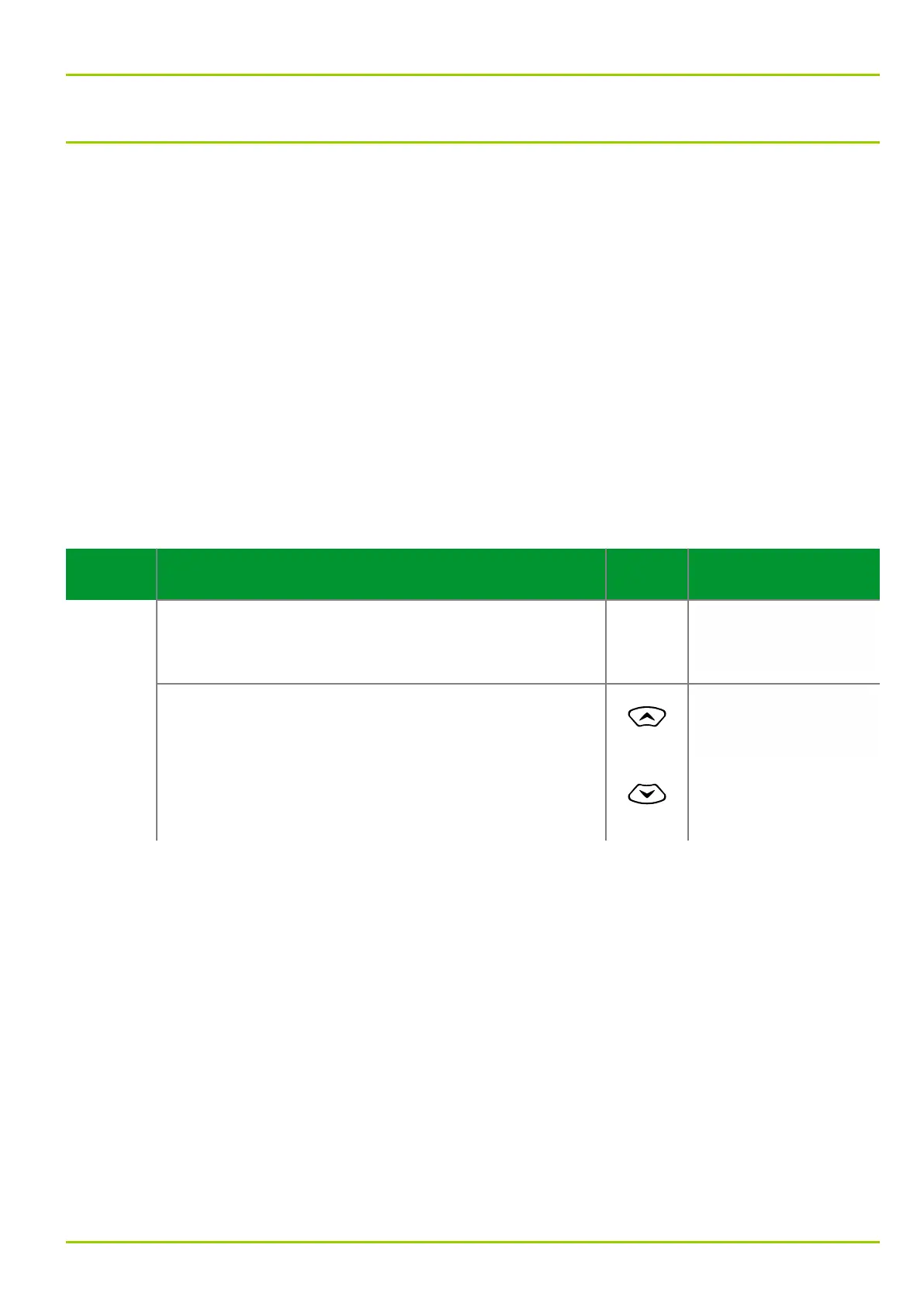
Control Step / Description Control
Action
Display
Step 0
Two measured values can be displayed simultaneously
on the Panel.
Voltage A-B prim.
20.7 kV
Voltage B-C prim.
20.6 kV
Step 1
If more than two measured values have been selected,
they can be viewed one page at a time by pressing the
“up” or “down” keys.
The device will also show the next page of the
Measured Value Panel after the set Hold-Time for
Panels (LOC: Hold-time for Panels, located at “Par/
Conf” in the menu tree) has elapsed.
or
Voltage C-A prim.
20.8 kV
Current A prim.
415 A
6 Local Control (HMI)
P631
P631/EN M/R-11-C // P631-310-650 6-15



 To Next Page