6.11.9 Changing the Password
6.11.9.1 Local Control Panel with Password Protection
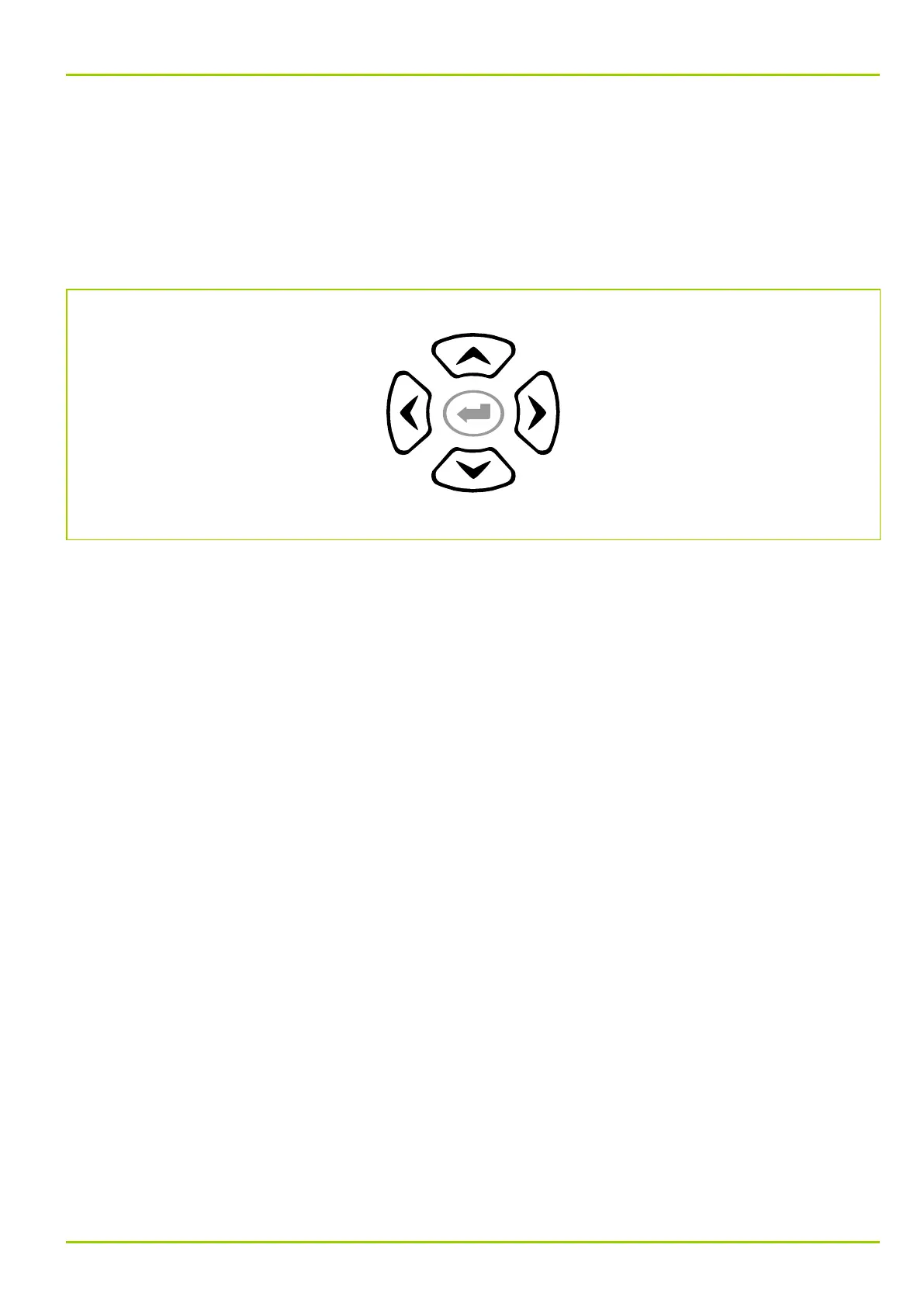
The password consists of a combination of keys that must be entered
sequentially within a specific time interval. The “left”, “right”, “up” and “down”
keys may be used to define the password and represent the numbers 1, 2, 3 and
4, respectively:
1
3
4
2
The password can be changed by the user at any time. The procedure for this
change is described below. The starting point is the factory-set password.
6 Local Control (HMI)
P631
P631/EN M/R-11-C // P631-310-650 6-31



 To Next Page