Control Step / Description Control
Action
Display
Step 0
In the menu tree “Oper/CtrlTest/MAIN”, select the
parameter MAIN: Man. trip cmd. USER.
Oper/CtrlTest/MAIN
Man. trip cmd. USER
Don't execute
Step 1
Press the ENTER key. Eight asterisks (*) appear in the
fourth line of the display.
Oper/CtrlTest/MAIN
Man. trip cmd. USER
Don't execute
********
Step 2
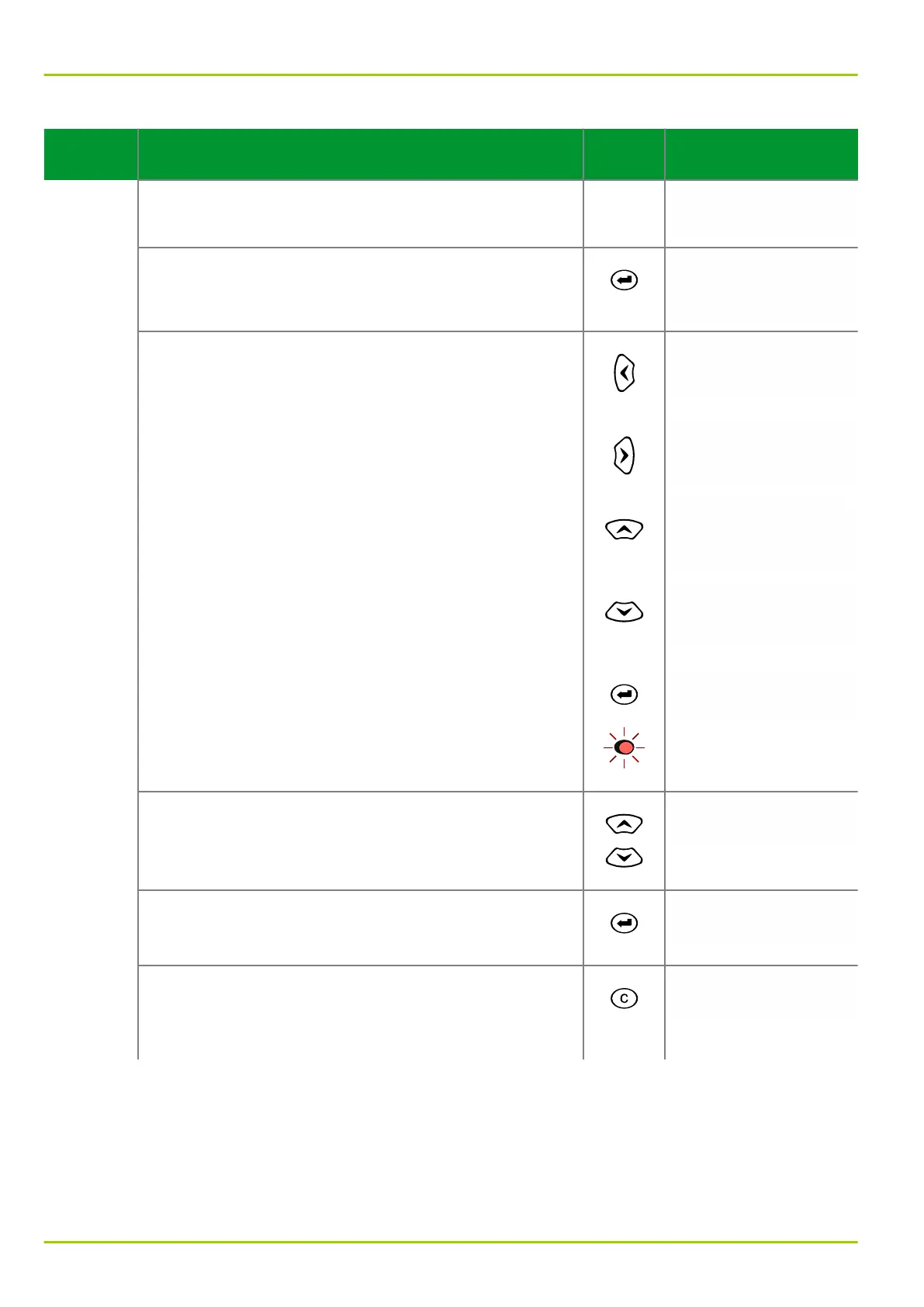
Press the following keys in sequence:
“Left”
Oper/CtrlTest/MAIN
Man. trip cmd. USER
Don't execute
*
“Right”
Oper/CtrlTest/MAIN
Man. trip cmd. USER
Don't execute
*
“Up”
Oper/CtrlTest/MAIN
Man. trip cmd. USER
Don't execute
*
“Down”
The display will change as shown in the column on the
right.
Oper/CtrlTest/MAIN
Man. trip cmd. USER
Don't execute
*
Now press the enter key. The LED indicator labeled
EDIT MODE will light up. This indicates that the setting
can now be changed by pressing the “up” or “down”
keys.
Oper/CtrlTest/MAIN
Man. trip cmd. USER
Don't execute
Step 3
Change the setting to execute.
Oper/CtrlTest/MAIN
Man. trip cmd. USER
Execute
Step 4
Press the enter key again. The LED indicator labeled
EDIT MODE will go out. The unit will execute the
command.
Oper/CtrlTest/MAIN
Man. trip cmd. USER
Don't execute
Step 5
As long as the LED indicator labeled EDIT MODE is on,
the control action can be terminated by pressing the
CLEAR key. The LED indicator labeled EDIT MODE will
be extinguished.
Oper/CtrlTest/MAIN
Man. trip cmd. USER
Don't execute
P631
6 Local Control (HMI)
6-30 P631/EN M/R-11-C // P631-310-650



 To Next Page