Version 1.10 Page 107 of 203
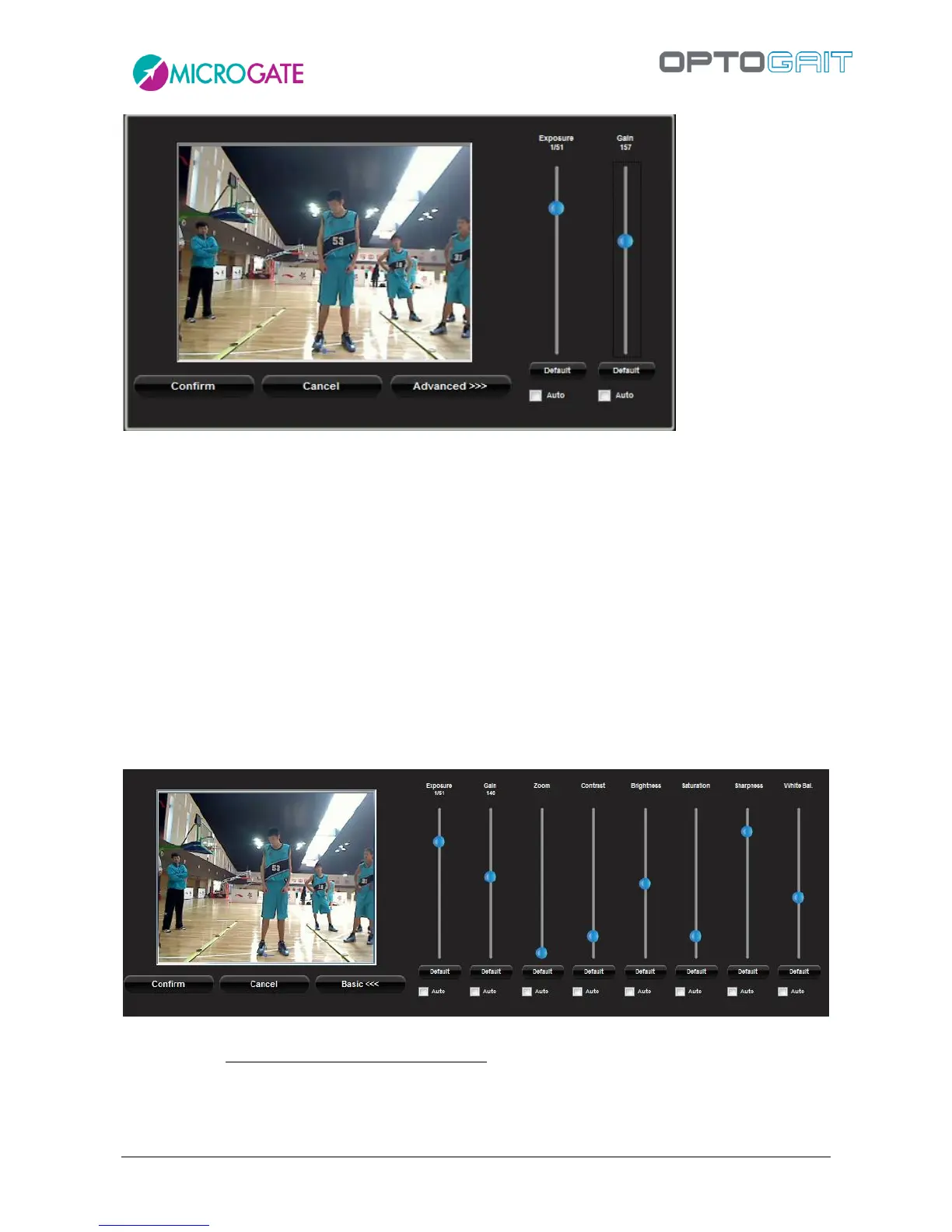
Figure 93– Basic Panel for Webcam configuration
Press the <Advanced> button to display other commands.
Zoom allows you to apply a digital zoom via software.
Contrast, Brightness, Saturation, Sharpness allows you to adapt the image; it is advisable to
move the corresponding cursor to test the effects of the command.
White Balancing is useful when working in closed rooms with very warm lights (e.g.,
tungsten, which gives a yellowish hue) or very cold lights (e.g., neon, which gives a bluish
hue). You should frame something neutral (e.g., a sheet of white paper) and remove any
dominant colors using the cursor.
Focus allows you to focus manually in those rare cases when the autofocus does not work.
Figure 94– Advanced Panel for Webcam configuration
Remember to save changes by pressing <Confirm>.



 To Next Page