Version 1.10 Page 38 of 203
4.1.1.2 IMPORTING AND EXPORTING ATHLETES' PERSONAL DATA EXCEL
Once compiled in OptoJump Next, the Athletes' Personal Data can be
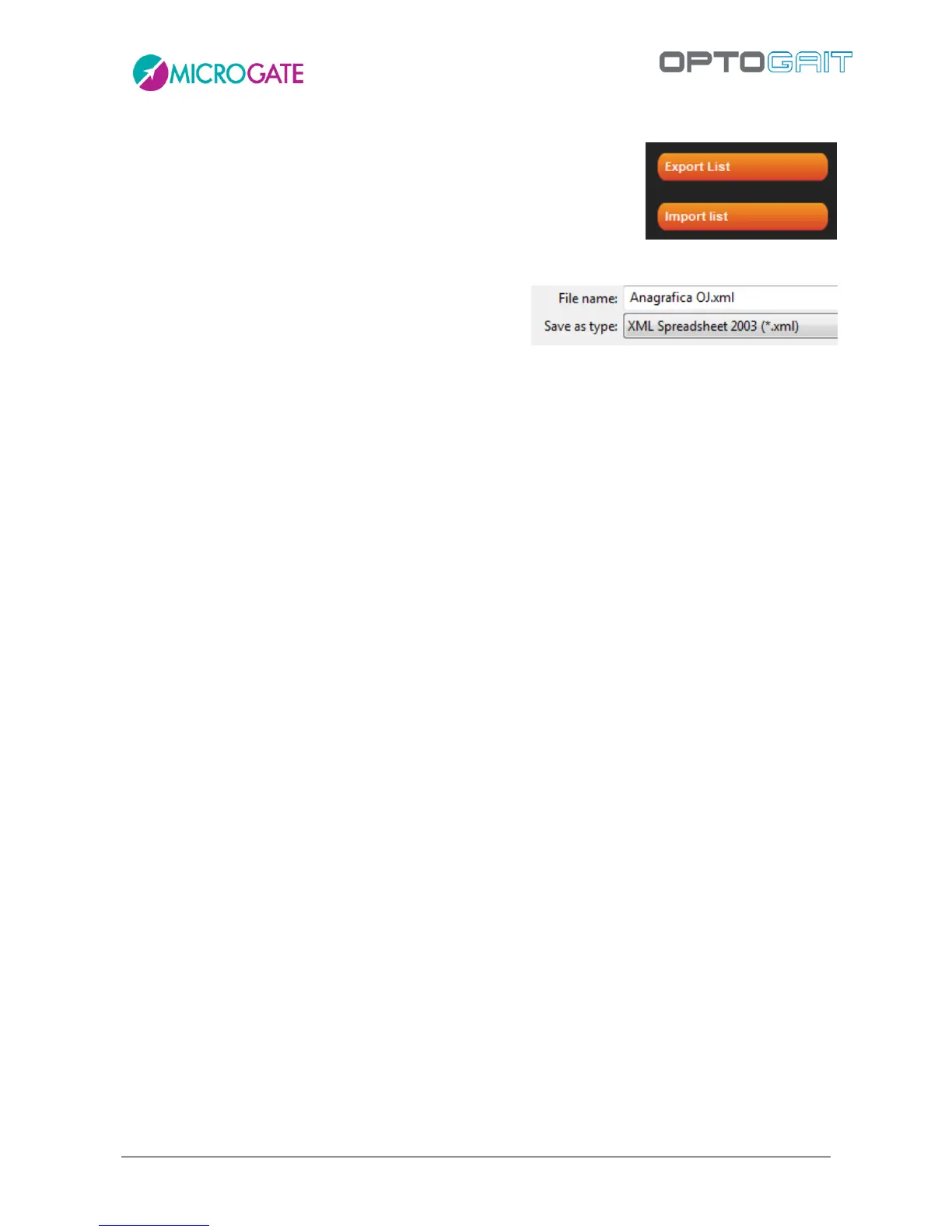
exported into an Excel-compatible format (XML Spreadsheet 2003).
Press <Export List> and specify the name and location of the XML file. If
you have Microsoft Excel installed on your computer, double-click on
the file icon to launch the program and view the columns with all relevant athletes' data.
If you already have an athletes' list created with another
software, it can be imported with OptoJump Next
preparing a normal Excel file with the same format as
the export file (number, location, column headers and format 'XML Spreadsheet 2003'). It is
recommended to export an empty personal data base to create a file template and fill it with the
desired information. Attention must be paid to the birth date format (DD/MM/YYYY) and the
'Gender' field ('M' or 'F'). The pre-configured fields 'Sport' and 'Discipline' are only available from
the dropdown menu. Possible errors during the import are listed in a log window at the end of the
import (if the error is not blocking, the athlete is added anyway, but with any possible wrong fields
empty).



 To Next Page