Version 1.10 Page 24 of 203
2.1 DESCRIPTION
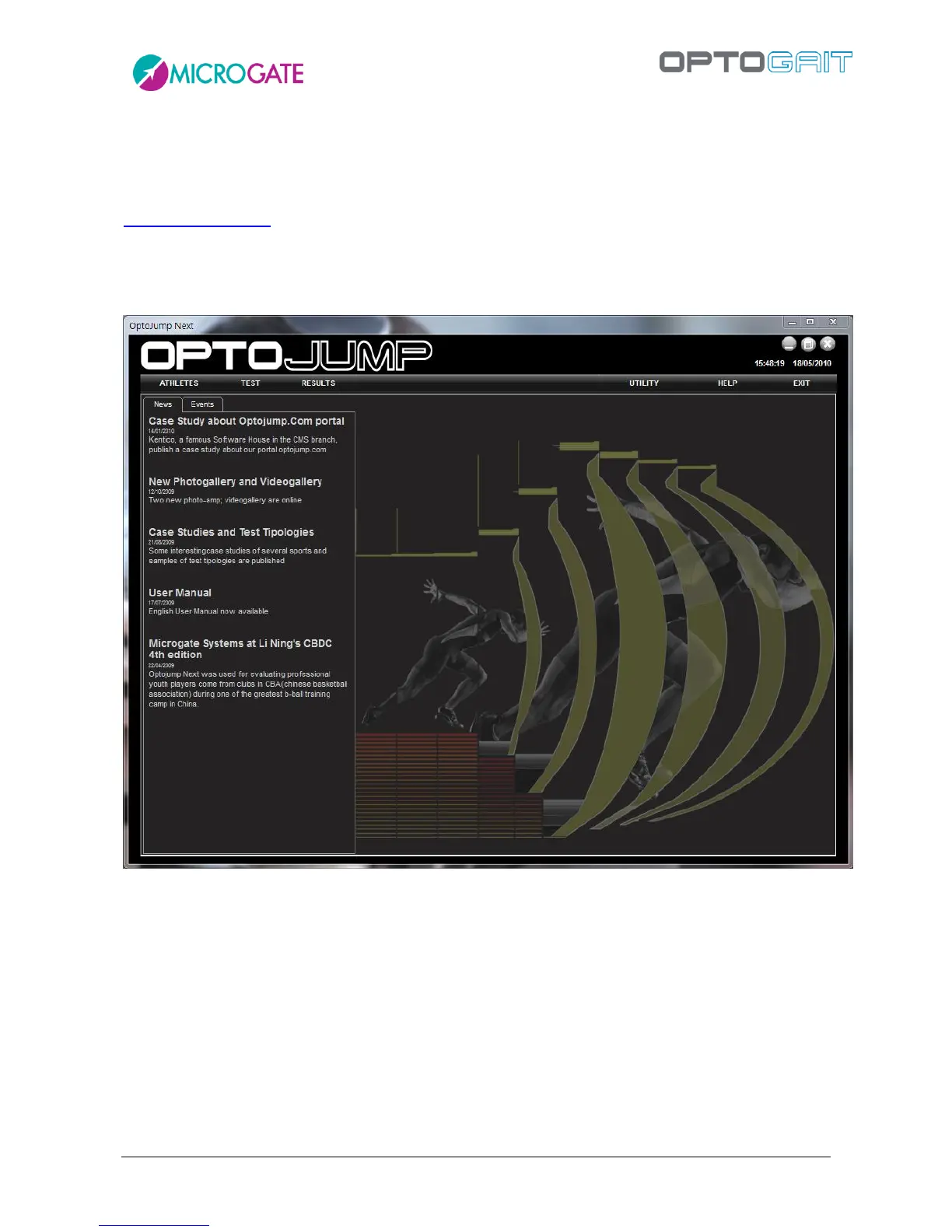
The welcome screen of the OptoJump Next software shows a horizontal bar with the most
important menu items and an area with News and Events, automatically updated from the web site
www.optojump.com in the appropriate language. If a network connection is not present, the
information will not be downloaded; it is also possible to deactivate the Internet connection with a
configuration parameter (see chap. 4.4.1.7). Click on a news title or an event to open the complete
description in a browser window.
Figure 9 – First page
The interface with which the OptoJump Next system is managed is divided into three main sections:
Athletes, Tests and Results.



 To Next Page