Version 1.10 Page 79 of 203
4.3.1 VIEW
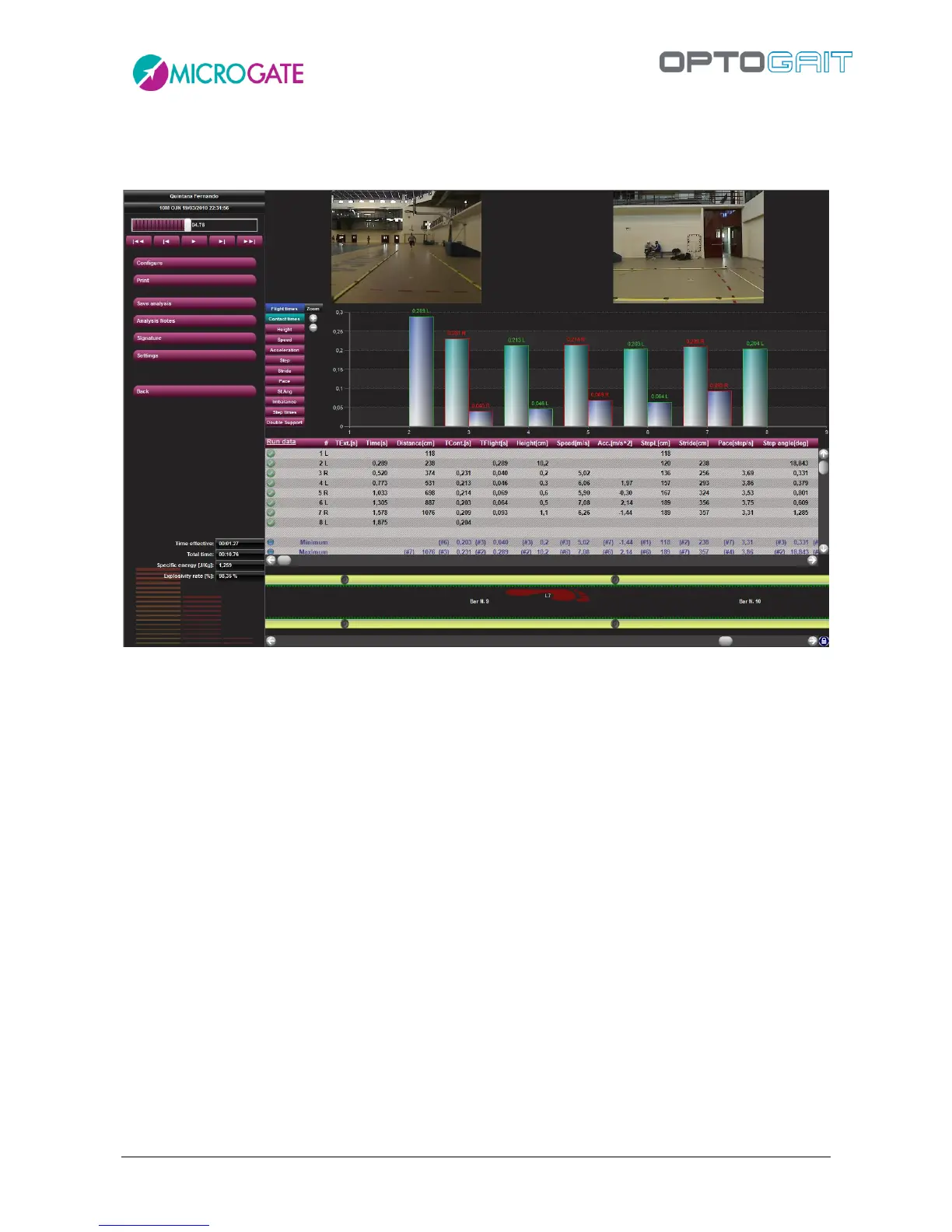
In this section the test selected is displayed.
Figure 58 – View
The items on the left from top to bottom are the following:
name of the athlete
test type and execution date
VCR player with slider and commands for managing the acquired video(s)
command buttons for activating various functions
<Back> button to close the mask View and go back to the Test list.
total test data
On the right there are 4 types of information regarding the current test; each set of information can
be shown/hidden using the configuration commands.
The items from top to bottom are the following:
Videos acquired by (one or two) webcam(s); if the webcams are not connected when the
test is performed, a fixed image with the Microgate logo will appear



 To Next Page