Version 1.10 Page 46 of 203
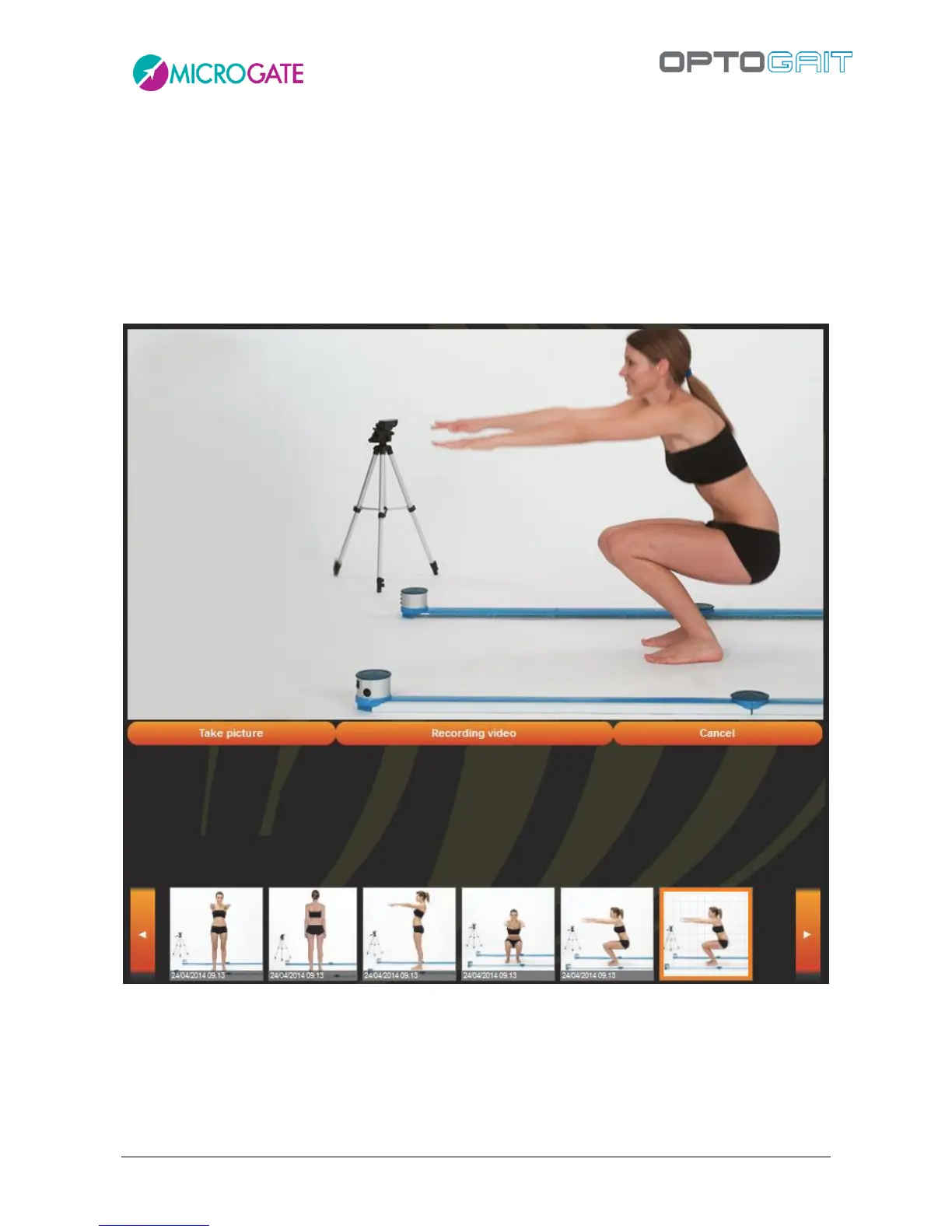
4.1.3.1 ACQUISITION FROM WEBCAM
If no photographs have been taken and are ready to import, we can make use of the installed
webcam (perhaps setting it to the maximum resolution as described in chapter 4.4.1.4.2). Click
<Record from Video>. The webcam frame preview will be displayed. Click <Photo acquisition> to
take a photograph which will be automatically added to the carousel. Press <Start Video Recording>
to begin recording; the button (which has become <Stop Video Recording>) flashes to indicate
recording is in progress. When we click to stop the recording, the video is saved and added to the
carousel.
Figure 33 - Record Video from Webcam



 To Next Page