Version 1.10 Page 45 of 203
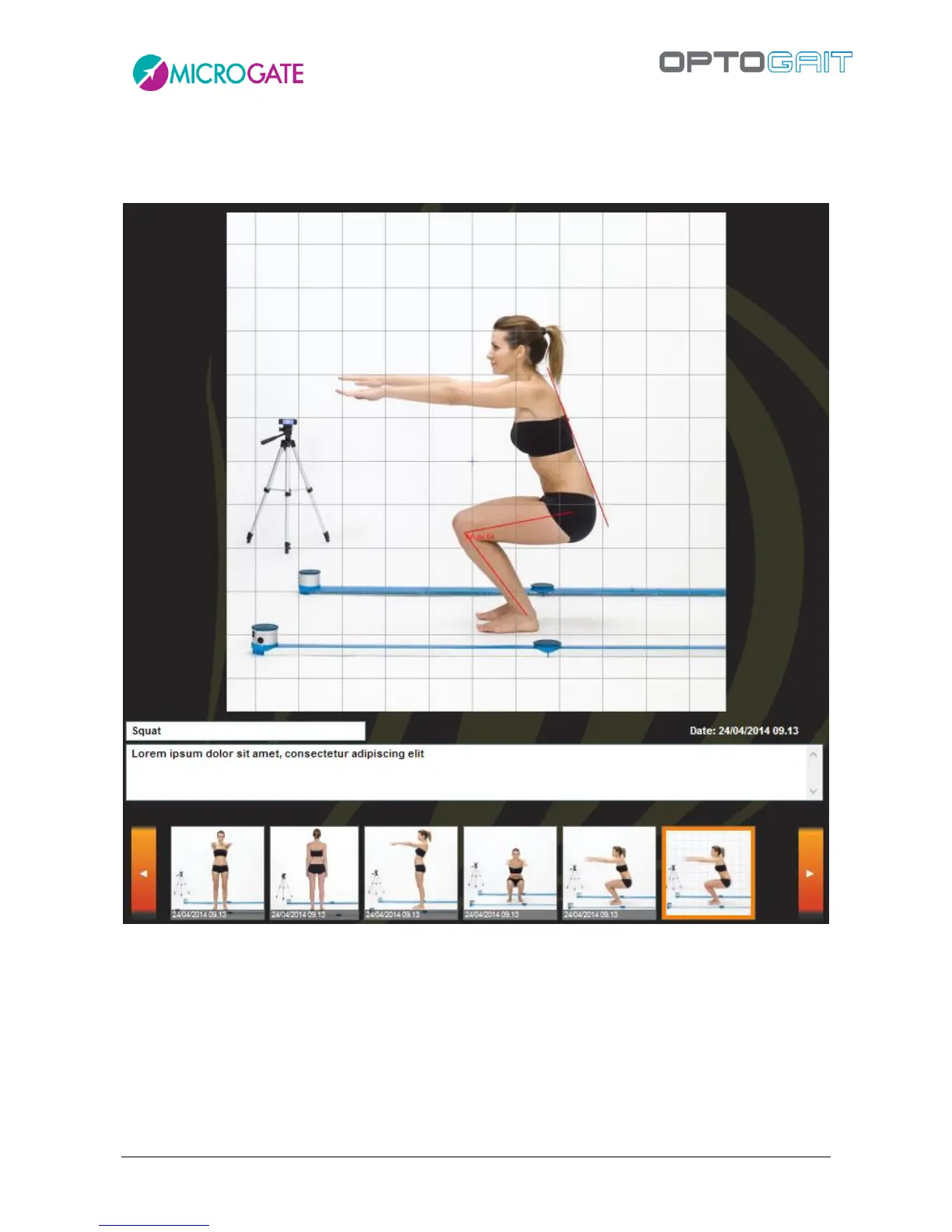
When we are viewing a single image (or a still taken from a video), we can double-click - directly
on the photo and not the thumbnail - to open the image editor with its various design tools,
angles, etc. If we click Save, the image is saved with our annotations.
Figure 32 - Photograph edited in the Still Image Analysis tool



 To Next Page