Version 1.10 Page 123 of 203
4.4.6.2 SPORTZONE SETUP
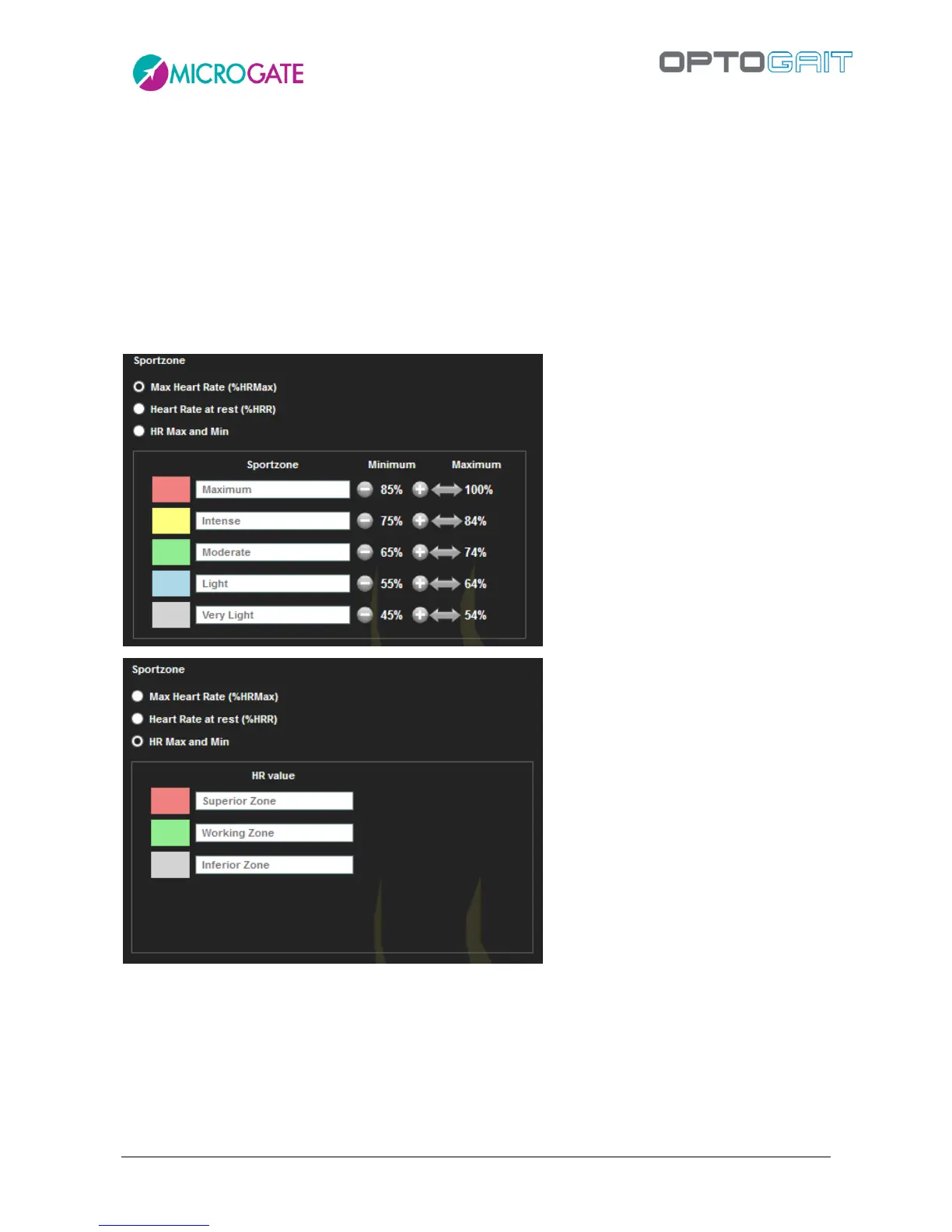
From the Utility menu you can configure how the so-called "SportZone" will be displayed on graphs
of executed tests. There are 3 possible settings:
5 colored bands (with customizable names), each one being a percentage of the athlete's
Maximum Heart Rate
5 colored bands (with customizable names), each one being a percentage of the athlete's
Resting Heart Rate
3 colored bands (with customizable names), respectively below, within and above the set
bottom and top limits



 To Next Page