Version 1.10 Page 108 of 203
4.4.1.4.2 Other video-related configurations
End of time video acquisition [s]: this is the time between the end of the test and the
end of video acquisition (i.e. a certain number of extra seconds are recorded after the
end of the test).
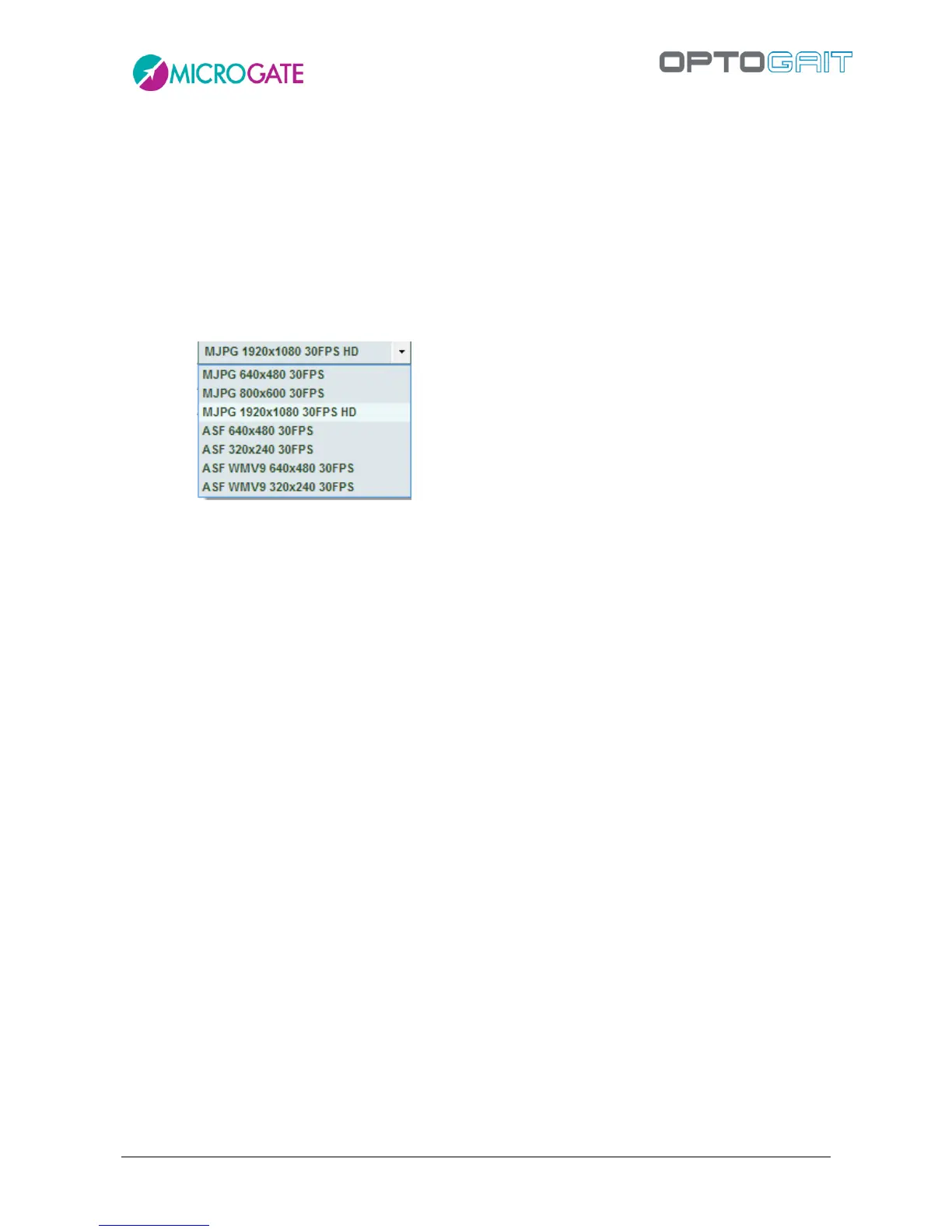
Acquisition Format: allows you to choose the format for saving videos, which can be in
ASF (more compact and compatible with Windows Media Player), AVI (also compatible
with other players but less efficient compression) MJPEG or H.264 (the more
compressed and efficient). Plus, depending on the webcam connected, it allows
selection of different sampling resolutions (from the lowest 320x240 up to fullHD
1920x1080).
Preview First Step: If enabled, the Gait Test required a visual confirmation, via a pop-up
of the starting foot (see chap. 4.3.1.6).
Preview Time [sec.]: After this number of seconds the preview window is closed
automatically.
4.4.1.5 SPRINT/GAIT TEST CONFIGURATION
The configurations of this test type include:
Direction of entry: allows you to indicate if the Running/Gait entry direction is from the
‘interface side’ (drum) or from the ‘opposite side’. If ‘automatic’ is chosen, OptoJump
Next automatically calculates the direction, considering the LED nearest the center of
the foot as the beginning of the LEDs.
Test timeout [ms]: this is the test end timeout in milliseconds; if during a test with
‘Timeout’ stop type no input or output signal is received from the measurement area by
the OptoJump device for a period longer than or equal to the time set here, the test is
considered completed.
External signal holdoff [ms]: is the holdoff time between two consecutive external
signals. Caution has to be applied for this value, because it may depend on the type of
test being carried out.
Step length calculation: allows you to choose whether to calculate step length as the
distance between the tips of two successive feet or as the distance between the heels of
two successive feet.



 To Next Page