Version 1.10 Page 128 of 203
4.5 BIOFEEDBACK
The BioFeedback module (available as of version 1.10) was inspired by the “Video Feedback” feature
(Sect. 4.2.1.2) where the user can see some basic test parameters in real time on a second monitor
(usually a large TV or a screen/tablet placed in front of the treadmill).
By trying to optimize these parameters while performing the test, for example by minimizing
asymmetries or lengthening the stride, the patient "trains" and uses the system as a working tool
instead of as an instrument of diagnosis.
The main difference compared to the normal tests described in the previous sections is that data
are NOT saved in the BioFeedback module and are NOT paired with any user; it is just a very fast
"start & run" module with a minimal user interface, designed also to be used directly by the end
patient instead of by the technician/operator.
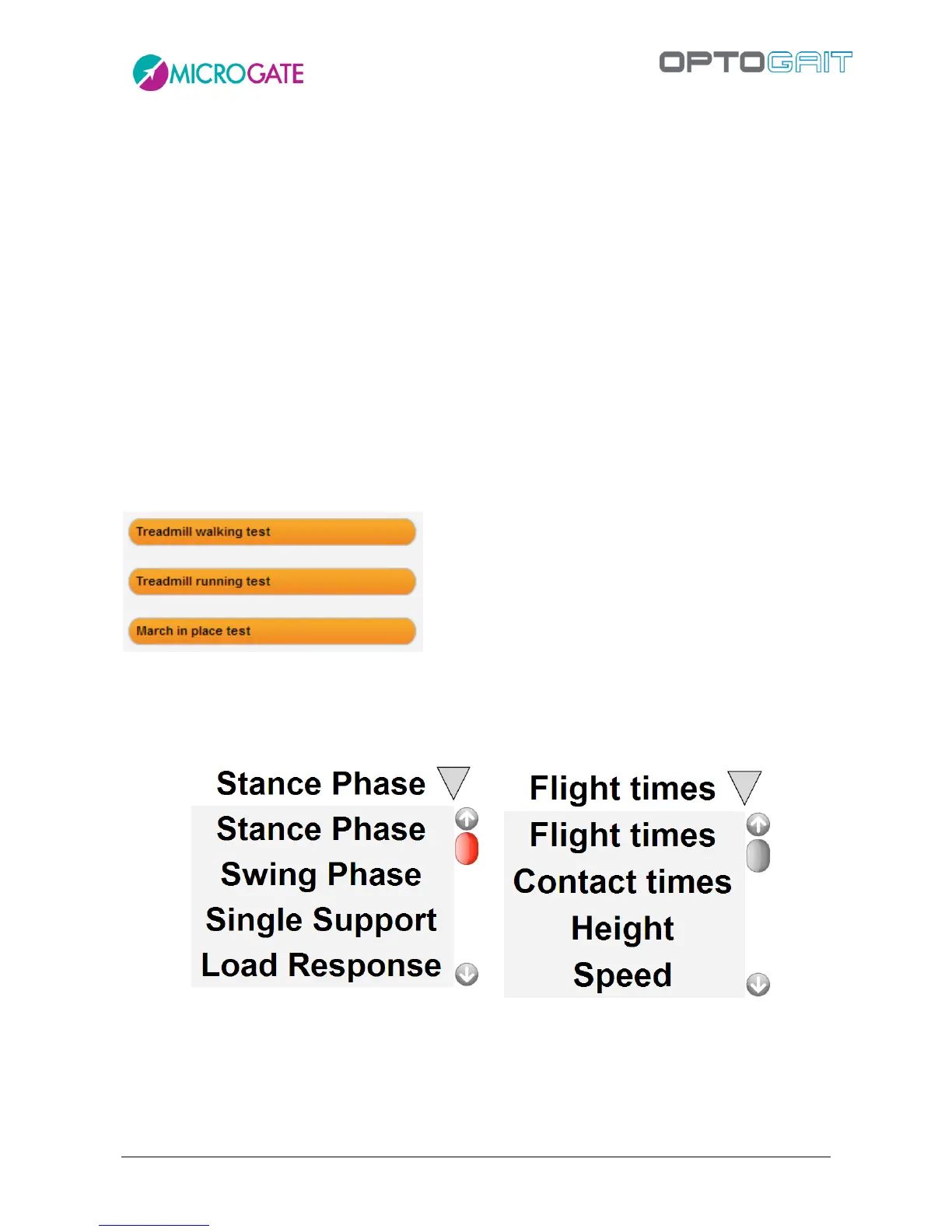
First you are asked which of the three types of currently available tests you want to perform: clicking
on one of the three buttons on the second monitor (or on a new window if you have only one
monitor) shows the BioFeedback user interface.
At top centre we see the parameter that we want to monitor, by clicking on the triangle to its right
we can change it with one of those available (the parameters vary depending on the type of test
we chose).



 To Next Page