Version 1.10 Page 57 of 203
4.2.2 DEFINE / EDIT TESTS
In this section the definitions of the tests to be performed can be defined or edited.
As described in the section above, in the OptoJump Next software the definition, execution and
viewing of tests are often characterized by three categories: Performance (athletic performance),
Gait Analysis and Rehab (rehabilitation).
Figure 36 – Test Macrotypology
These categories are used to filter data in order to prevent, for example, viewing the results for
athletic performance together with those for rehabilitation. Click on one of the three categories to
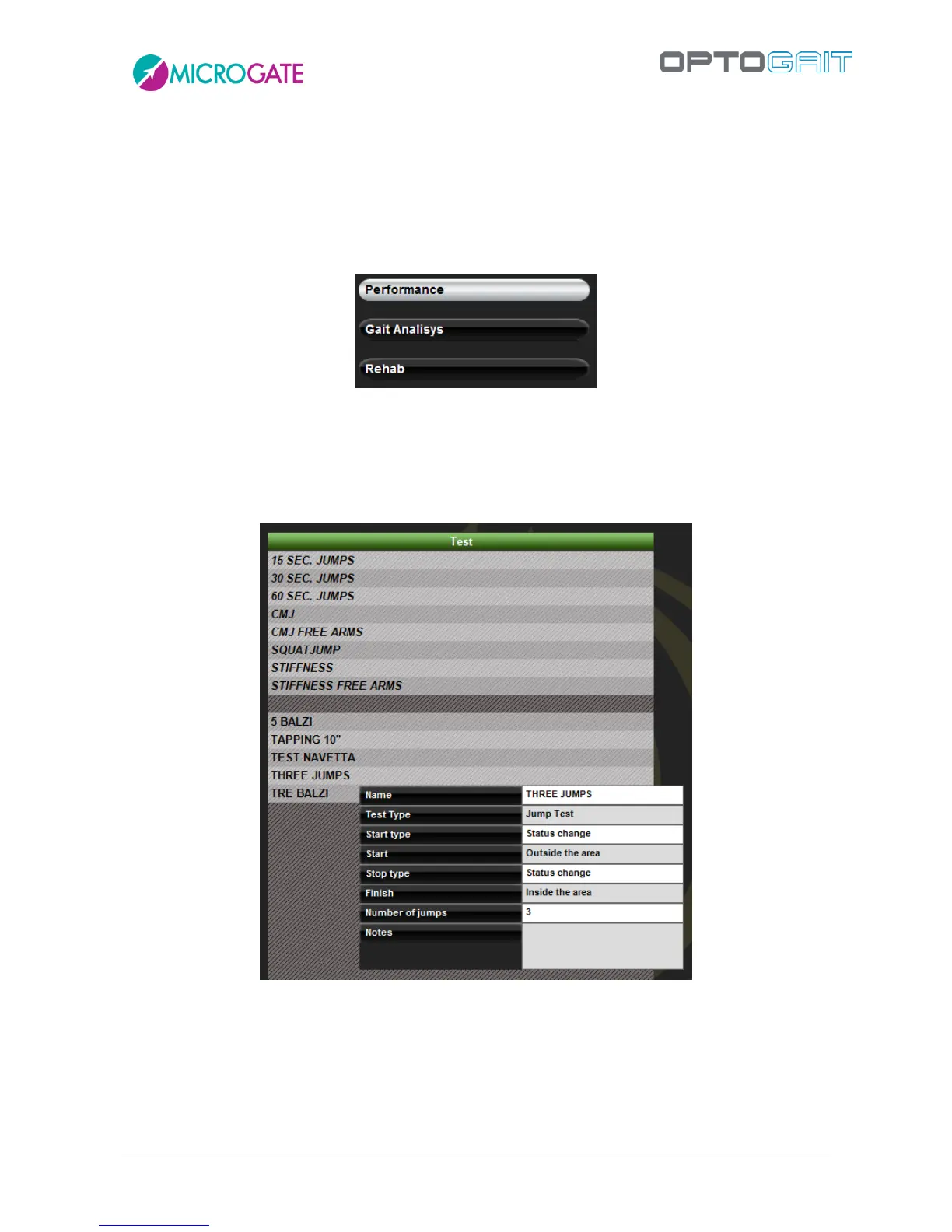
view the list of tests pre-defined by Microgate or those you have added yourself in the grid (in the
example below ‘Three Jumps’ is a test added by the user).
Figura 37 Define Edit Test
If the mouse is pointed on a test, its characteristics (which are those that will be used to define a
new one) will be displayed.
By pressing <New Test> the section for defining a test is opened.
The fields necessary for defining a test are the following:



 To Next Page