Version 1.10 Pag. 180 di 203
5.5 MANAGING IMAGES
When saving an image (or two images in the case of video frames of a test
comparison) it is possible to add a caption (i.e. a short name used as title) and a
note (a larger field for an image description).
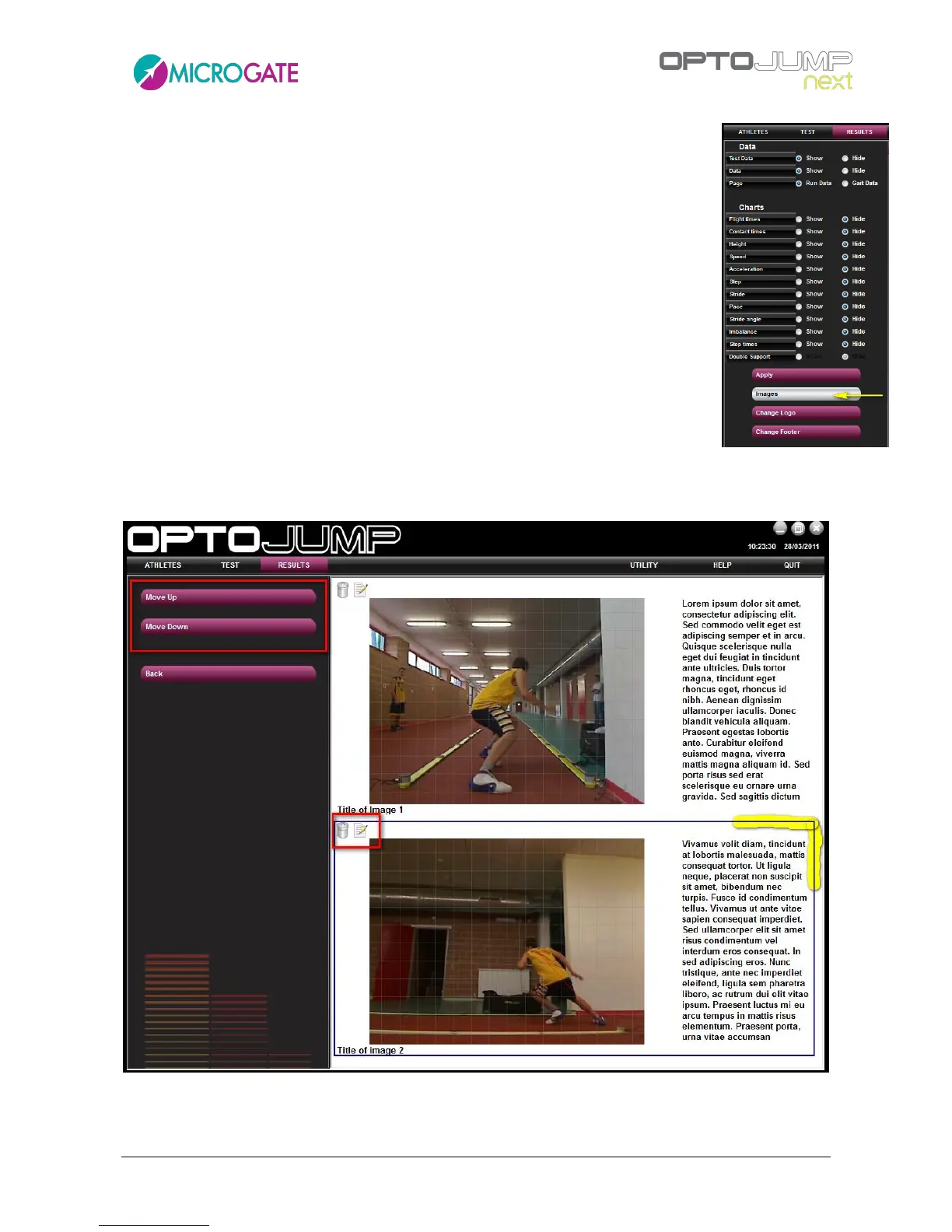
Images are managed (caption and note editing, changing of order of appearance
and possible deletion) using the button <Images> in the Print section (chap.
4.3.1.8).
In this area there is a list of images added to the report in chronological order, each
one having two icons - edit and delete - for editing captions and notes, and for
deleting images from the report.
The order of appearance can be changed selecting the photo to be moved (a
selected picture has a black frame) and clicking <Move up> or <Move down> in the
left button bar.



 To Next Page