Version 1.10 Pag. 179 di 203
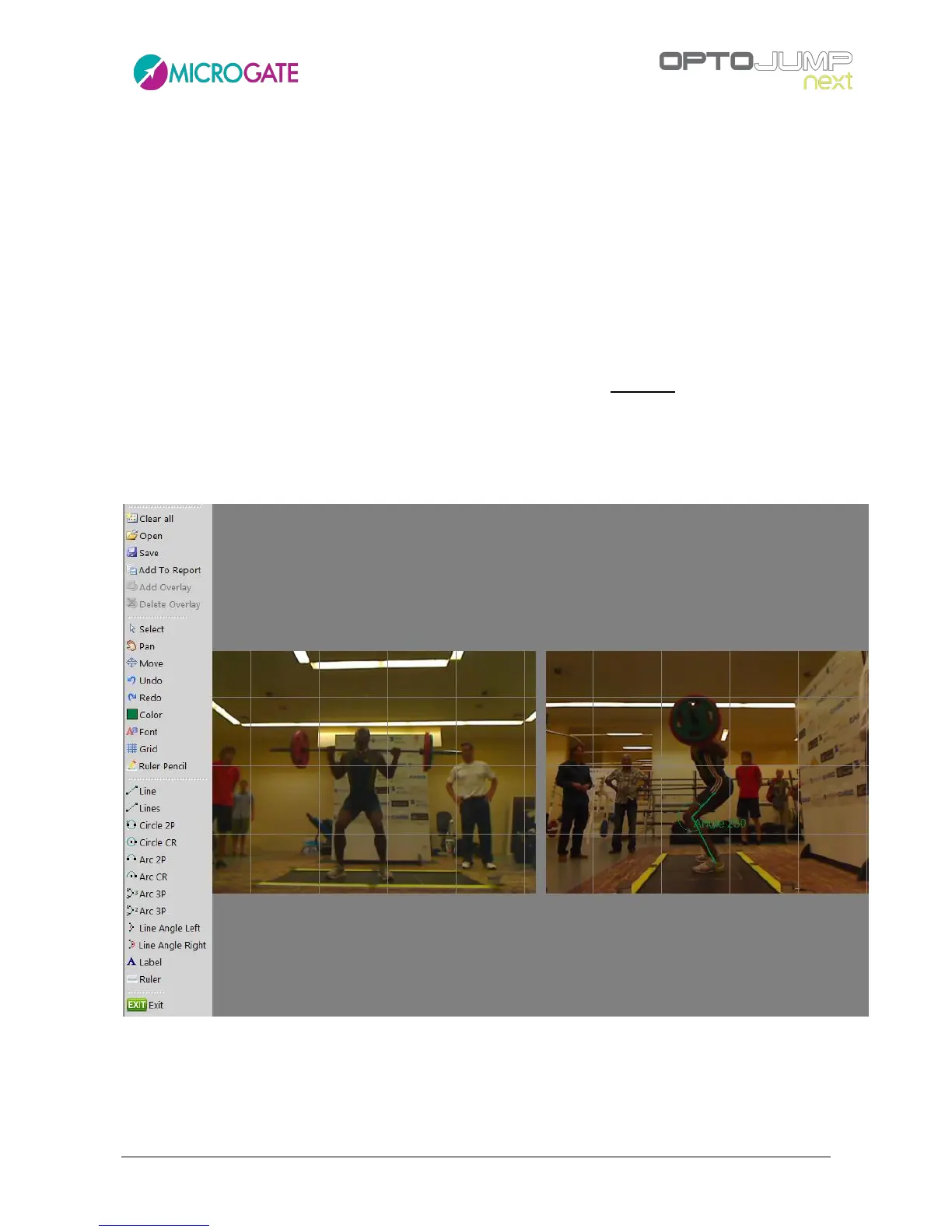
Draw center-radius circumference
Draw two-point arc
Draw center-radius arc
Draw three-point arc (Start / End / Include)
Draw three-point arc (Start / Include / End)
Draw lines viewing internal angle
Draw lines viewing external angle
Text tool
Line with measure: draw a line with length indication calculated after having used the
tool Measurement Ruler. WARNING: the measurement must be made on the same level
of the item measured before (e.g., have the athlete stand sideways to a step of a known
height, use the tool ‘Sample Ruler’ to measure the step, then measure the athlete with
this tool).
To exit press the EXIT symbol at the end of the tool bar.
Figure 119 - Toolbar and double image under analysis



 To Next Page