Version 1.10 Page 124 of 203
The percentages of the various bands of course refer to the frequency of every single athlete and
must be entered in the relevant fields of each athlete's card.
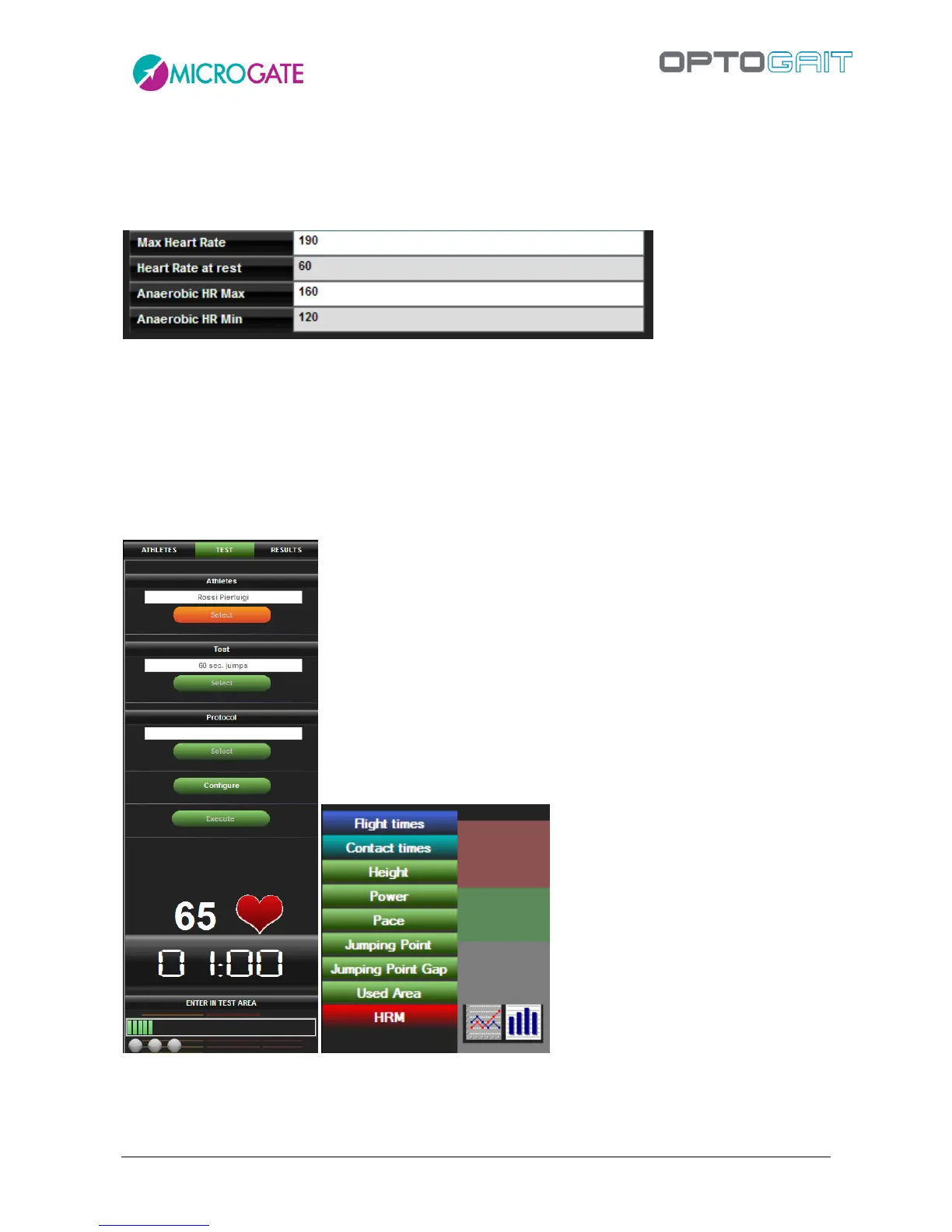
Open an athlete's card, press <Next>>> in the lower right corner to go to the second page of the
card and edit the 4 required values. Press <Save> to confirm the changes.
The correct configuration and assigning of a heart-rate monitor is shown in the Test > Execute
section.
Selecting any test and pressing Execute, in the lower section a pulsing heart icon and the current
heart rate are displayed. Furthermore, the label HRM is added to the legend of values displayed in
the graphs. Similar to others, it can be turned off and on again by clicking on it and changed from
bar to line view (only in single display mode, if other measures are displayed, the graph always
shows lines).
Of course the colored band viewing mode is the configuration function of the above-mentioned
"SportZone" configuration. Changing the mode, the band values, colors and any customized labels
change.



 To Next Page