Version 1.10 Page 36 of 203
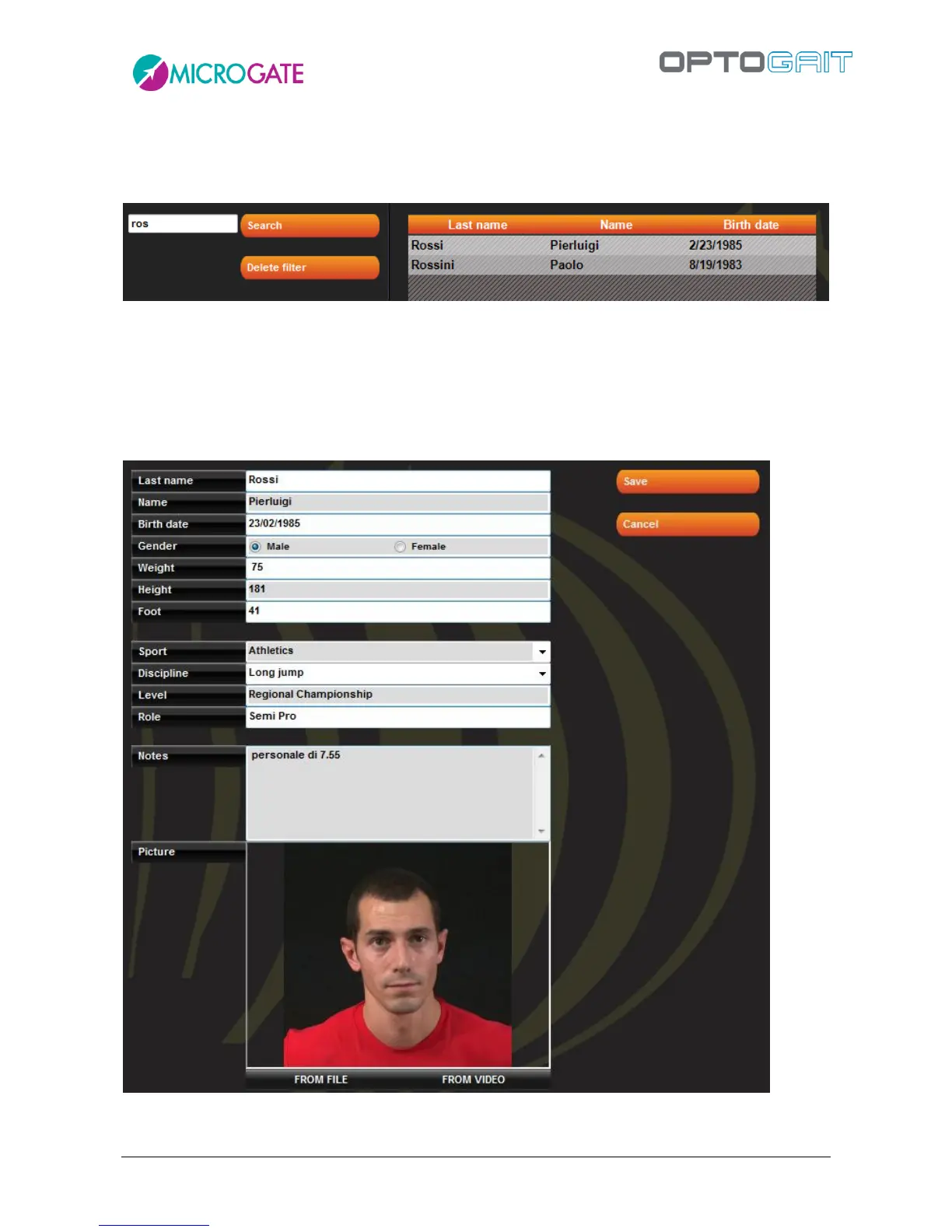
To search for a particular athlete or to filter data (e.g. search for all athletes beginning with “Ros”),
insert the text in the box at the top left and press <Search>. To remove the filter, press <Delete
filter>.
Pressing the button <New Athlete> opens a new panel in which the new athlete’s data must be
inserted. Last name is the only compulsory field. Also, the weight (given in kg or pounds depending
on the unit of measurement chosen in Basic Configuration) is necessary if you wish to use the tests
to determine the value for total power or total energy.
Figure 27 - Athlete Data input mask



 To Next Page