Version 1.10 Page 52 of 203
Chart
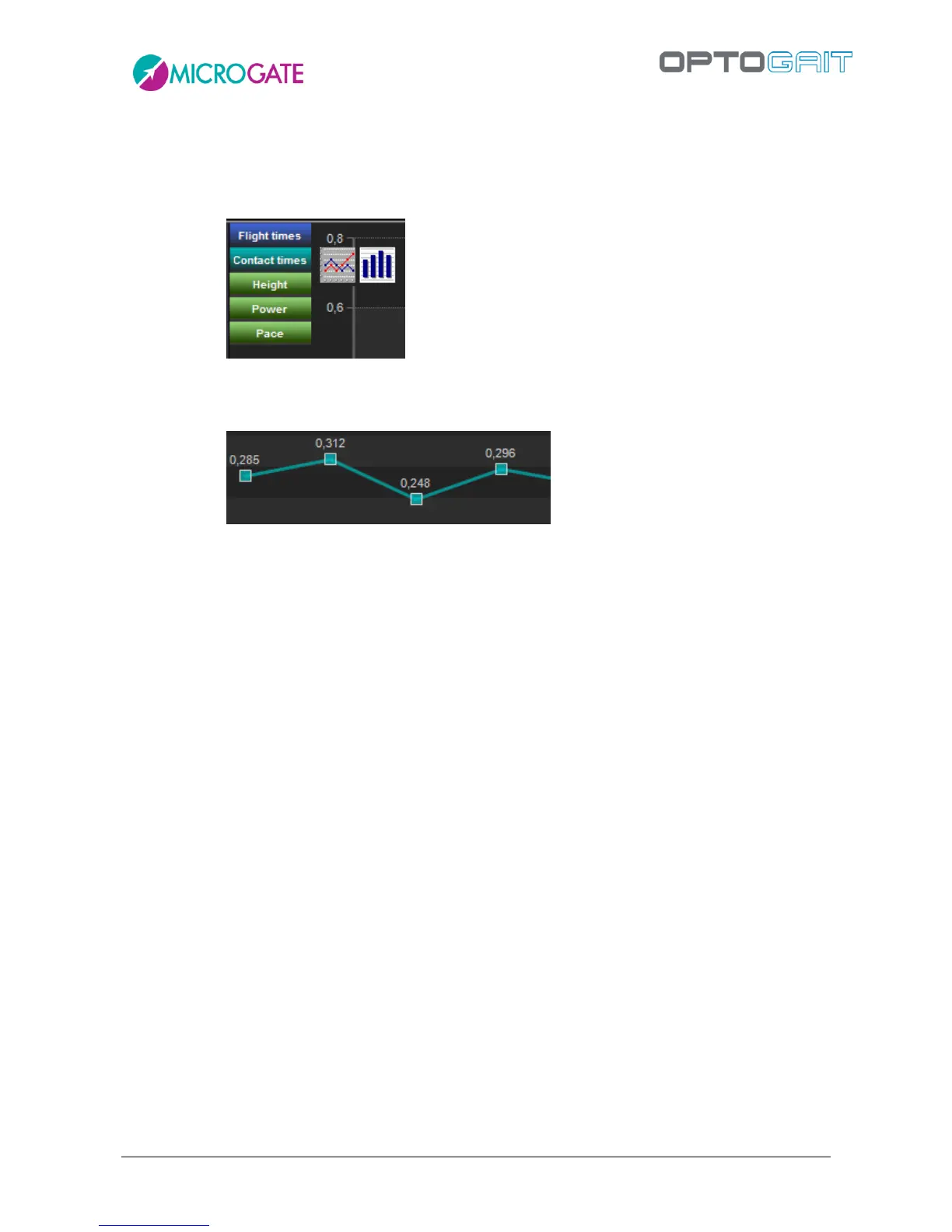
o Chart: shows/hides the chart during the execution; if ‘show’ is chosen, it is possible
to choose which values to display (Flight times, Contact times, Height, Power, Pace,
etc.) and how (bars or lines)
o Grid: shows/hides the white-dotted lines forming a grid on the chart
o Labels: displays/hides the labels for the numerical values on each spot of the chart
o View: displays the last n-number of acquired data items.
Data
o Data: shows/hides the numerical data table with its lines and columns
Video
o Video: shows/hides the videos acquired by the webcam



 To Next Page