Version 1.10 Page 55 of 203
Reference Value: only appears when Mode = Absolute Value and is the value taken as a
reference when calculating the thresholds. Obviously it should be set in line with the type
of measurement selected (e.g. 30 cm for height, 0.5 s for flight time, 70 cm for step length,
etc.).
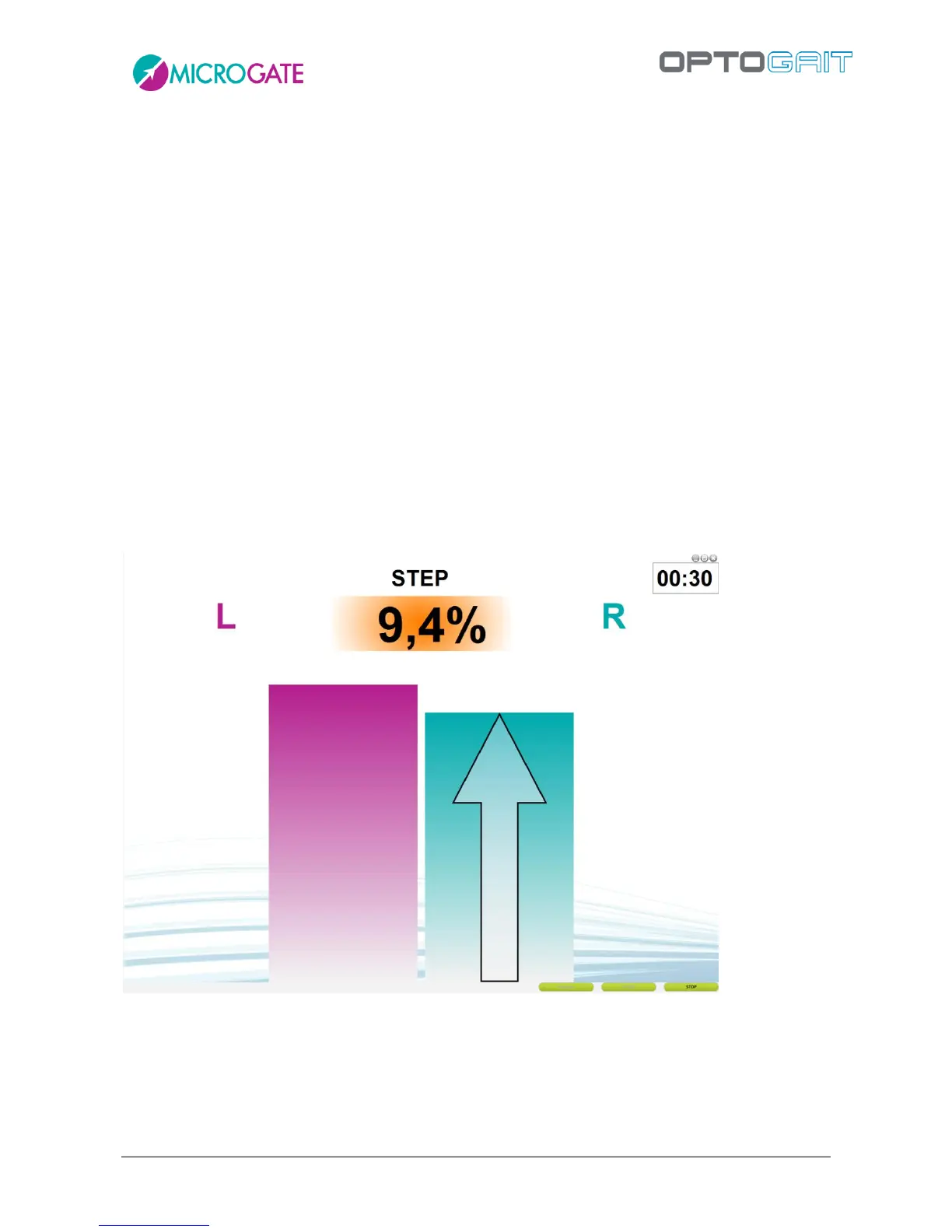
Warning Threshold: if the asymmetry is lower than this percentage, the value is displayed
on a green background, and if it is higher, the background color is orange
Bad Threshold: if the asymmetry is lower than this percentage, the value is displayed on an
orange background, and if it is higher, the background color is red. Setting for example the
warning threshold at 5% and the bad threshold at 10% the following background colors will
be used:
- 0 <= value < 5 = green
- 5 <= value <10 = orange
- >= 10 = red
Trend: if the asymmetry value exceeds the warning threshold, an indication for the patient
is displayed with an arrow on the value bar. The indication can be to increase the lower
value or to decrease the higher value.



 To Next Page