© Microhard Systems Inc. 108
4.0 Configuration
4.7 GPS
4.7.1 GPS > Location
Location Map
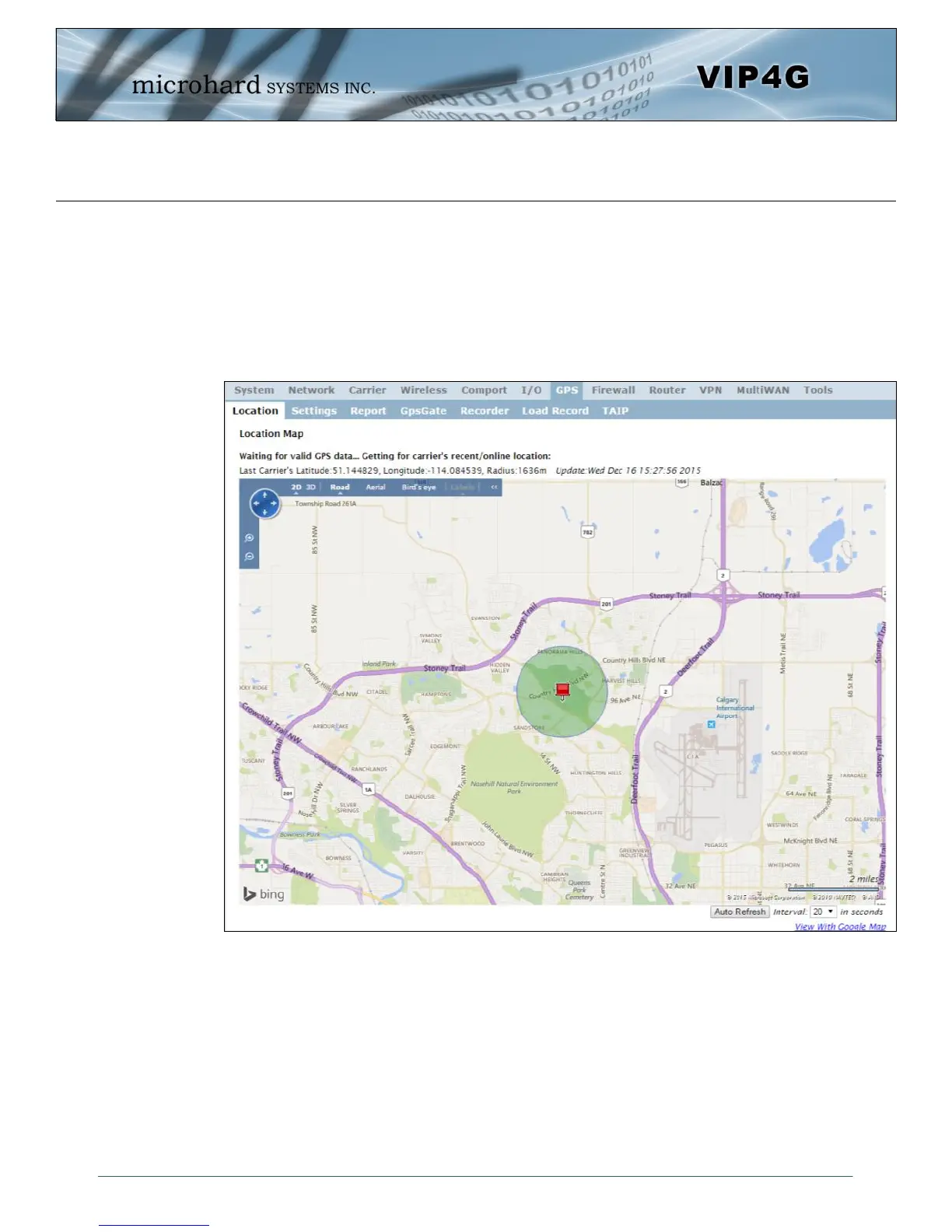
The location map shows the location on the VIP4G. The unit will attempt to get the GPS coordinates from
the built in GPS receiver, and if unsuccessful, will use the Cell ID location reported by the Cellular Carrier.
Image 4-7-1: GPS > Location Map
When using standalone GPS the specific coordinates are shown as in the above screenshot. If the VIP4G
is unable to locate GPS satellites, or if configured to use Embedded Carrier GPS, only the estimated
location of the VIP4G is shown with a radius drawn on the map.



 To Next Page