© Microhard Systems Inc. 92
4.0 Configuration
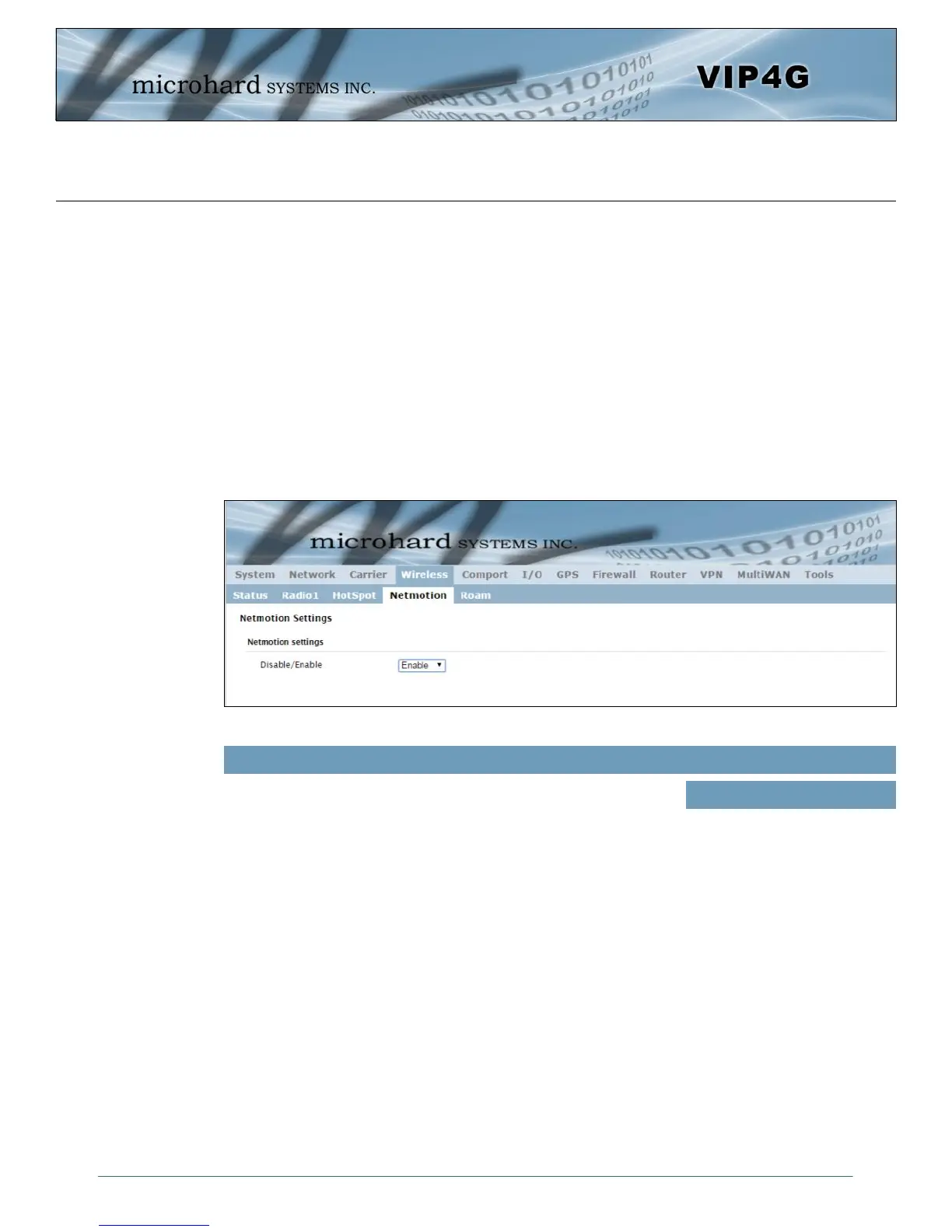
Image 4-4-6: Wireless > Netmotion
4.4.4 Wireless > Netmotion
Netmotion allows the modem to use the WIFI interface for a default data connection rather than the cellular
connection, when available. This is done by changing the default route between the Carrier and WIF
networks. When Netmotion is enabled the modem will attempt to use the WIFI connection as a WAN
connection for data first, and if that connection fails, or is not available, the modem will use the Cellular
connection. Up to 10 previously used networks can be used under Roaming for mobile applications.
For Netmotion to be used the modem must be configured to meet the following prerequisites.
- The Network > WIFI interface must be configured.
- The WIFI interface must be bound to Radio1 in the Wireless > Radio1 menu
- The Wireless interface must be setup as a Station/Client
When Netmotion is enabled, the Wireless interface cannot be used as a Access Point for other devices to
connect to.
Use this option to enable or disable the Netmotion functionality of the
modem.
Disable/Enable
Values (selection)
Enable / Disable



 To Next Page