© Microhard Systems Inc. 49
4.0 Configuration
4.2.4 Network > WIFI
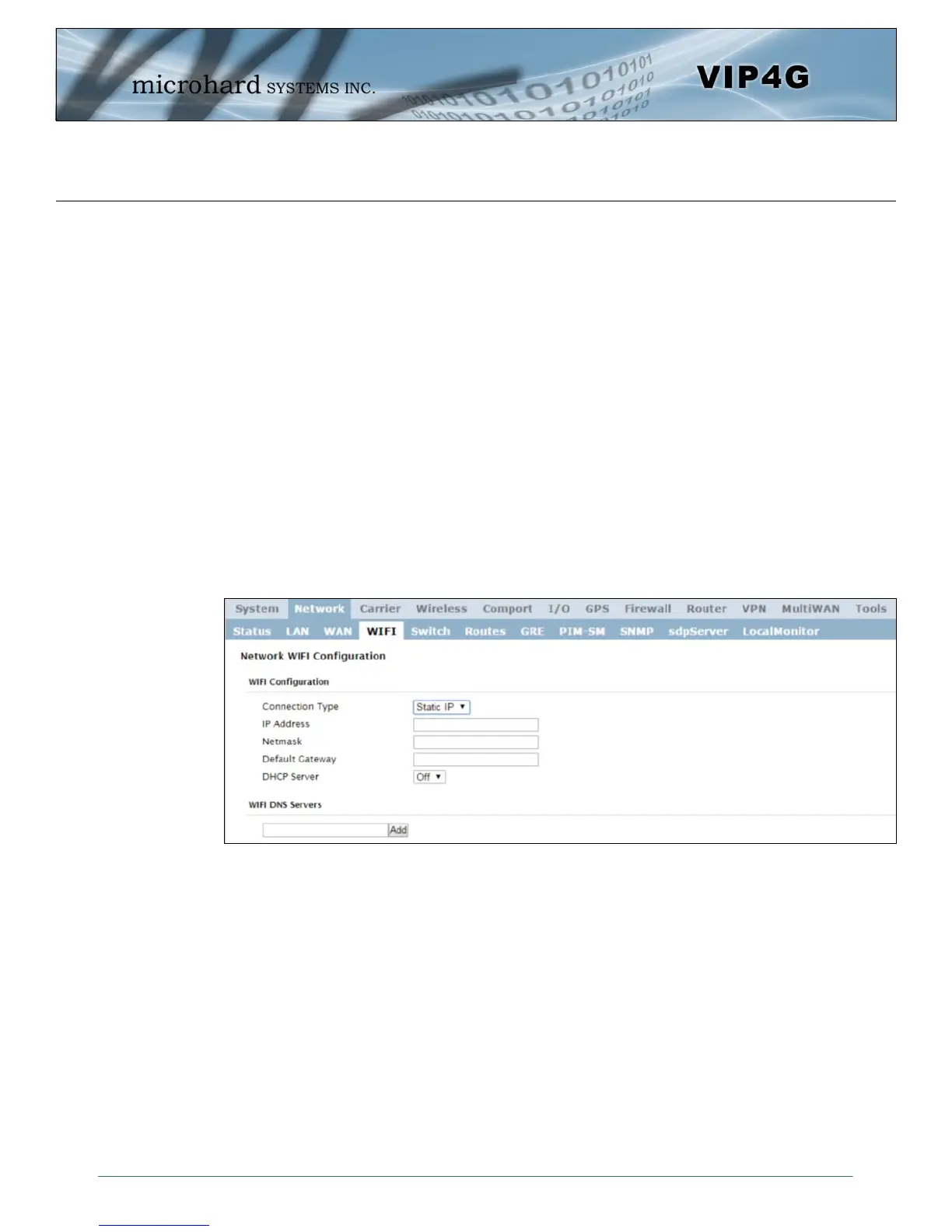
Network WIFI Configuration
The WIFI menu is used to define (if required) a virtual interface in which to bind a WIFI connection. This
connection can then be bound to the Wireless Radio in the Wireless > Radio1 menu. If this interface is not
bound to the Wireless interface it has no operation or purpose.
The WIFI interface can be used setup a separate WIFI connection for connected devices (separating them
from the devices connected to the LAN), this would be the same as adding another interface under the
LAN configuration. In this mode the VIP4G would be operating as a Access Point (AP) providing network
access to any connected devices. A separate DHCP server must be defined if it is required to provide
DHCP services to connecting devices.
In most cases the WIFI interface would be setup to allow the VIP4G to operate as a Client to another
Access Point (AP). Using this menu it can be decided to use DHCP to obtain an IP address and related
networking information from the connected Access Point, or it could be setup with a static IP address that
is part of the AP’s network.
When connected as a Client the VIP4G would be able to use the WIFI network for data rather that the
cellular connection. However unless NetMotion or a static default route was set to manage this
connection there would be no way to predict which interface is used for data.
Image 4-2-7: Network > WIFI
WIFI Configuration
The description of each of the parameters for setting up a WIFI interface is identical to those of adding/
editing a virtual LAN interface, which is discussed in the last section.



 To Next Page