© Microhard Systems Inc. 50
4.0 Configuration
4.2.5 Network > Switch
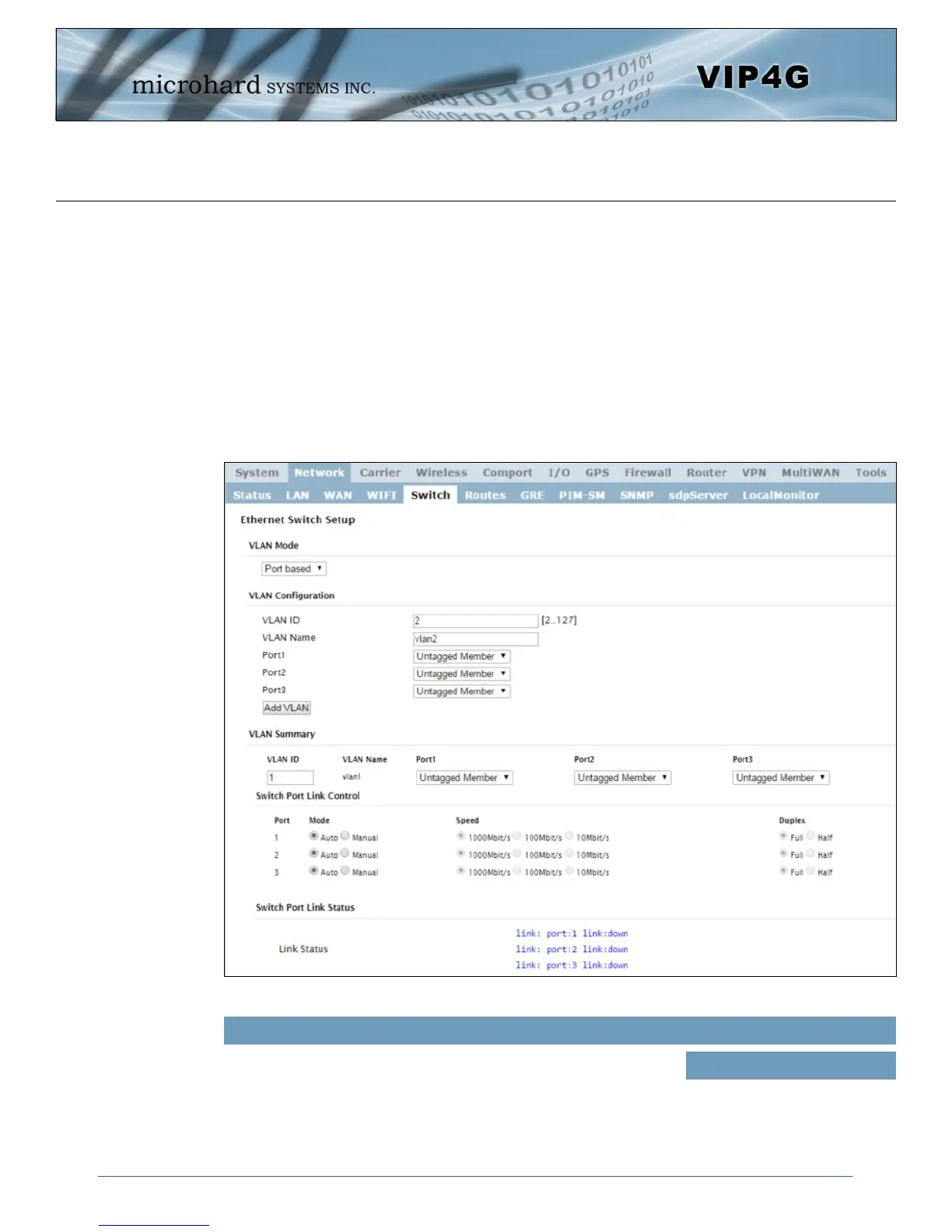
The VIP4G has the capability to add multiple network interfaces. It may also be desirable to segment these
different subnets. The VIP4G features two different VLAN mode, Port Based, and 802.1Q VLAN.
In port based VLAN port membership is exclusive, a port can only belong to a single VLAN, and is
generally used to separate the different subnets. In a port based VLAN every port should be a Untagged
Member, not a Tagged Member.
802.1Q VLAN uses tagging to allow separation of network segments. Ports can belong to multiple VLANs.
A Trunk port can be configured to communicate with other VLAN switch by adding all configured VLANs to
a single port. The native VLAN1 is used by default, it is important that any connected VLAN switch use the
same Native VLAN.
Image 4-2-8: Network > Switch
By default the VIP4G is configured to Port Based VLAN with all ports
bridged. See above description for differences between Port Based
and Tagged VLANs.
VLAN Mode
Values (selection)
Port Based
802.1Q (Tagged)



 To Next Page